Menus, Windows and Toolbars
57
Copyright 2010 by AirNav Systems
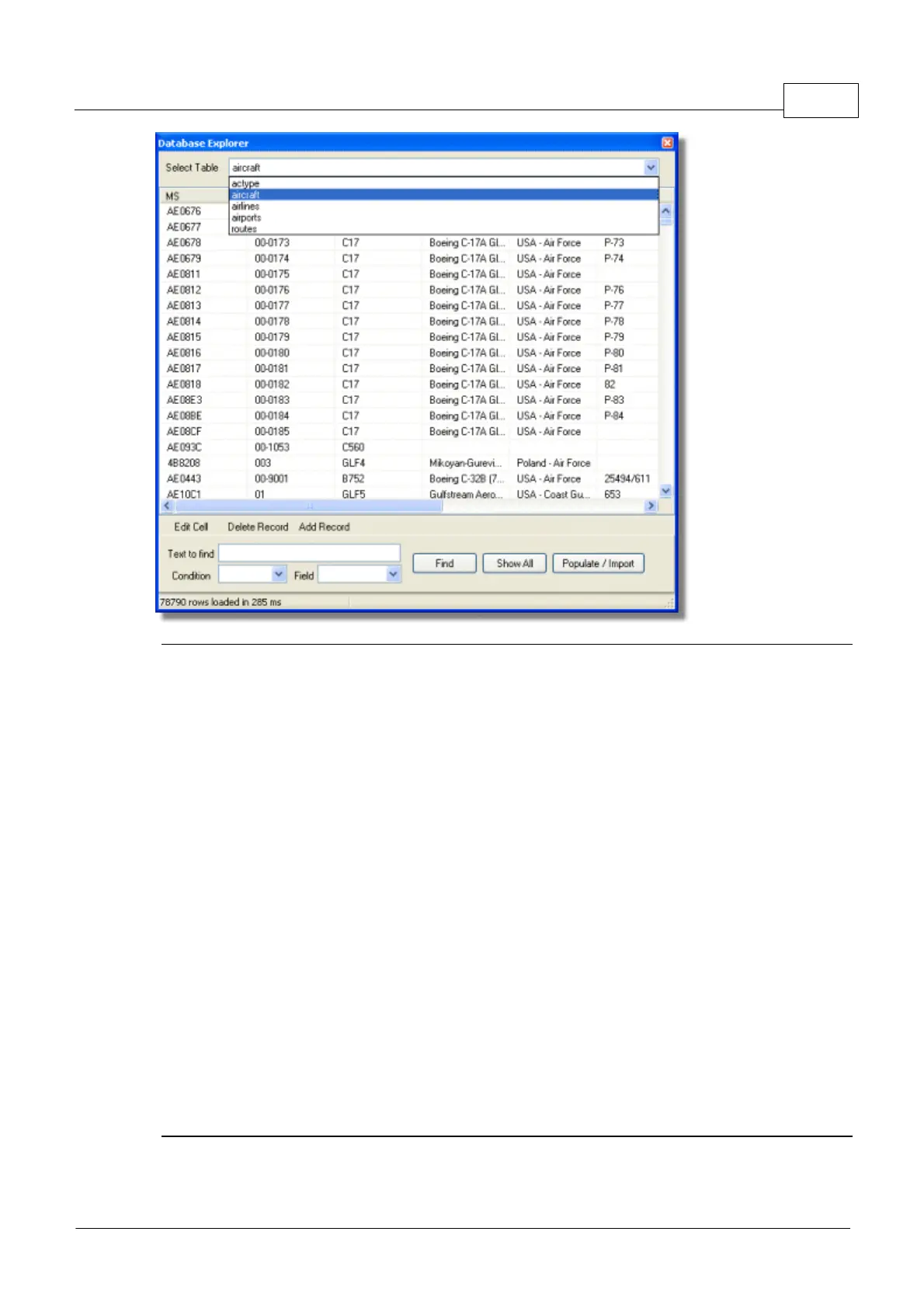
AirNav RadarBox comes with 4 accurate aviation tables.
· Aircraft Type
· Aircraft
· Airlines
· Airports
· Routes
You can browse, search and edit database settings using this Window.
At the bottom left of the Database Explorer Window the total number of records on the current active
table is shown.
The aircraft section of the database is automatically populated when new aircraft are detected
(Internet connection required)
4.2.7 Preferences
Preferences
You can customize the way the application works. This is done in the Preferences Windows accessible
thought the File menu.
This window is organized into 4 tabs:
· General



 To Next Page