AirNav RadarBox Manual
48
Copyright 2010 by AirNav Systems
· City
To locate an item type the item name on the locate white box and then click the Locate button.
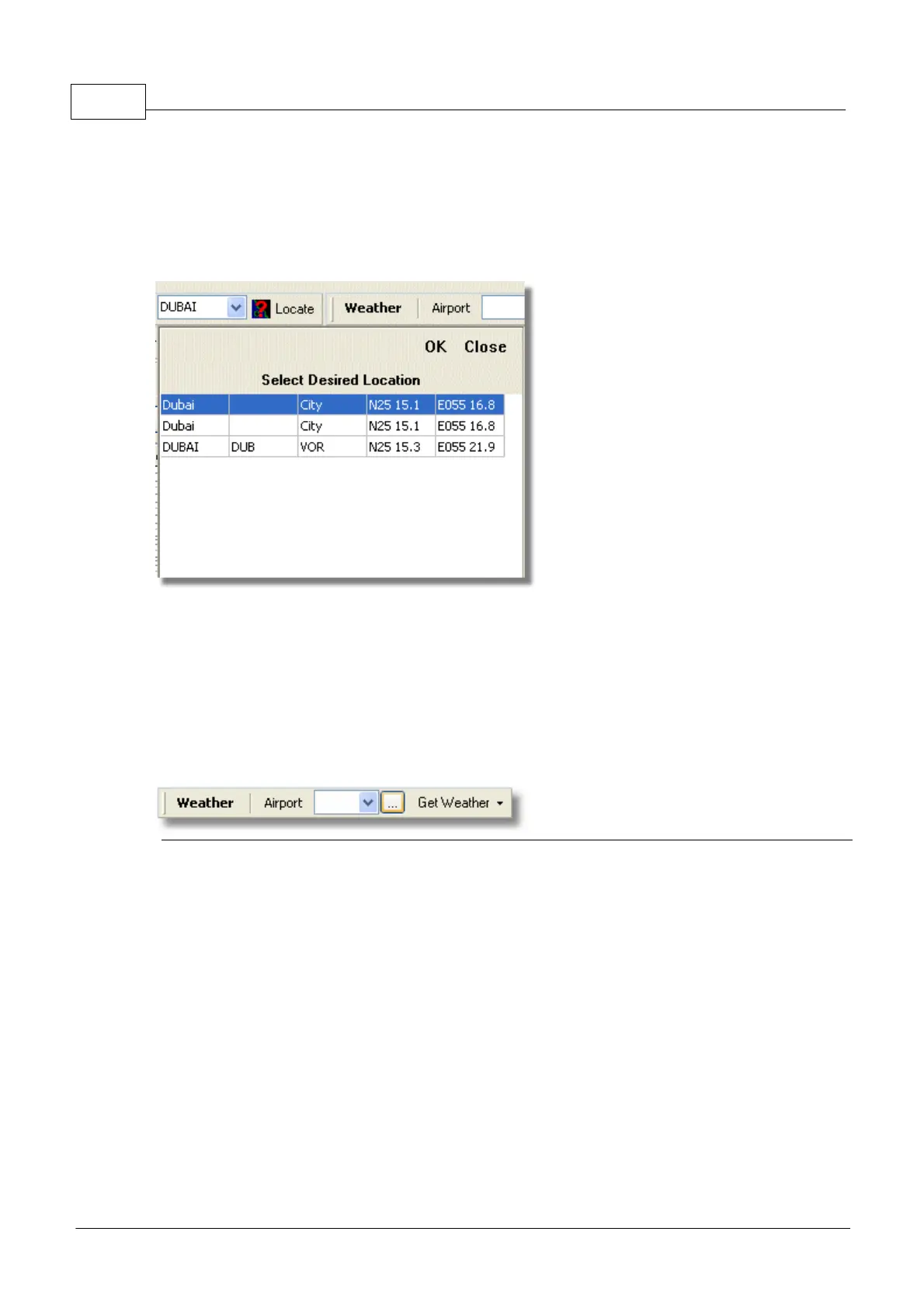
If more than one item matches the a drop down window will appear for you to select the correct item.
· Example 1: locate the city of Dubai on the Map:
Type Dubai on the locate white box and click Locate
·
· Example 2: locate Miami airport on the Map:
Type KMIA (airport ICAO code for Miami) on the locate white box and click Locate
4.1.4 Weather Toolbar
Weather Toolbar
This feature enables you to quickly find airport weather conditions. Information is retrieved in
real-time from NOAA (the US National Oceanic and Atmospheric Organization).
Information will be given in the following three formats:
· METAR
· TAF
· Decoded METAR
Type the airport ICAO code (4 letter) in the white box and select the type of report you want from the
drop down "Get Weather" tool button.
If you do not know the airport code click the '...' button and type the airport/city name.



 To Next Page