AirNav RadarBox Manual
74
Copyright 2010 by AirNav Systems
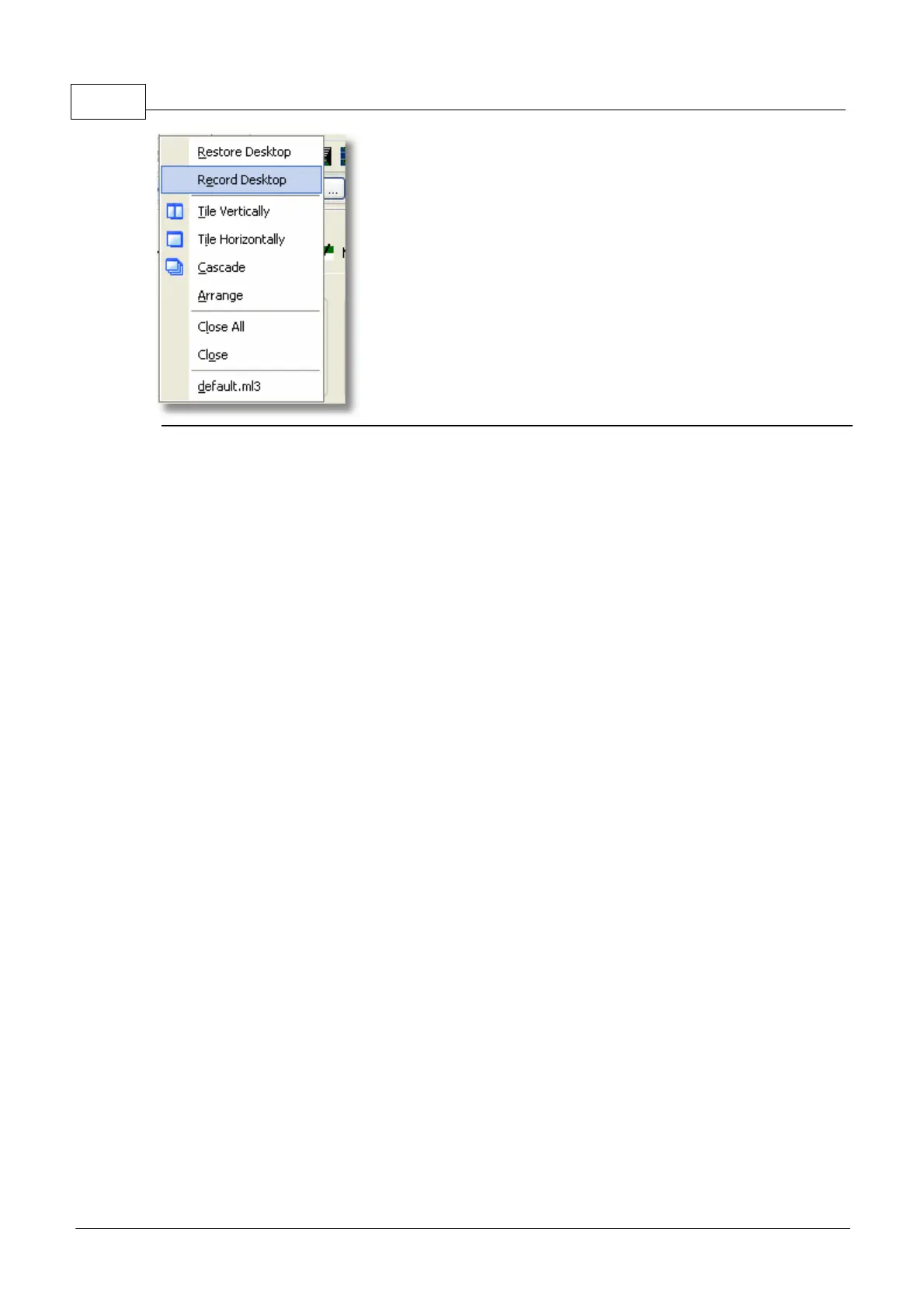
Restore Desktop:
Restores the desktop window settings to those recorded using the Record Desktop option
Record Desktop:
Records the current positions of the desktop windows
Tile Horizontally/Vertically:
Sets all the open windows to be tiled horizontally/vertically (map or vertical tracking windows).
Cascade:
Rearranges all opened windows (map and vertical tracking) in AirNav RadarBox 2009 so they overlap.
Arrange:
Arranges the icons of minimized forms so that they are evenly spaced and don't overlap.
Close All:
Closes all map and Vertical Tracking opened windows.
Close:
Closes the selected map window
Opened Windows:
A list of all currently opened maps.
4.3.6 Help
Help Menu



 To Next Page