AirNav RadarBox Manual
34
Copyright 2010 by AirNav Systems
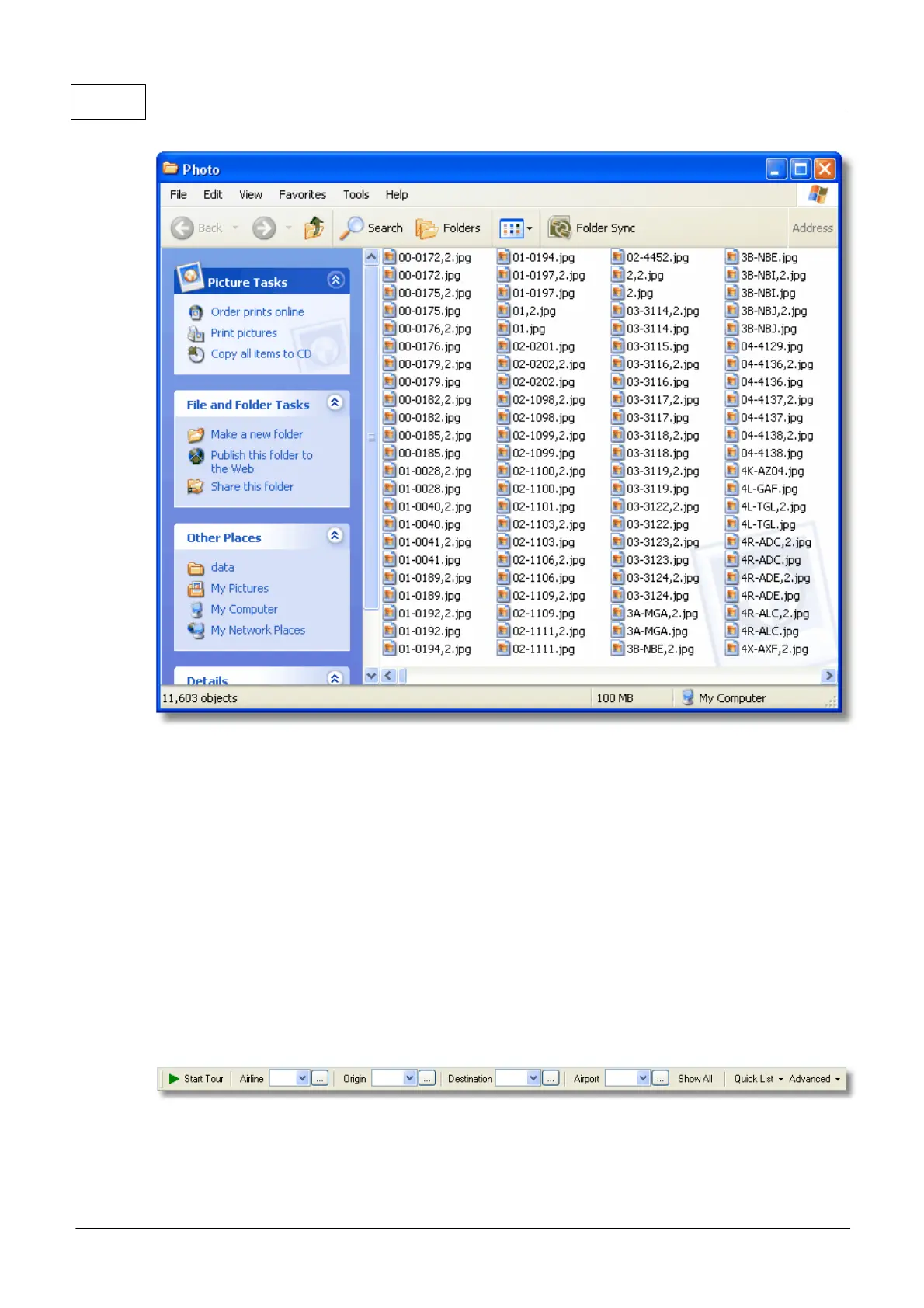
Above: Click on the "Explore Photo Folder" button to go to the folder.
Note that aircraft pictures are saved in jpg format by registration, for example G-BNLI.jpg and when
the 'Download 2 Photos for each Aircraft' option is set in Preferences, the second photo will be saved
in the format G-BNLI,2.jpg
3.8 Using Filters
Using Filters
You can choose what aircraft to be displayed on the map by using the filters utility. It can be accessed
on the filter toolbar at the top of the application main screen. Advanced filters are also available by
clicking the "Advanced" filter tool button.
To specify a filter type the filter condition on the white filter boxes and click the filter tool button just
left of it so that it is in the down (checked) condition. This means that the filter is active.
There are four type of filters available:
· Airline: show only flight of a specific airline (ICAO - 3 letter - code of the airline)
· Origin: show only flights from a specific airport (ICAO or IATA - 4 or 3 letter - code of the airport)



 To Next Page