Getting Started
21
Copyright 2010 by AirNav Systems
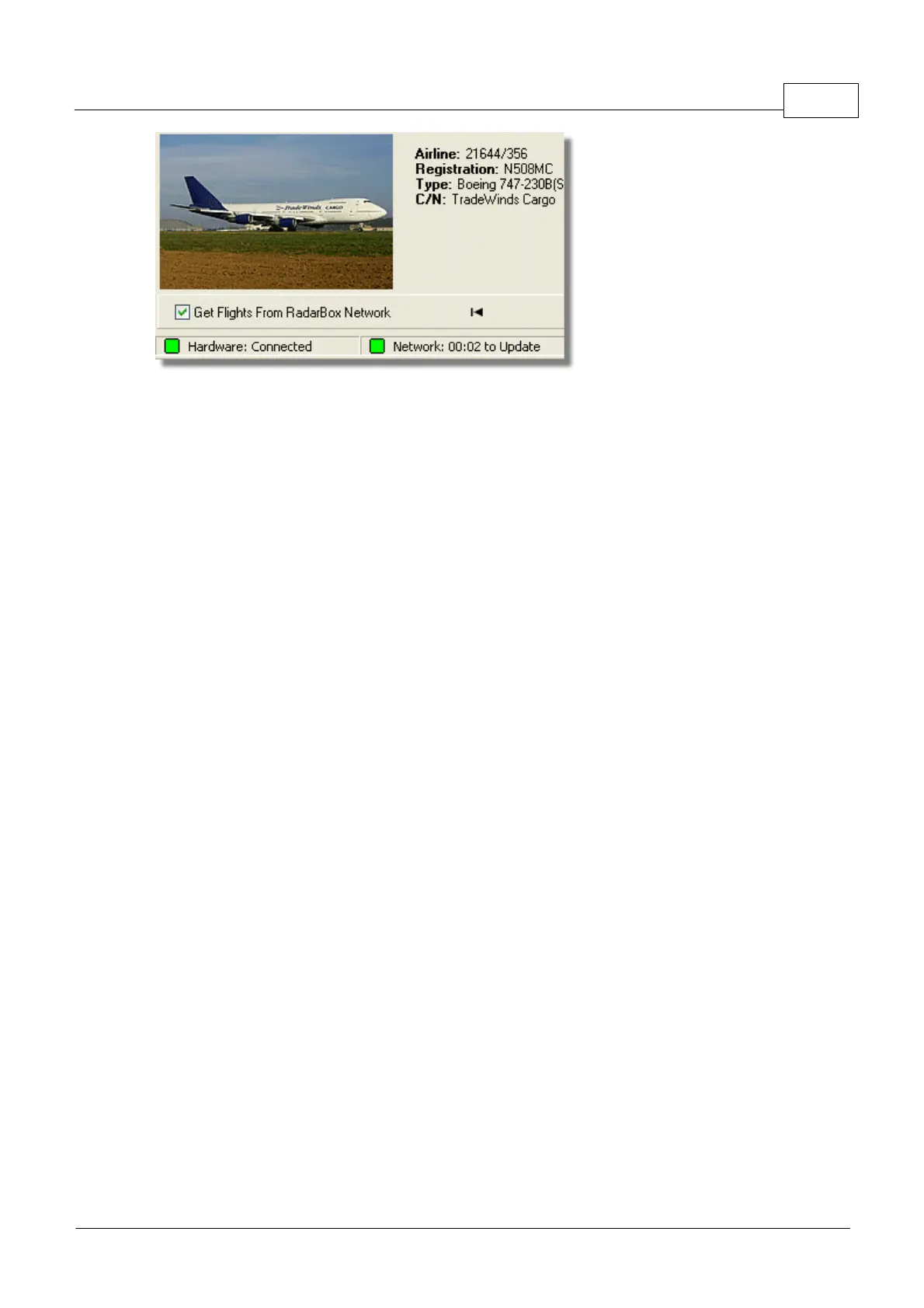
Above: Hardware and Network connection status
For more features refer to the following topics in the Help/Manual:
Creating Alerts
Creating Reports
Using Filters
Monitor Airport Movements
Flight data Recorder / Playback
3 Using RadarBox
3.1 AirNav RadarBox Data Sharing Network
AirNav RadarBox Data Sharing Network
Introduction
AirNav RadarBox Network is a unique feature that enables you to share your aircraft data with other
Radarbox users, and to view aircraft that all other RadarBox users are receiving wherever they are in
the world. It is the first worldwide flight radar flight data Network available to the non-professional
user.
How does it work? Each AirNav RadarBox user can share their live data with all other users. Live data
will be processed and after passing validation algorithms it is then stored in a queue for upload to the
AirNav server. Data is then uploaded 5 minutes after it has been received. On our server we have a
powerful application called "AirNav Network Server" which processes up to 10000 flight messages per
second at peak periods. Data is then organized and properly processed and an output file is created.
Each connected client will then automatically download the updated list of network flights. This list
often has more than 1000 flights worldwide and the list is growing daily as more users install
RadarBox and share their data.
You will be able to track flights over Europe, North America, Asia, South America and more: in other
words you will be able to see flights wherever there is a RadarBox user.
Please note that for security reasons, data received from the RadarBox network is delayed by 5
minutes. So what you see on the screen is the position of the aircraft 5 minutes ago. This does not
apply to the live data received directly from your RadarBox hardware decoder which is
real-time and shows the actual position of the aircraft.



 To Next Page