Using RadarBox
35
Copyright 2010 by AirNav Systems
· Destination: show only flights to a specific airport (ICAO or IATA - 4 or 3 letter - code of the
airport)
· Airport: show only flights that arrive or depart from a specific airport (ICAO or IATA - 4 or 3 letter -
code of the airport)
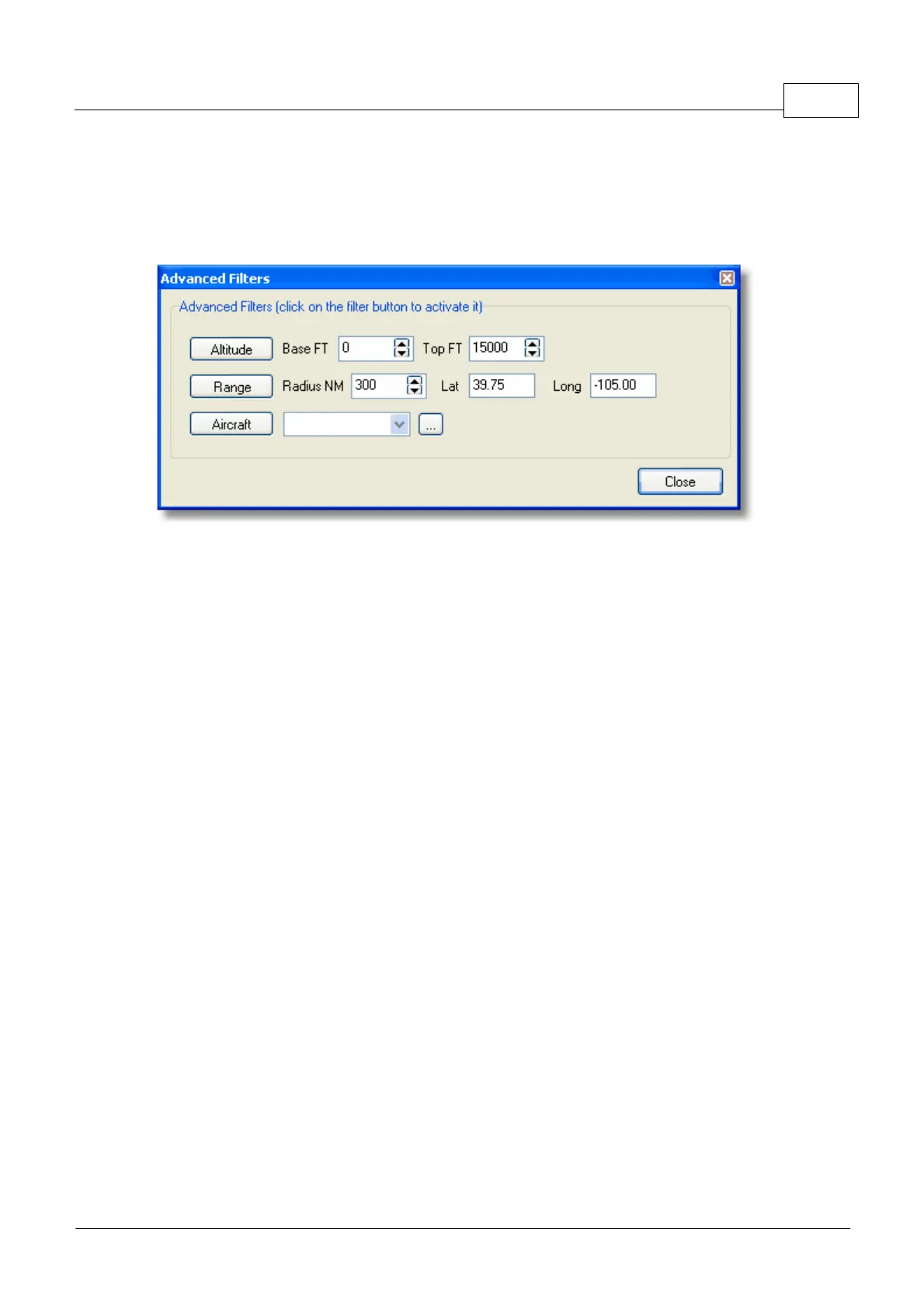
There are three types of advanced filters available:
· Altitude: show only flights which altitude is between the values specified
· Range: show flights that are below a specified range of a specific location
· Aircraft: show only flights operated by a certain aircraft type
You can specify negative filters. Negative filters are those that show all aircraft not including the ones
that match your negative filter. See the example below.
Note that if you do not know the airline, airport or aircraft codes to specify on filters you can always
click the "..." button.
Filters Examples
· Example 1 - show only Lufthansa flights:
Type 'DLH' on the airline filter white box and click the 'Airline' button. 'DLH' is the ICAO code for
Lufthansa.
· Example 2 - show only flights from Los Angeles airport:
Type 'LAX' on the origin filter white box and click the 'Origin' button. 'LAX' is the airport code for Los
Angeles.
· Example 3 - show only activity for London Heathrow:
Type 'EGLL' or 'LHR' on the airport filter white box and click the 'Airport' button.
3.9 SmartView
SmartView
SmartView is a very useful tool which allows you to follow specific aircraft or airlines.



 To Next Page