AirNav RadarBox Manual
36
Copyright 2010 by AirNav Systems
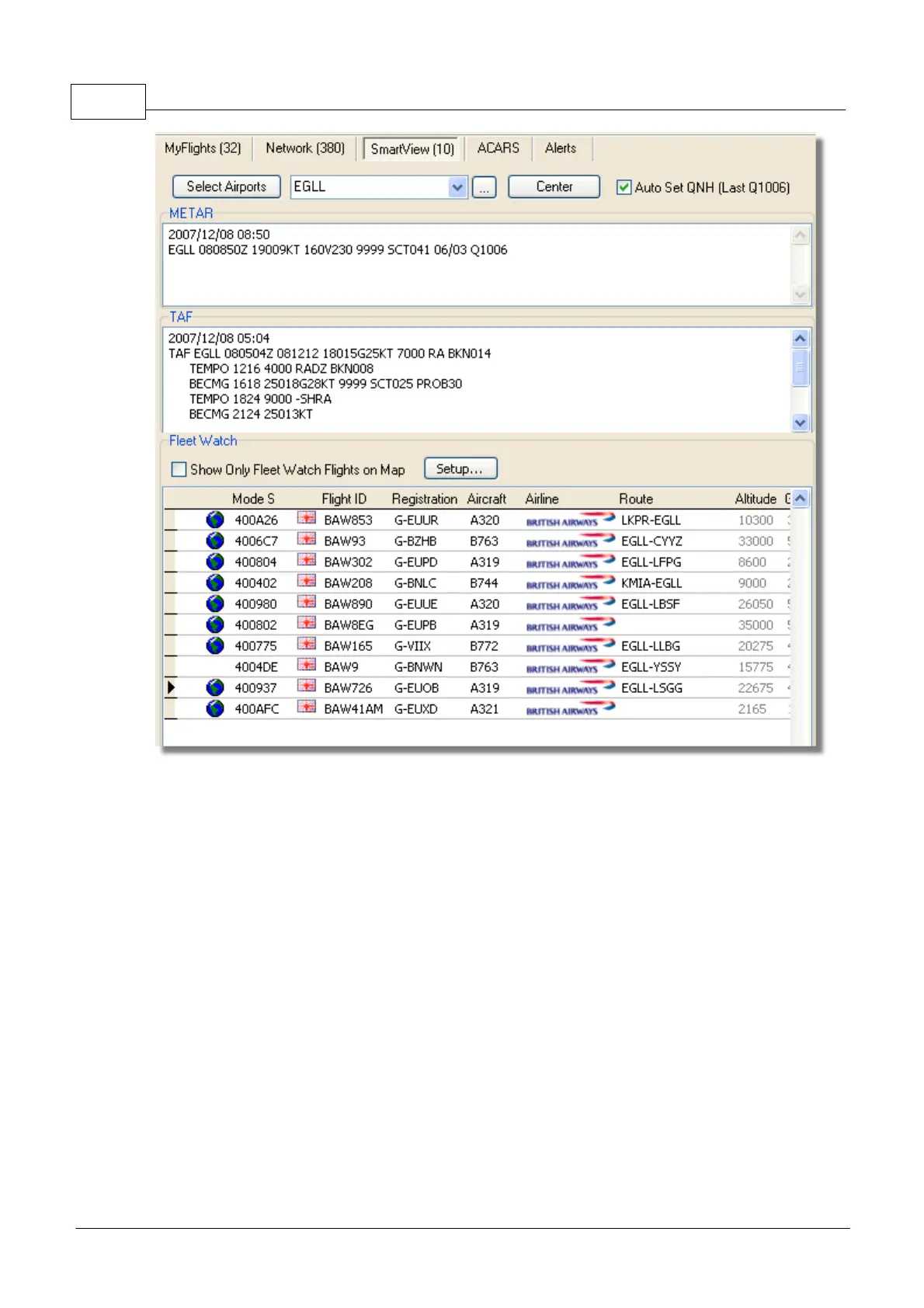
Above: SmartView window with the British Airways fleet (BAW) being watched
Click on the Setup button to open the Fleet Watch Setup input window. Individual aircraft
registrations, or airline ID can be entered with "*" being used as a wildcard to allow groups of aircraft
to be seen. Click Apply Changes to activate. When the SmartView tab is selected (see above) only
those aircraft that meet the criteria in the Fleet Watch Setup window will show in the Fleet Watch
aircraft list. It you select Show Only Feet Watch Flights on Map, then all other flights will be filtered
out



 To Next Page