AirNav RadarBox Manual
38
Copyright 2010 by AirNav Systems
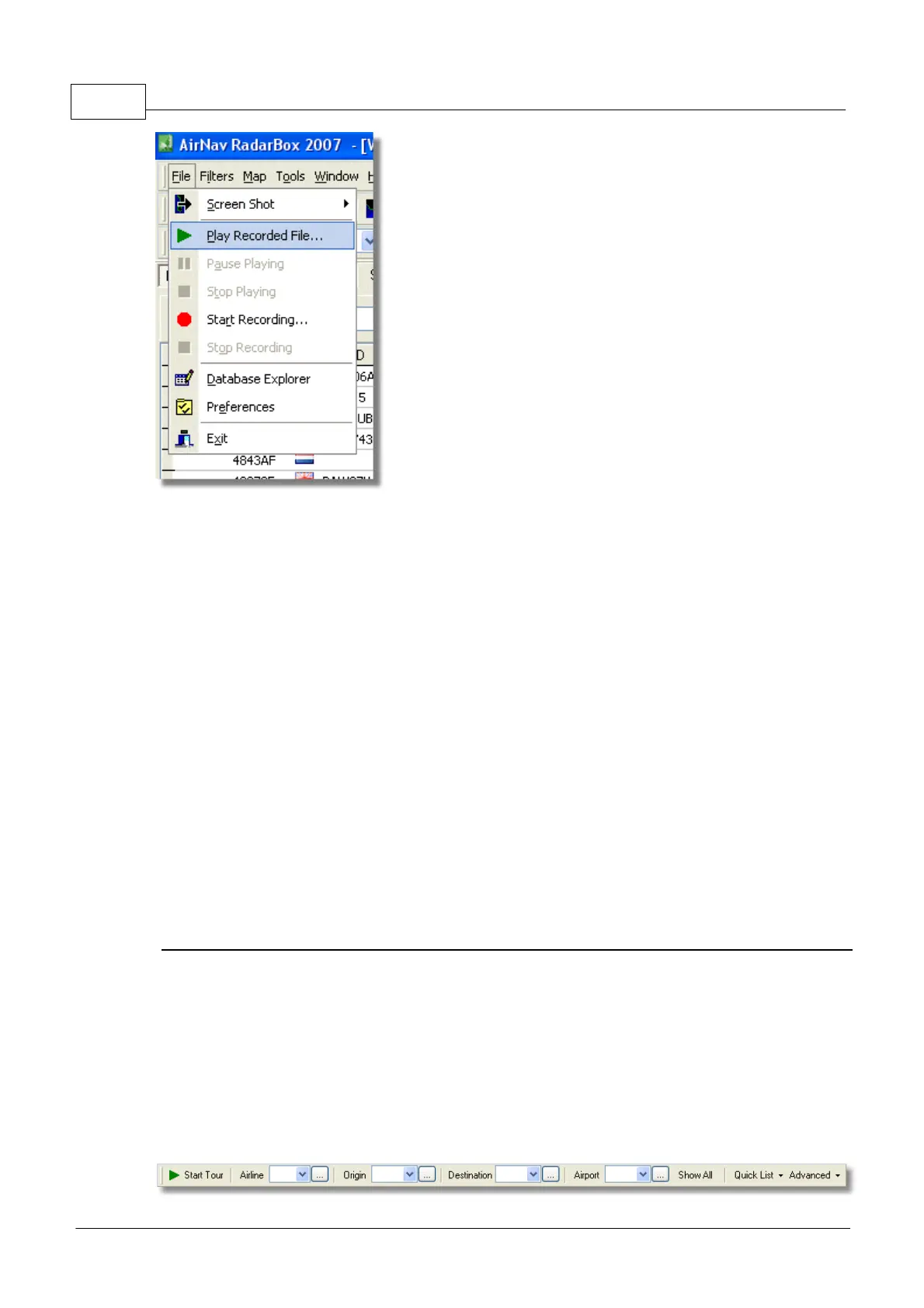
The flight data recorder feature enables you to record and playback flight movement files. This feature
is accessible on the File menu.
Flight data files contain a Mode-S message on each line. Their extension is .rbl.
Data on each line is in comma-separated format and has the following fields:
· $PTA: Always present and identifies a mode-s message
· Date/Time in format yyyymmddhhnnss
· Mode S HEX Code
· Callsign
· Altitude in feet
· Groundspeed
· Track
· Vertical Rate in feet per minute
· Airspeed
· Latitude
· Longitude
Examples:
$PTA,20070516163432224,40056E,TOM287Q,,,,,,,,,,,,,
$PTA,20070516163432739,C076F0,,39000,,,,,38.9736,-8.3035,A,,,,,
$PTA,20070516163420739,C076F0,FCA923C,,,,,,,,,,,,,
$PTA,20070516163420802,495288,,,231.5,328.8,-2432,,,,,,,,,
3.11 Monitor Airport Movements
Monitor Airport Movements
It is simple to monitor all arrivals and departures to or from a specified airport.
1- On the Filters toolbar (shown below) enter the code of the airport you want to monitor in the
Airport box.
If you do not know the code, click the '...' button to specify the airport by name.



 To Next Page