Using RadarBox
39
Copyright 2010 by AirNav Systems
2- Click on the "Airport" button. It will now remain checked.
Flights to the selected Airport will show green. Flights from the selected airport will show red.
3- If at anytime you want to monitor all the airspace again, click the "Airport" button to uncheck it.
4- The "Origin" and "Destination" buttons can be used in the same way to view specific flights to and
from an airport.
Note: Not all flights have a route displayed. The Monitor Airport Movements function will not work for
flights without route details.
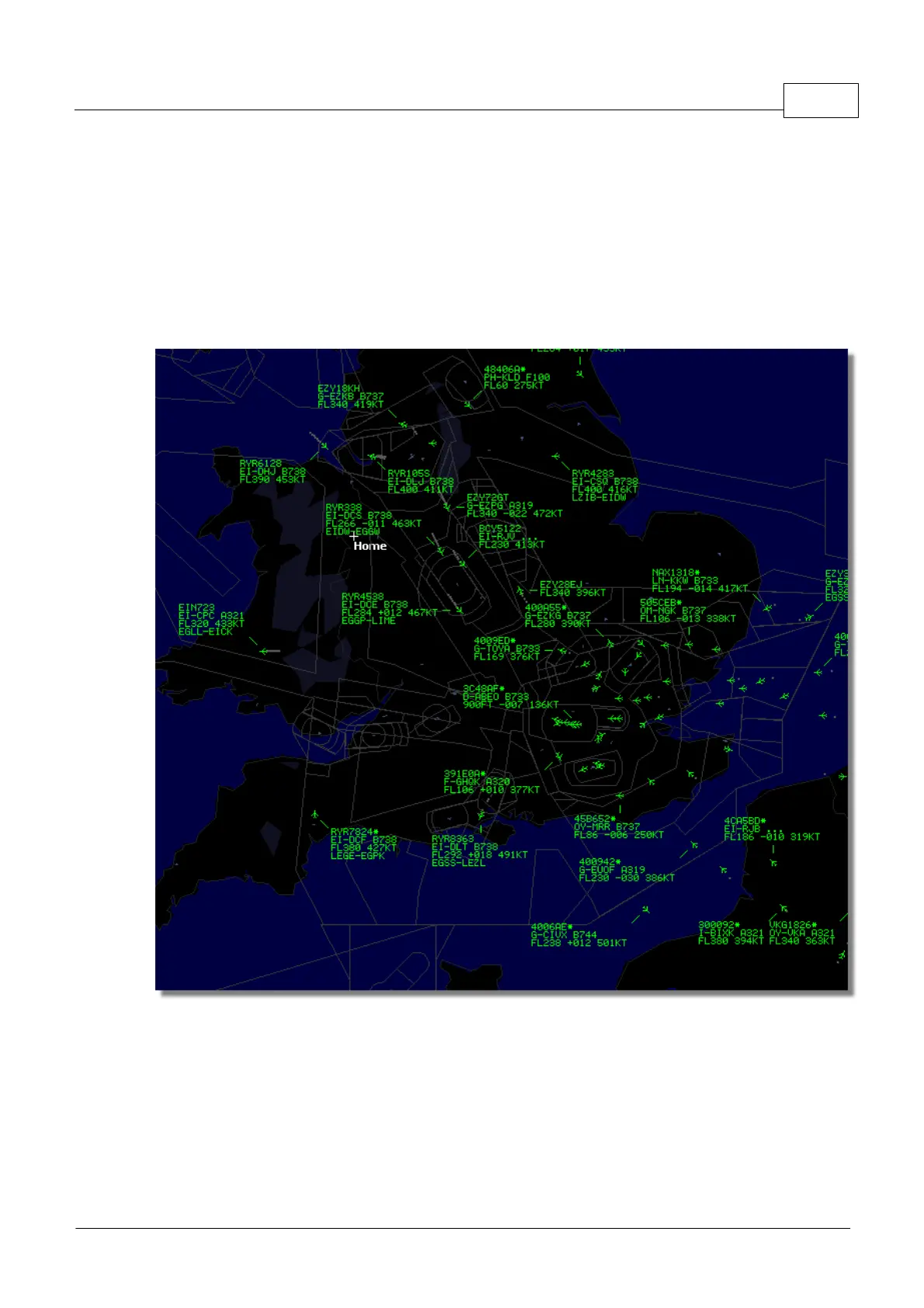
Above: All flights showing with no filters set.



 To Next Page