AirNav RadarBox Manual
30
Copyright 2010 by AirNav Systems
MyLog Tools
A number of options are available from the MyLog Tools Menu.
· Import from SQB: Imports data from an external database (For example BaseStation.sqb file)
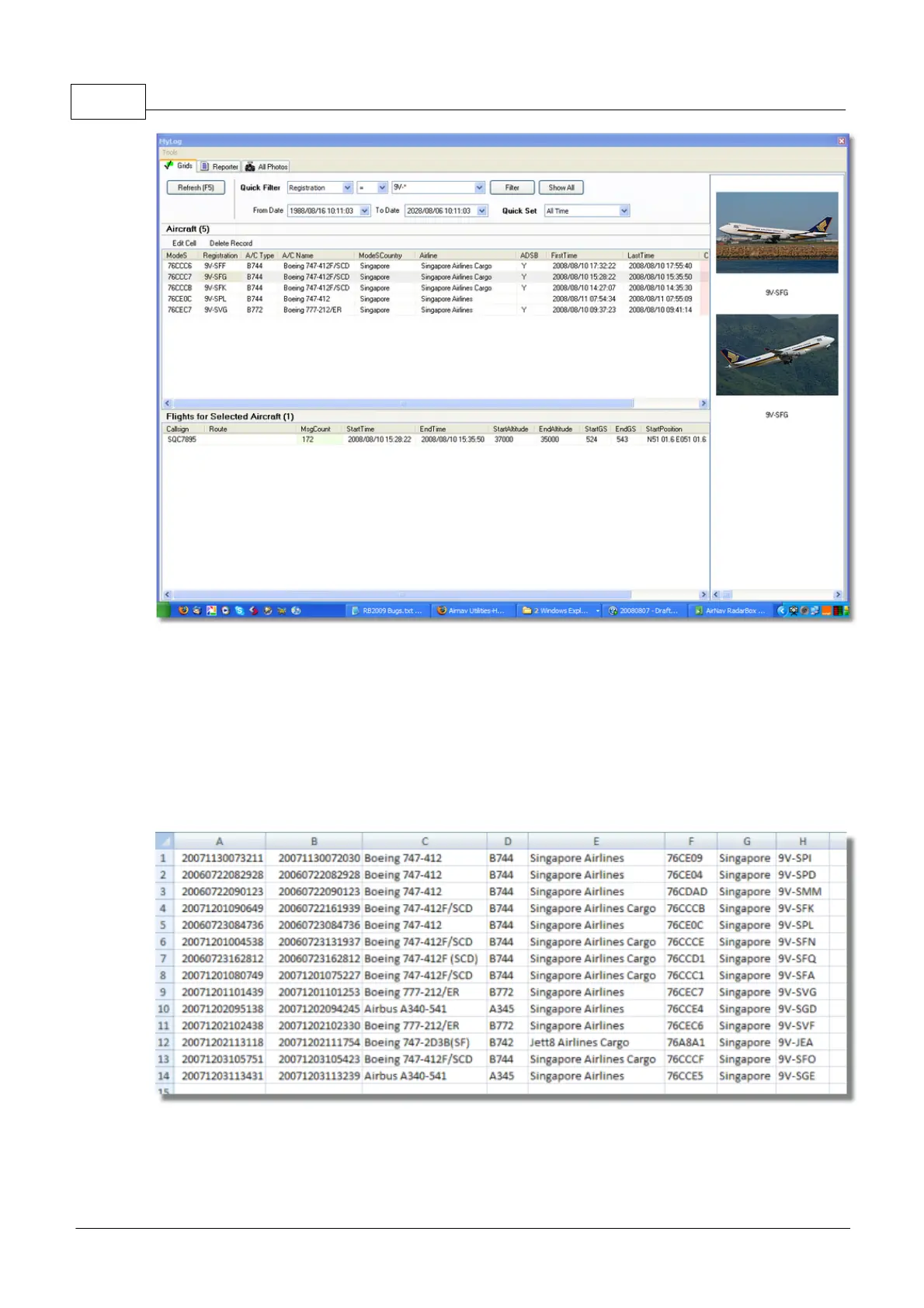
· Export to CSV: Exports to a comma delineated file for import into MS Excel or MS Access
· Populate: Checks both the the online AirNav database and the internal Radarbox database and
populates records if the data is available
· Empty MyLog Tables: Clears all records from the database
· Close: Closes the MyLog window
Above: Example of filtered csv exported data imported into MS Excel



 To Next Page