Using RadarBox
41
Copyright 2010 by AirNav Systems
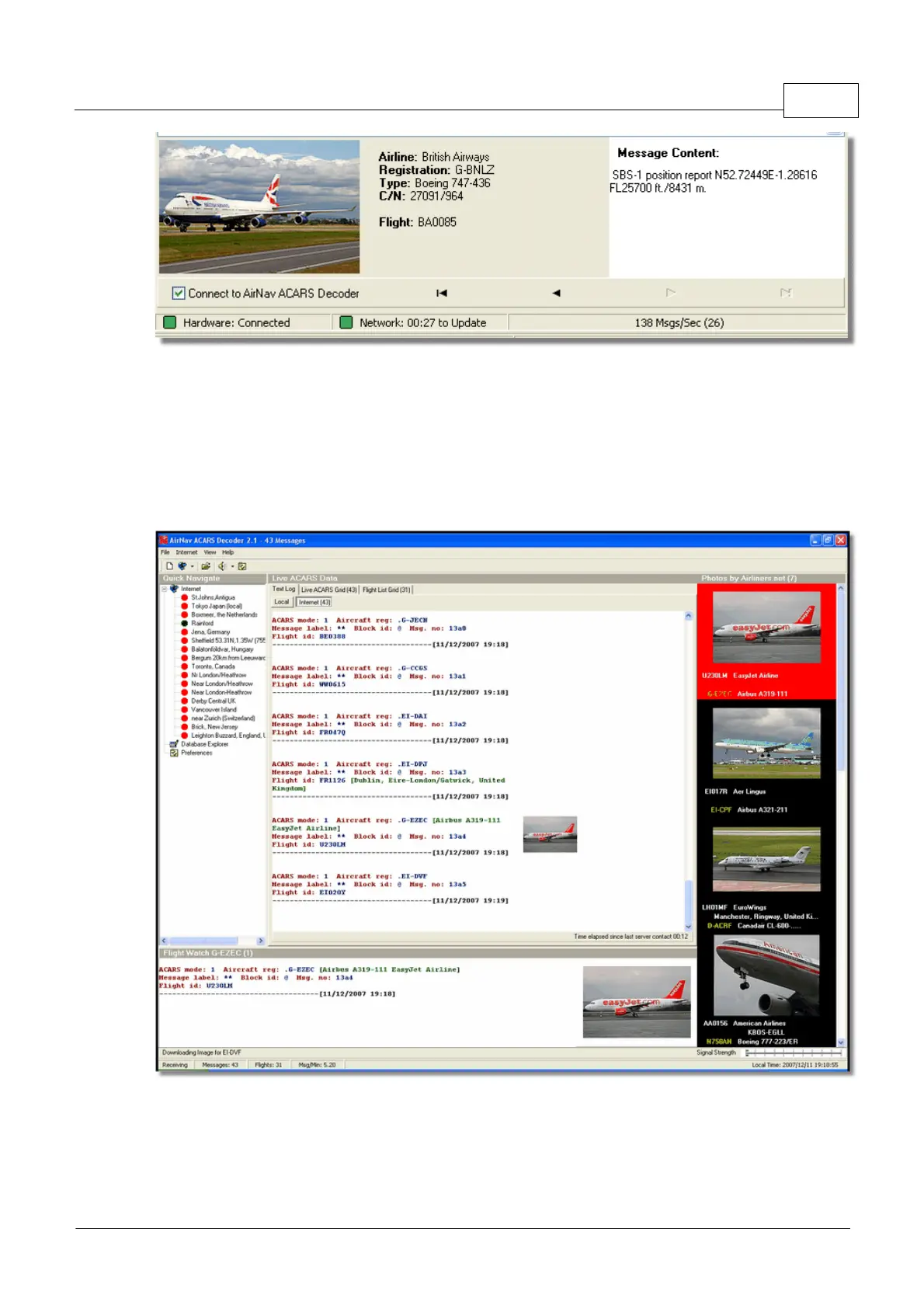
Above: ACARS aircraft and message information displayed in the RadarBox interface
For more information on ACARS please read the bottom of this topic.
Connecting to AirNav ACARS Decoder
When you start AirNav RadarBox it will detect if AirNav ACARS Decoder is running and if that is the
case, connect to it automatically. If ACARS Decoder was started after RadarBox, then Select 'Connect
to AirNav ACARS Decoder' in the RadarBox ACARS window.
Above: Screen Shot of AirNav ACARS Decoder 2. For more information visit the AirNav Systems Homepage.
What details will I see for each flight?
All the flight details received from AirNav ACARS Decoder will be shown on the RadarBox Interface,
ACARS Tab.



 To Next Page