Menus, Windows and Toolbars
51
Copyright 2010 by AirNav Systems
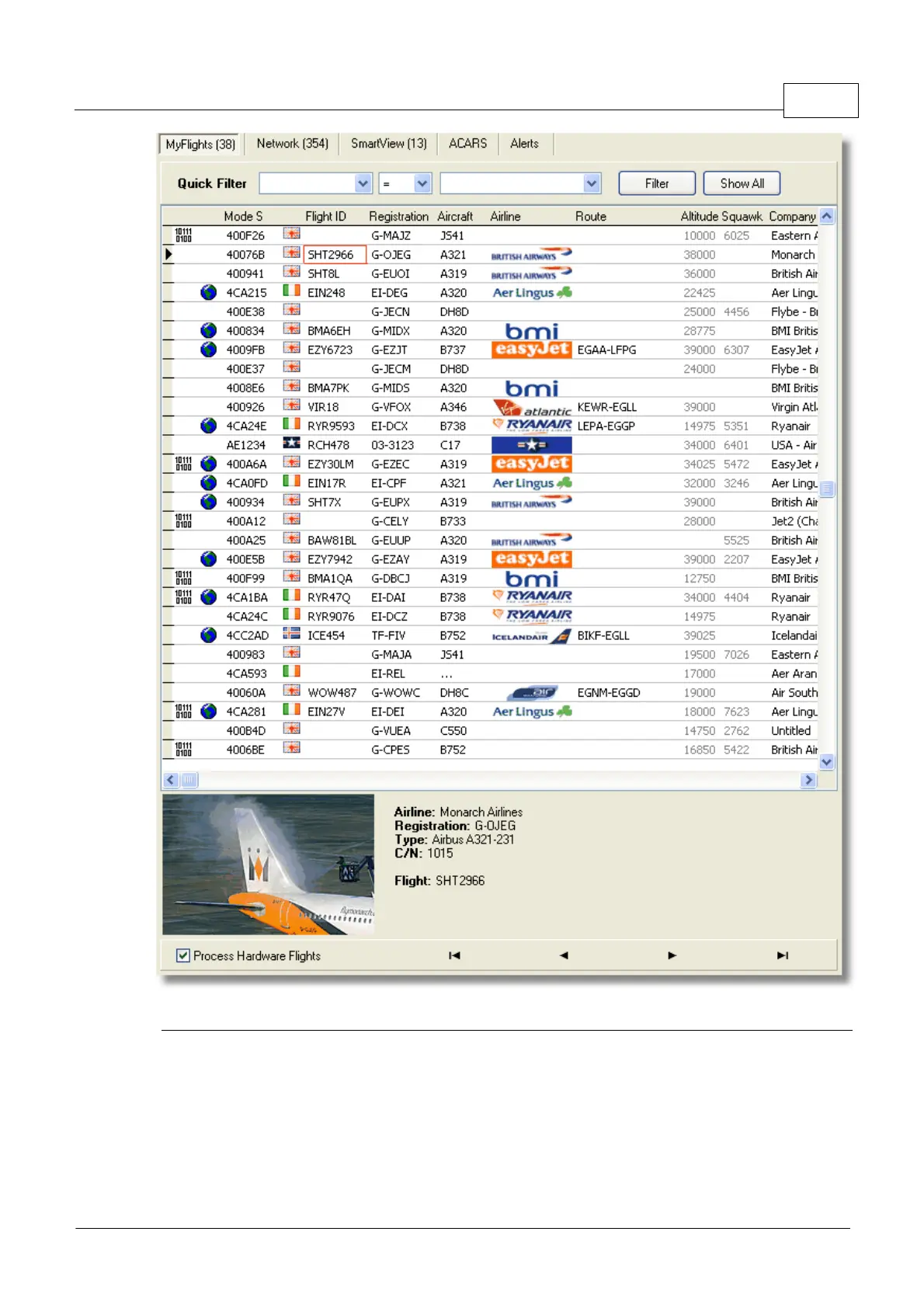
The MyFlights aircraft list showing 'live' traffic picked up by RadarBox
This is probably the most important areas of the software after the map display. Here you can view
detailed information on each flight being received.
· The MyFlights Tab shows local flights received by your hardware.
· The Network Tab shows flights received worldwide by other users hardware
At the top you have a Quick Filter function. By default the filter is turned off and all flights are shown.



 To Next Page