AirNav RadarBox Manual
70
Copyright 2010 by AirNav Systems
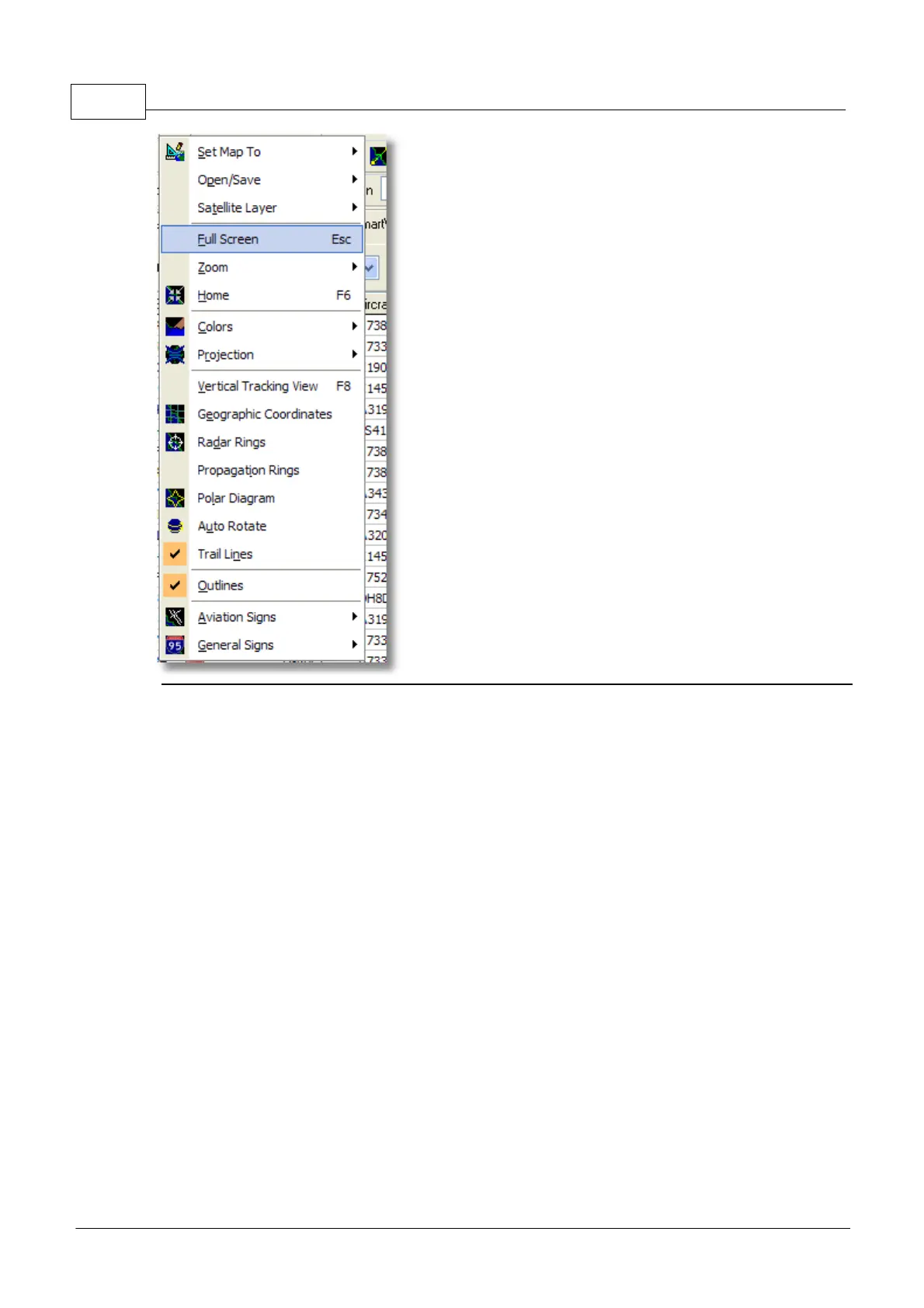
Set Map To:
Quickly pans and zooms the active map to a desired location.
Open/Save:
New, Open and Saving map functions.
Satellite Layer:
Download a satellite image for the map area.
Load a previously downloaded satellite image.
The satellite layer works in just the same way as the normal map window, except that the area
covered by the satellite picture only covers the current area of the map window. Panning the map will
move the satellite picture off the screen. Also, the satellite picture is at a fixed zoom level, so if you
zoom in or out, download a new satellite layer once you have the area of interest in the window.



 To Next Page