Troubleshooting
87
Copyright 2010 by AirNav Systems
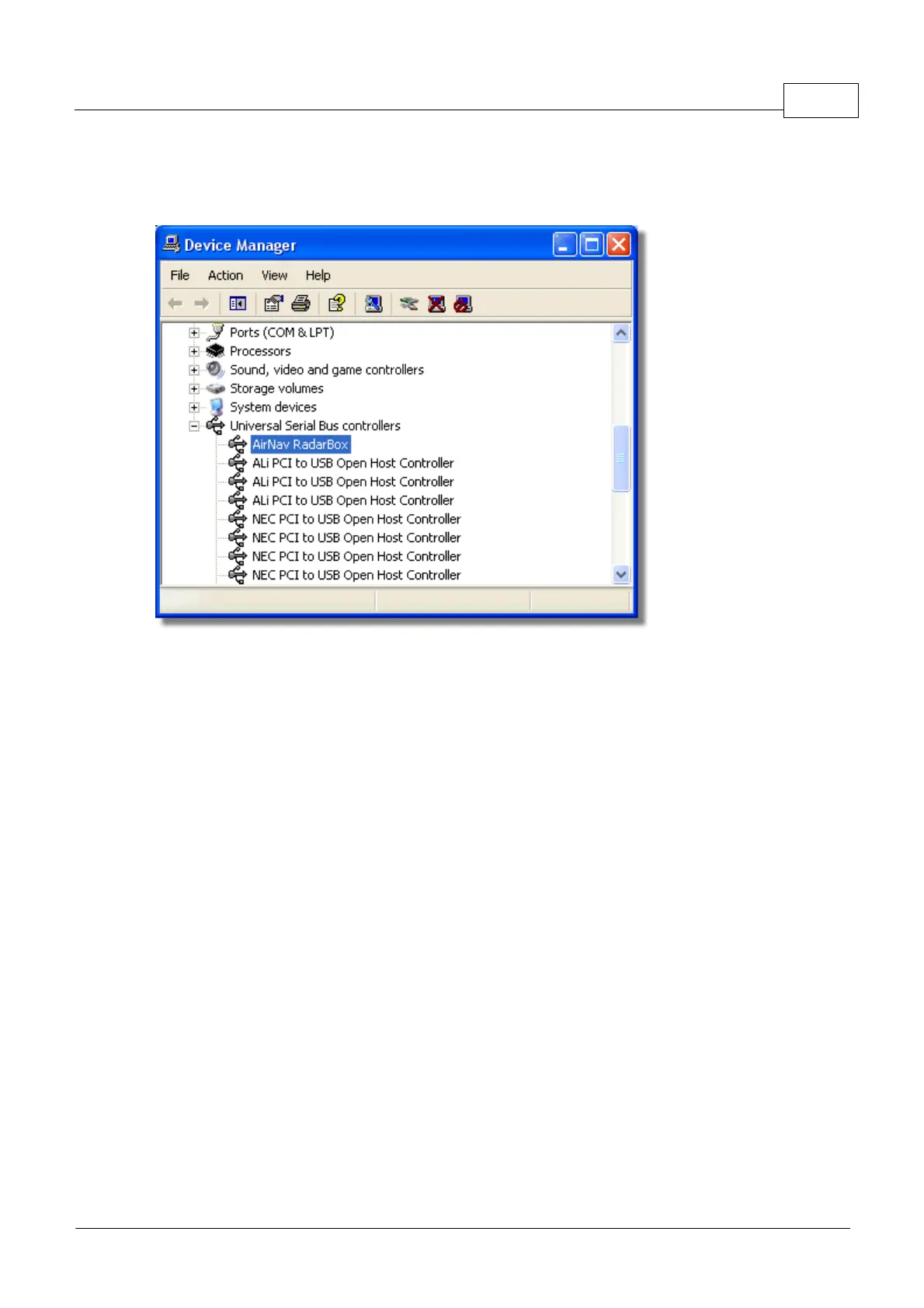
If the hardware connection light is still red, check the Device Manager accessible via the Windows
Control Panel | System menu. Under Universal Serial Bus Controllers, look for the AirNav RadarBox
driver. If the driver is not present, you will need to reinstall the driver.
AirNav RadarBox USB Driver present in Device Manager
To see the version of the RadarBox driver you have installed, right click the Driver in the Device
Manager and select Properties.



 To Next Page