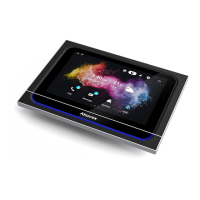
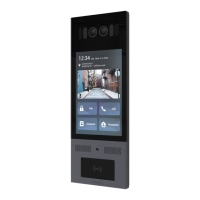
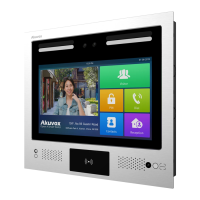
X933 Administrator Guide
AKUVOX SMART INTERCOM www.akuvox.com
users decide to use Akuvox SmartPlus, please contact Akuvox technical
support, and they will help you configure the related settings before using
them.
SDMC mode: SDMC (SIP Device Management Controller) is a simple and
comprehensive software for building management. It provides a topography
for a community while offering you a graphical configuration interface for the
door access, intercom, monitoring, alarm, etc. It is a convenient tool for
property managers to manage, operate, and maintain the community.
Tool selection
Akuvox has many configuration tools for you to set up devices more
conveniently. Here we list some common tools, please contact your
administrator to get the tool if you need them.
1. SDMC: SDMC is suitable for the management of Akuvox devices in large
communities, including access control, resident information, remote
device control, etc.
2. Akuvox Upgrade tool: upgrade Akuvox devices in batch on a LAN(Local
Area Network)
3. Akuvox PC Manager: distribute all configuration items in batch on a LAN.
4. IP scanner: it is used to search Akuvox device IP addresses on a LAN.
5. FacePro: manage face data in batch for the door phone on a LAN.


 To Next Page
 Loading...