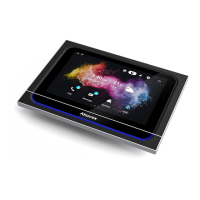
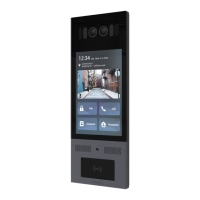
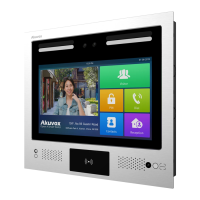
X933 Administrator Guide
AKUVOX SMART INTERCOM www.akuvox.com
Time Format: select 12 hour or 24 hour time format as you like.
NTP Server: enter the NTP server you obtained in the NTP server field.
Note:
When the Automatic Date&Time toggle switch is toggled off
then parameters related to NTP server will become
uneditable. And when the switch is toggled on, then time and
date will be denied editing.
6.2.2.Time Setting on the Device Web Interface
Time setting on the web Phone >Time interface also allows you to set up the
NTP server address that you obtained to automatically synchronize your time
and date. And when your time zone is selected, the device will automatically
notify the NTP server of its time zone so that the NTP server can synchronize
the time zone setting in your device.


 To Next Page
 Loading...