PM266A PRO/ PM266A
22
M
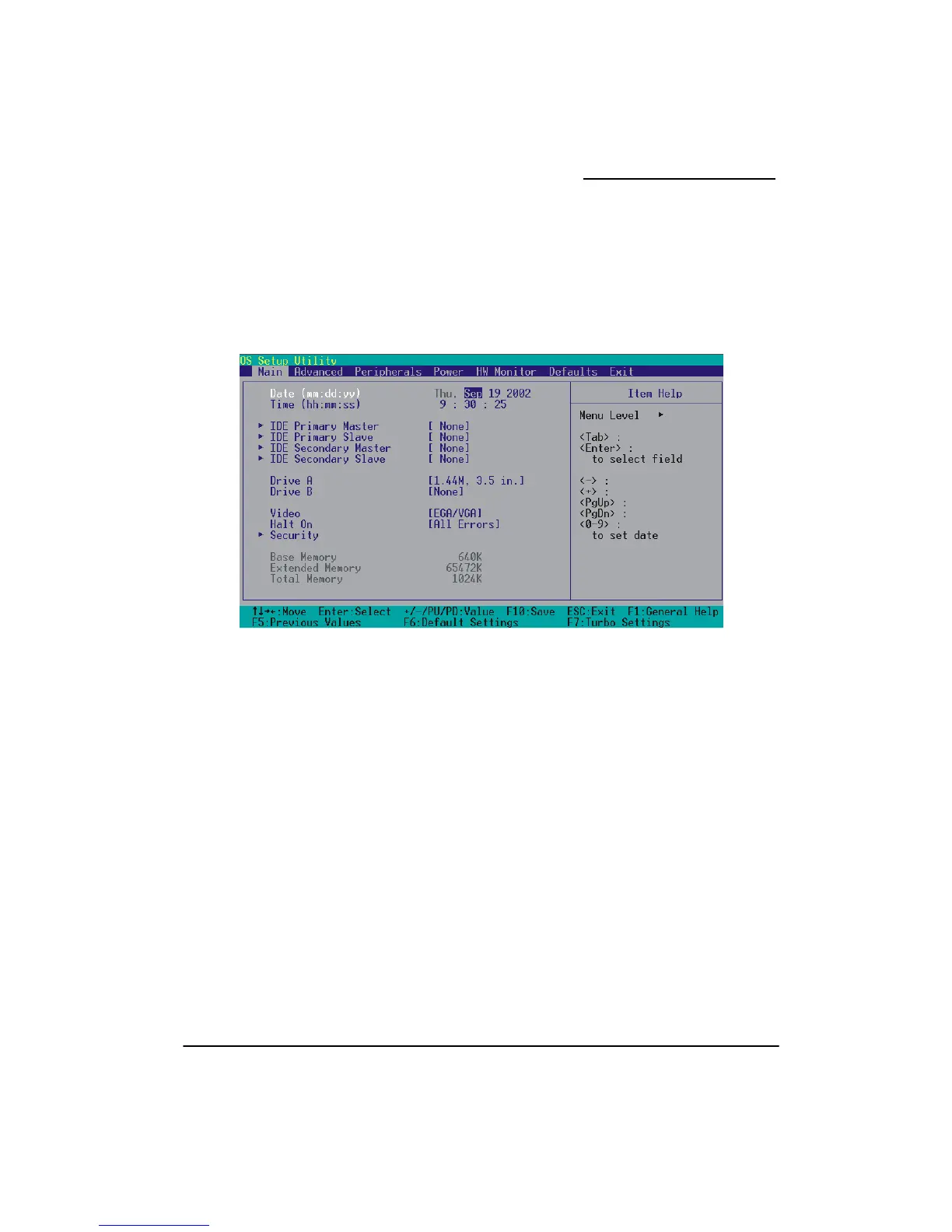
hen you enter the PHOENIX-AWARD™ BIOS Utility, the Main Menu will appear on the screen.
lect from several configuration options. Use the left/right arrow keys
arrow key to access
ain Menu
W
The Main menu allows you to se
to select a particular configuration screen from the top menu bar or use the down
and configure the information below.



 To Next Page