PM266A PRO/ PM266A
35
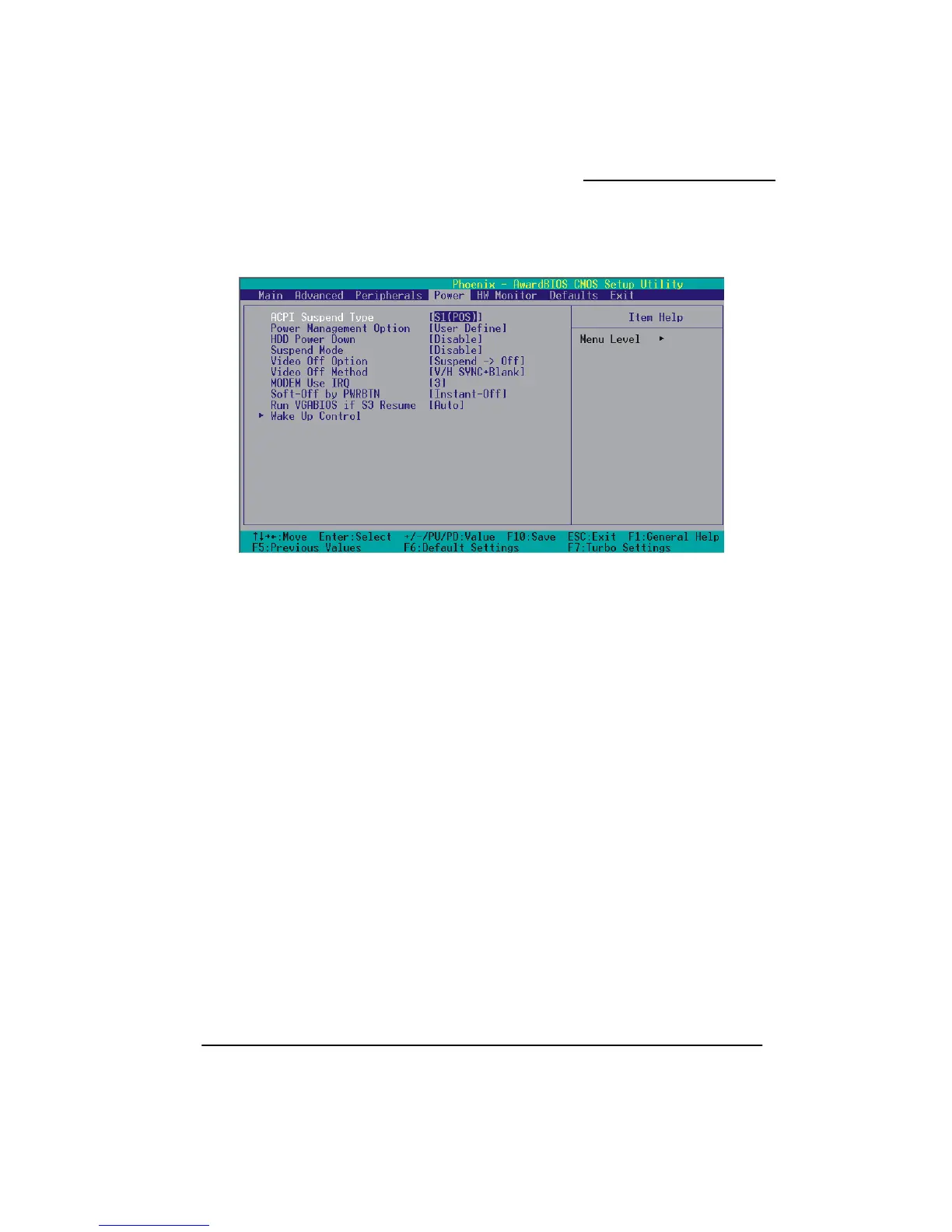
Power Management
etup Menu allows you to configure your system to utilize energy
e
I operating system.
ptions: S1 (POS) (default) Power on Suspend
Suspend to RAM
ent Option
. Min. Saving
gement
DD Power Down = 30 minutes
2. Max. Saving
Maximum power management (only available for sl CPUs).
Suspend Mode = 1 min.
HDD Power Down = 6 min.
The Power Management S
conservation features as well as power-up/ power-down options.
ACPI Suspend Typ
The item allows you to select the suspend type using the ACP
O
S3 (STR)
S1 & S3 POS and STR
Power Managem
There are three options of Power Management:
1
Minimum power mana
Suspend Mode = 1hour
H



 To Next Page