PM266A PRO/ PM266A
39
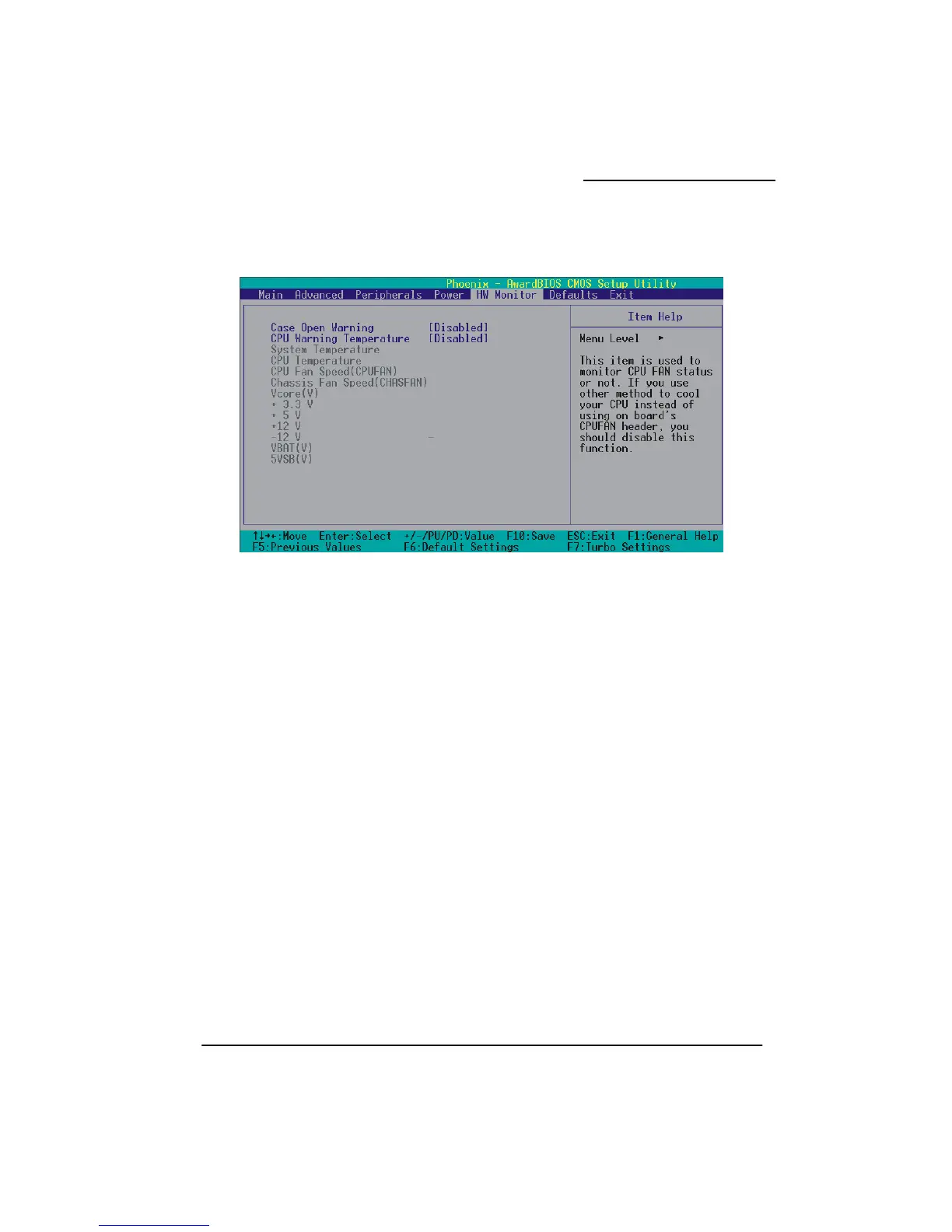
Hardware Monitor
r on your computer. If this
nction is set to “Disabled”, the system will not show alert messages when you power on your
opened by others.
PU Warning Temperature
setting, the warning mechanism will be activated.
Case Open Warning
If this function is set to “Enabled” and the case had been previously opened, the system will
automatically display alert messages on the screen when you powe
fu
computer even if the case is
Options: Disabled (default)、Enabled
C
When the CPU temperature is higher than this
Options: Disabled (default)、50℃/120℉、53℃/127℉、56℃/133℉、60℃/140℉、63℃/145℉、
66℃/151℉、70℃/158℉。



 To Next Page