PM266A PRO/ PM266A
42
Chapter 3: Software Setup
Software Installation
lace the Driver CD into the CD-ROM drive and the Installation Utility will auto-run. You can also
unch the Driver CD Installation Utility manually by executing the via.exe program located on the
river CD. The pictures below are for reference only and the Driver CD may vary slightly from your
ackage. (For more details, please refer to the Readme.txt files that in each folder of the Driver CD.)
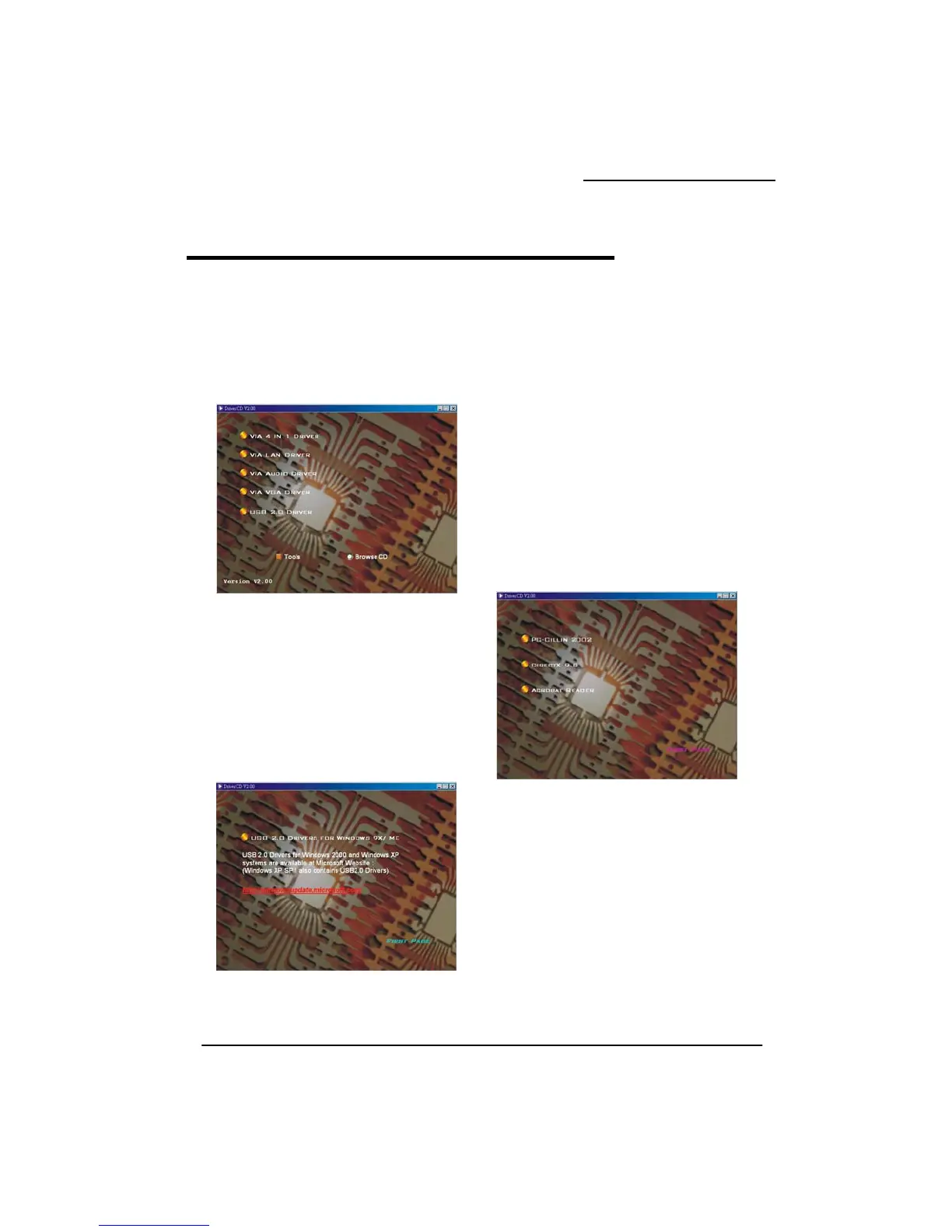
1. The first screen (Main Screen) will display several
buttons. Click the drivers that you want to install.
on,
3. On the main screen, click ”USB 2.0 DRIVER” and
the left screen will display. According to the
description of the screen to install “USB 2.0
DRIVER”.
4. On the main screen, click the “Browse CD” and you can browse the files on the Driver CD.
P
la
D
p
2. On the main screen, click the “too
you can choose the software to install.
ls” butt



 To Next Page