PM266A PRO/ PM266A
31
In
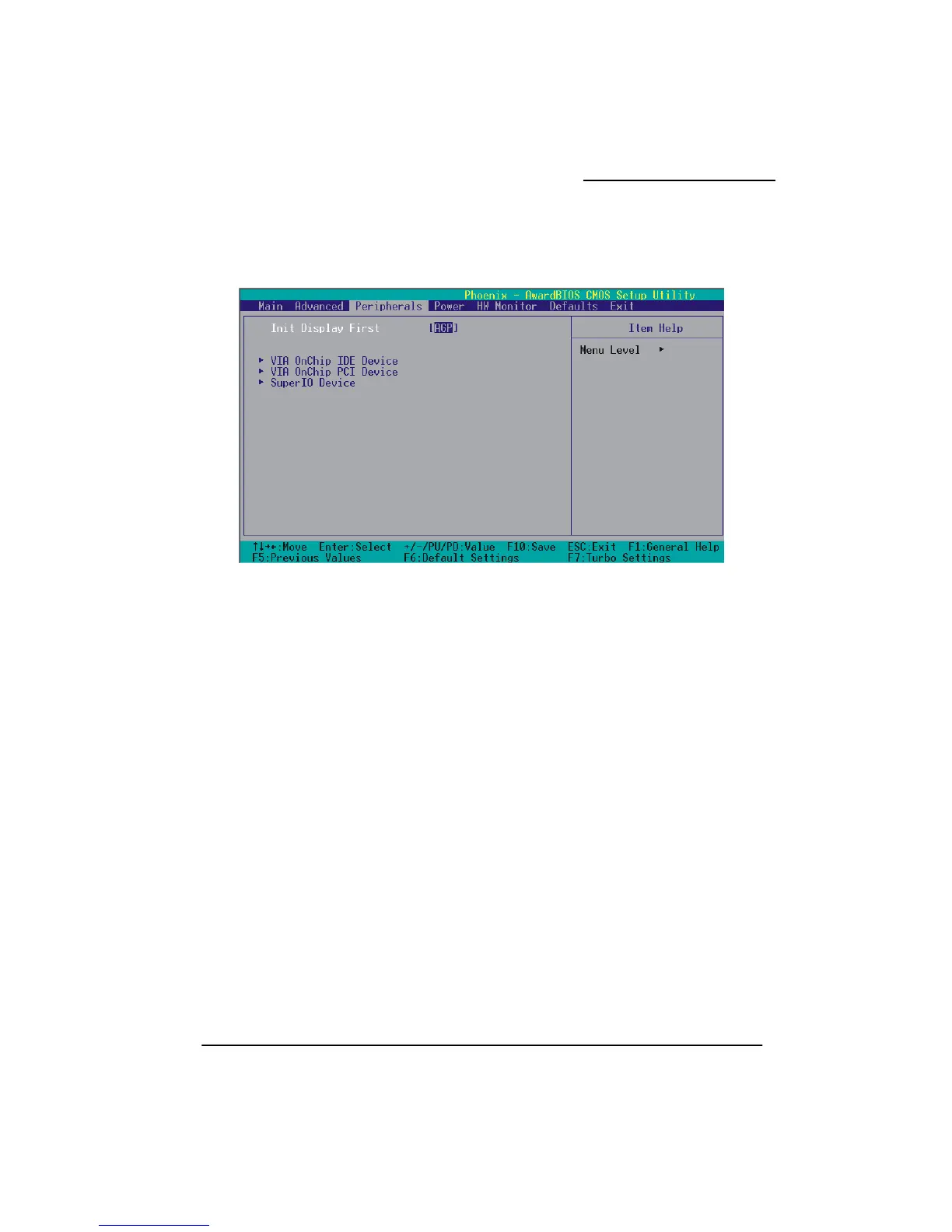
, this option determines whether the primary display uses
Device
OnChip IDE Device” label and then press the enter key, it will take you to a
to activate the first and/or second IDE interface. Select “Disabled” to deactivate an
terface if you are going to install a primary and/or secondary add-in IDE interface. Options:
nabled (default)、Disabled
IDE Prefetch Mode
The “onboard” IDE drive interfaces supports IDE prefetching for faster drive access. If you install a
primary and/or secondary add-in IDE interface, set this option to “Disabled” if the interface does not
support prefetching. Options: Enabled (default)、Disabled
tegrated Peripherals
Init Display First
With systems that have multiple video cards
a PCI slot or an AGP slot. Options: AGP (default)、PIC Slot
OnChip IDE
If you highlight the “
submenu with the following options:
IDE Channel 0/1
The mainboard chipset contains a PCI IDE interface with support for two IDE channels. Select
“Enabled”
in
E



 To Next Page