PM266A PRO/ PM266A
24
Advanc
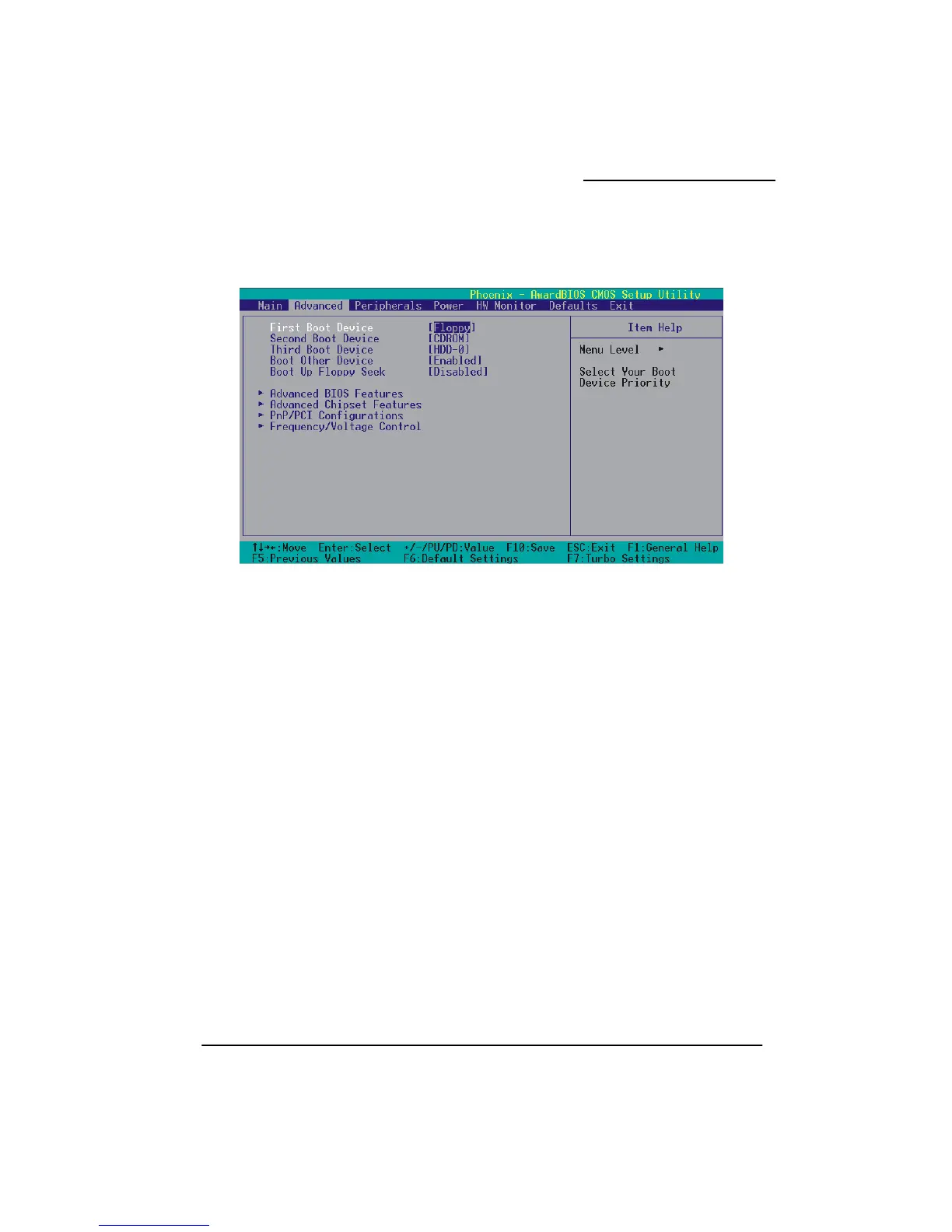
Firs /Secon / Boot Device
Sel er in w ill be searched in order to find a boot device.
Options: Floppy (default for first boot device)、LS120、HDD-0 (default for third boot device)、
SCSI、CDROM (defa evice)、HDD-1、HDD-2、HDD-3、ZIP100、USB-FDD、
USB USB-CDRO 、LAN、Dis
Boot Other Device
Setting to “Enabled” a ystem to try to boot from other devices if the system fails to boot
from the 1st/ 2nd/ pt
Boot Up F
W d, t loppy driv 80 tracks.
Only floppy 40 tracks. Driv acity all
have 80 tracks. Because very few modern PCs have 40-t ecommend that you
Disabled tions: Enabled、Disabled (
Advanced BIOS Features
ing
This item allows you to choose the VIRUS warning feature for IDE Hard Disk boot sector protection.
If this function is enabled and someone attempts to write data into this area, BIOS will display a
warning message on the screen and sound an audio alarm (beep).
ed BIOS Features
t d/Third
ect the ord hich devices w
ult for second boot d
-ZIP、 M、USB-HDD abled
llows the s
3rd boot devices. O ions: Enabled (default)、Disabled
loppy Seek
hen Enable
360-KB
he BIOS tests (seeks) f
drives have
es to determine whether they have 40 or
es with 720KB, 1.2MB, and 1.44MB cap
rack floppy drives, we r
set this field to “ ”. Op default)
Virus Warn



 To Next Page