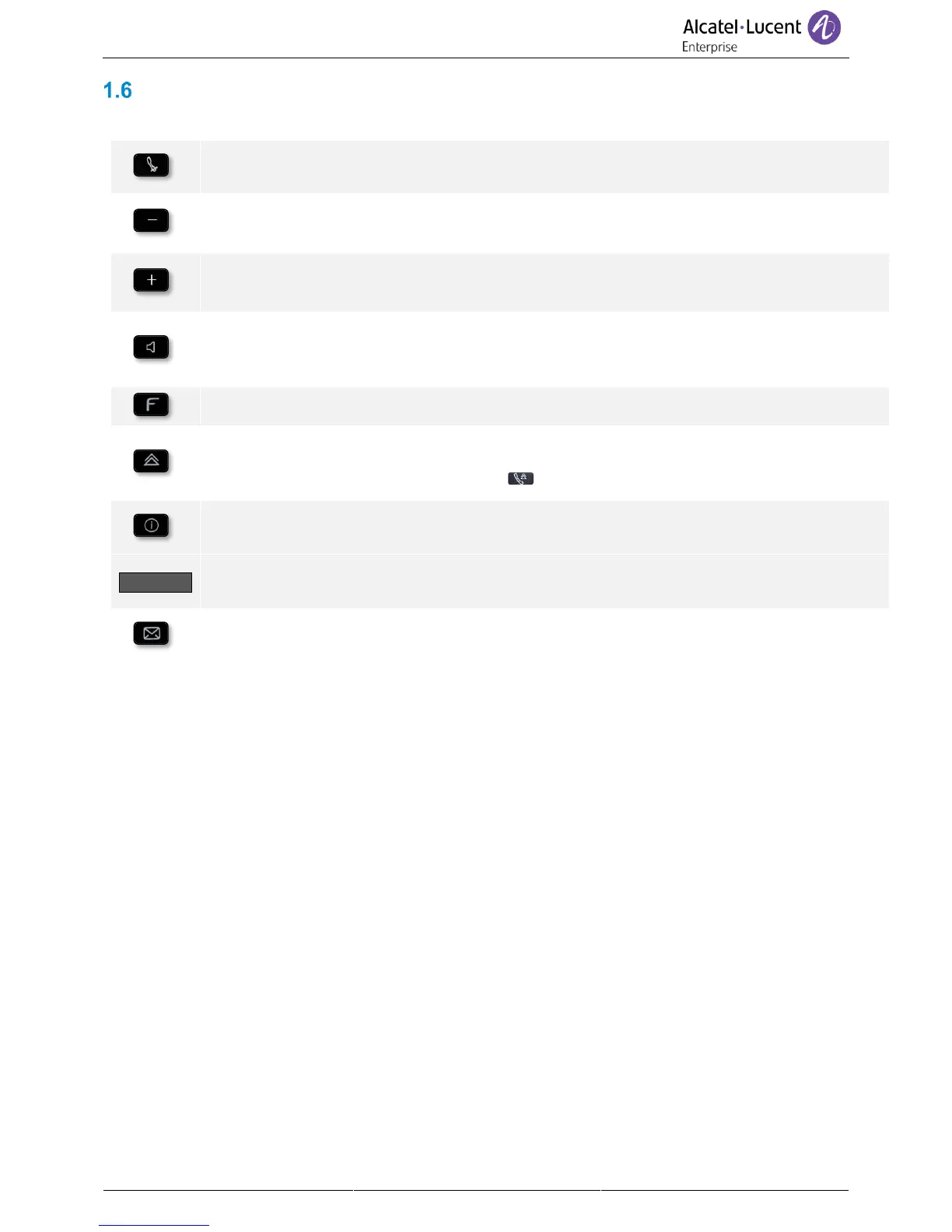
Permanent features keys
They are located just above the loudspeaker. Feature keys depend on the type of phone.
• Mute key
During a call, press this key to stop your contact from hearing you.
• Turn down the volume (ringing or call state).
• Decrease the brightness (idle state).
• Decrease the contrast (idle state).
• Turn up the volume (ringing or call state).
• Increase the brightness (idle state).
• Increase the contrast (idle state).
• Pressing this key answers an incoming call in hands-free mode (when activated, the key
is lit blue). When a call is in progress, pressing this key switches from hands-free mode
to headset or handset mode.
• The F1 and F2 keys are line keys.
• Last number redial.
For the phones 8018/8008 DeskPhone, the redial key is associated with the Off-hook
key when the phone is in idle state: .
• Information about the user: lastname, firstname, phone number,.. (short press).
• Switch between the alphabetic and numeric keyboards (long press).
• Switch between the alphabetic and numeric keyboards (short press).
• Information about the user: lastname, firstname, phone number,.. (long press).
• Access the voice mail
The message key flashes when you have received a new voicemail.



 To Next Page