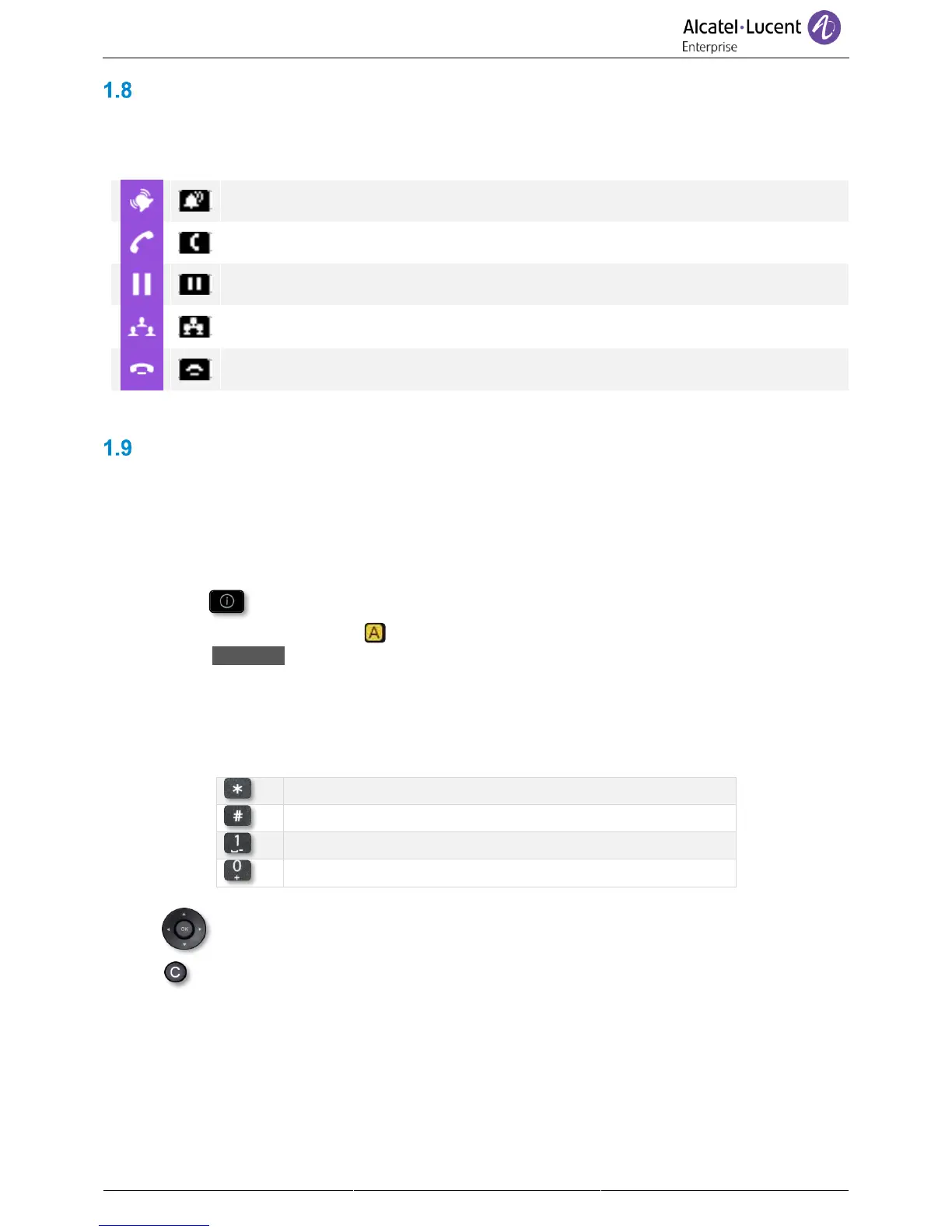
Call icons
Icons giving information about some specific configurations of the phone or about call status are
displayed in the top bar of the screen.
Icons depend on the theme (skin) of the phone.
Keyboard
1.9.1 Alpha-numeric keyboard
Your phone is equipped with alphanumeric keyboard. You can switch between numeric keyboard to dial
number, and alphabetic keyboard to enter text by pressing the corresponding preprogrammed key.
• Depending on the phone type, you can switch between the alphabetic and numeric keyboards by
pressing the following key:
o (long press). When the alphabetic mode is activated, this icon is displayed in the
top bar of the screen: .
o 123<>abc (short press). When the alphabetic mode is activated, the light corresponding
to the key remains lit up.
• Enter alphabetic characters.
The number pad keys have letters that you can display by successive presses. The number is
the last character in the series. Some special characters can be displayed by successively
pressing the key:
• Use navigation keys to move the cursor into the text.
• use this key to delete the last entered character. The alphabetic mode remains
activated.
• Select the lit preprogrammed key to return to the numeric mode.



 To Next Page