Adjust ringer volume while a call arrives
• Your telephone rings.
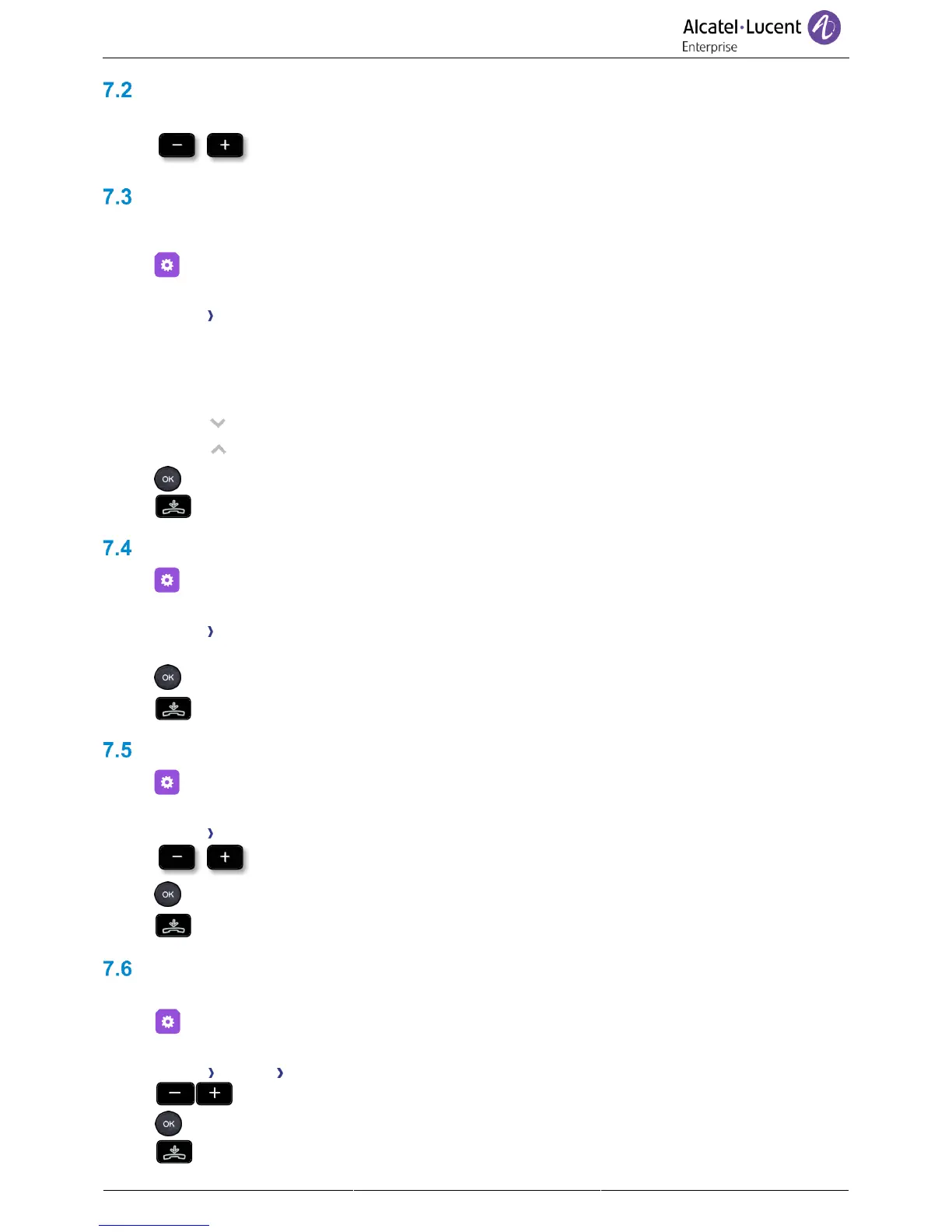
• Adjusting the ringer volume.
Configuring the welcome page
Define the default page and tabs displayed by on the phone.
• Select the settings icon from the phone menu (see the navigation section of your phone
model).
• Phone Homepage
o Default: Select the default page (Information, History, Forward, Voicemail, Contacts,
Settings, Lock, Speed Dial).
o Hide/display: Select displayed tabs.
o Order: Set the displayed order of the tabs
: go down.
: go up.
•
•
Selecting language
• Select the settings icon from the phone menu (see the navigation section of your phone
model).
• Phone Language
• Select the language of your choice.
• Press the OK key to validate your choice.
•
Adjusting the contrast of the display (8028s CE, 8018 CE, 8008 CE)
• Select the settings icon from the phone menu (see the navigation section of your phone
model).
• Phone Contrast
• Adjust contrast.
• Press the OK key to validate your choice.
•
Adjusting the brightness of the deskphone
7.6.1 Adjust the brightness when the phone is in use
• Select the settings icon from the phone menu (see the navigation section of your phone
model).
• Phone Display Brightness
• Increase or decrease the brightness.
• Press the OK key to validate your choice.
•



 To Next Page