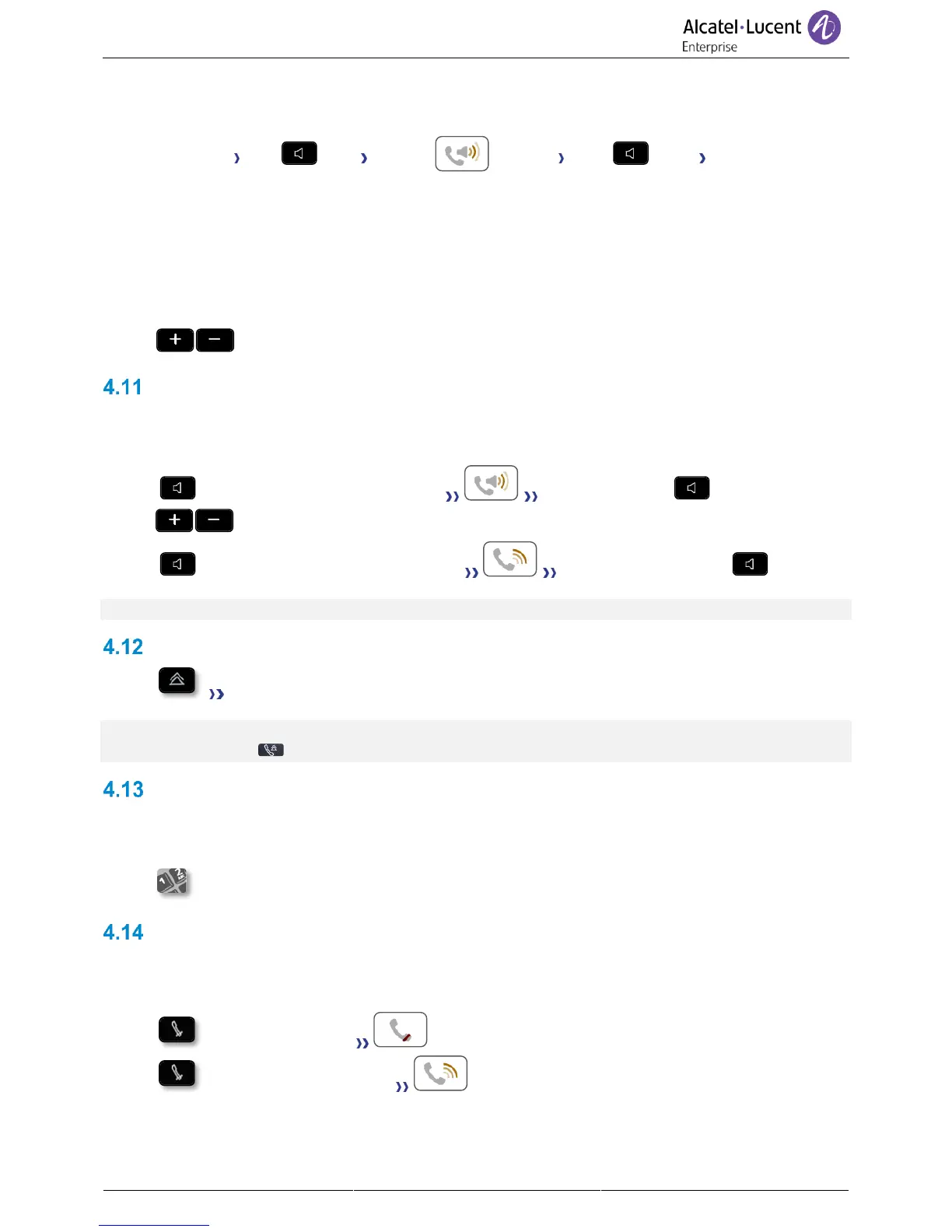
For each audio mode, during the conversation, you can adjust the volume by pressing the volume keys.
The number of levels depends on the audio mode (8 for handset and headset 10 for hands-free and
loudspeaker). The selected volume, for each audio mode, will be saved for future conversations.
• During a conversation.
• Adjust volume by pressing the volume keys.
Activating the loudspeaker during a conversation (handset lifted)
Activate or deactivate the loudspeaker when you are in conversation using the handset or the
headset.
• Activate loudspeaker (long press) The key lights up ( ).
• Adjust volume by pressing the volume keys (number of levels: 10).
• Deactivate loudspeaker (long press) The key is no longer lit ( ).
Press and release the loudspeaker key to switch to hands-free mode (light steady).
Redialing
• Last number redial.
For the phones 8018/8008 DeskPhone, the redial key is associated with the Off-hook key when the
phone is in idle state: .
Sending DTMF signals
During a conversation you sometimes have to send DTMF signals, such as with a voice server, an
automated attendant or a remotely consulted answering machine.
• Enter DTMF code.
Mute, so that your contact cannot hear you
You can hear your contact but he/she cannot hear you:
• During a conversation.
• Disable microphone The mute key blinks.
• Resume the conversation The mute key no longer blinks.



 To Next Page