7 Programming your telephone
Adjusting the audio functions
7.1.1 Select the melody
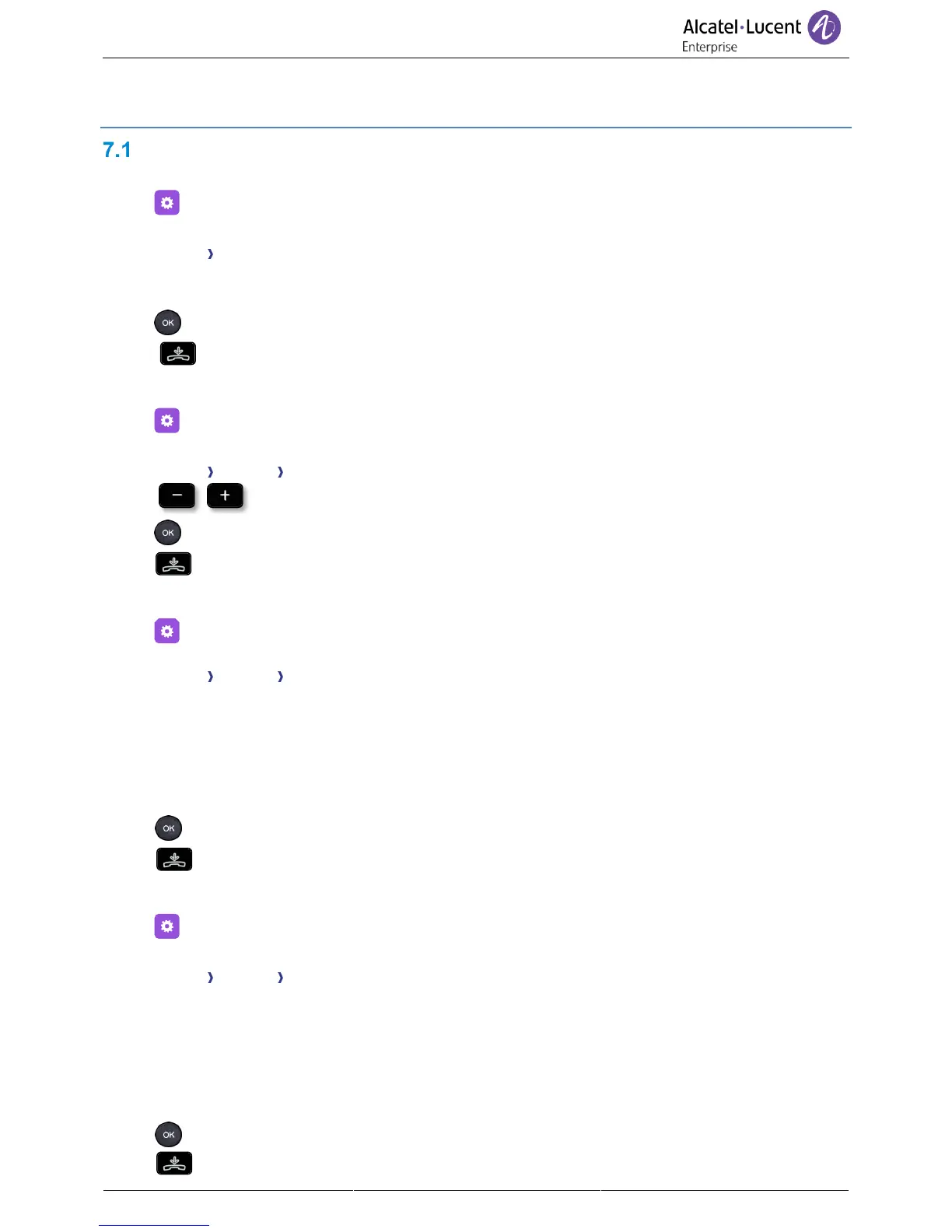
• Select the settings icon from the phone menu (see the navigation section of your phone
model).
• Phone Ringing
• The tune must be chosen for external and internal calls: Ext. Melody/Int. Melody (optional)
• Select the melody of your choice (16 tunes).
• Press the OK key to validate your choice.
• To end the settings.
7.1.2 Adjusting the ringer volume
• Select the settings icon from the phone menu (see the navigation section of your phone
model).
• Phone Ringing Level
• Select the volume you want (9 levels).
• Press the OK key to validate your choice.
• To end the settings.
7.1.3 Configure the ringtone
• Select the settings icon from the phone menu (see the navigation section of your phone
model).
• Phone Ringing Ringing mode
• Pressing the associated key, select from:
o Normal ringing
A normal ring signals an incoming call.
o Silent mode
The phone no longer rings. The LED flashes to signal an incoming call.
o ProgressiveRinging
A progressive ring signals an incoming call.
• Press the OK key to validate your choice.
• To end the settings.
7.1.4 Configuring discreet mode (beep)
• Select the settings icon from the phone menu (see the navigation section of your phone
model).
• Phone Ringing Beep
• Pressing the associated key, select from:
o 1 beep before ring
A beep followed by the ring signals an incoming call.
o 3 beep before ring
Three beeps followed by the ring signals an incoming call.
o Ring without beep
A normal ring signals an incoming call.
• Press the OK key to validate your choice.
• To end the settings.



 To Next Page