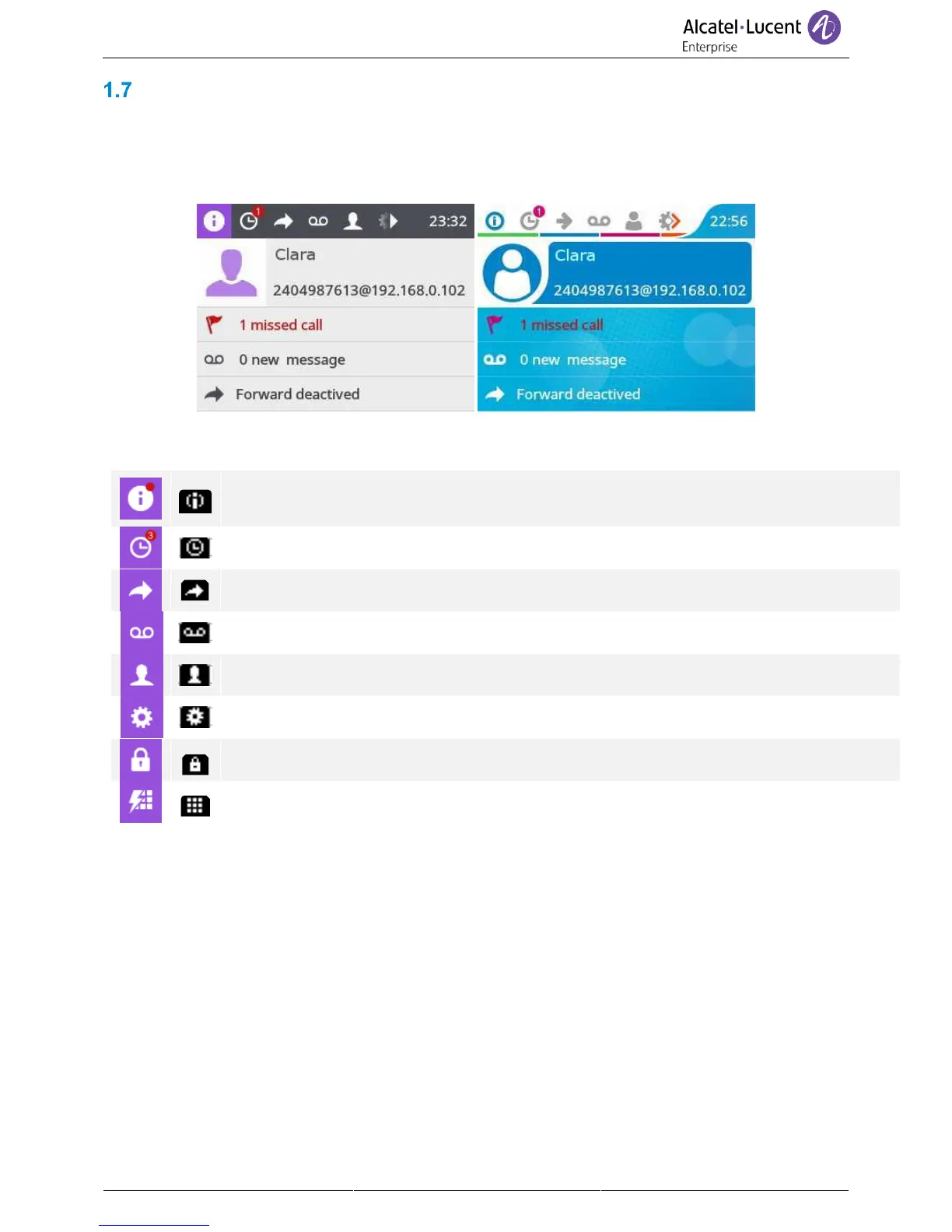
Homepage screen
The homepage is the default page displayed on your phone. The default homepage shows information
about the phone (name, number, number of missed calls, number of new messages, forwarding status),
but this can be changed in the phone settings.
Navigate in the title bar by using the right navigation key.
Display all information about the phone: name, number, number of missed calls, number of
new messages, forwarding status. The icon is marked with a red dot if there is one or more
new event.
Access to the calls log. The number of new events are displayed (number of missed calls +
number of unread messages).
Access the forwarding configuration.
Access the voicemail. The number of new voice messages is displayed. The number of new
voice messages is displayed.
Access the local directory.
Access to personal speed dial.
Icons depend on the theme (skin) of the phone.



 To Next Page