4 Using your telephone
Information about the phone
Display all information about the phone: name, number, number of missed calls, number of new
messages, forwarding status.
• Use one of the following:
o Select the information icon from the phone menu (see the navigation section of your
phone model).
o 8068s /8058s/8028s Cloud Edition DeskPhone: .
8018/8008 Cloud Edition: 123<>abc (long press).
• Use the up-down navigation key to scroll the page.
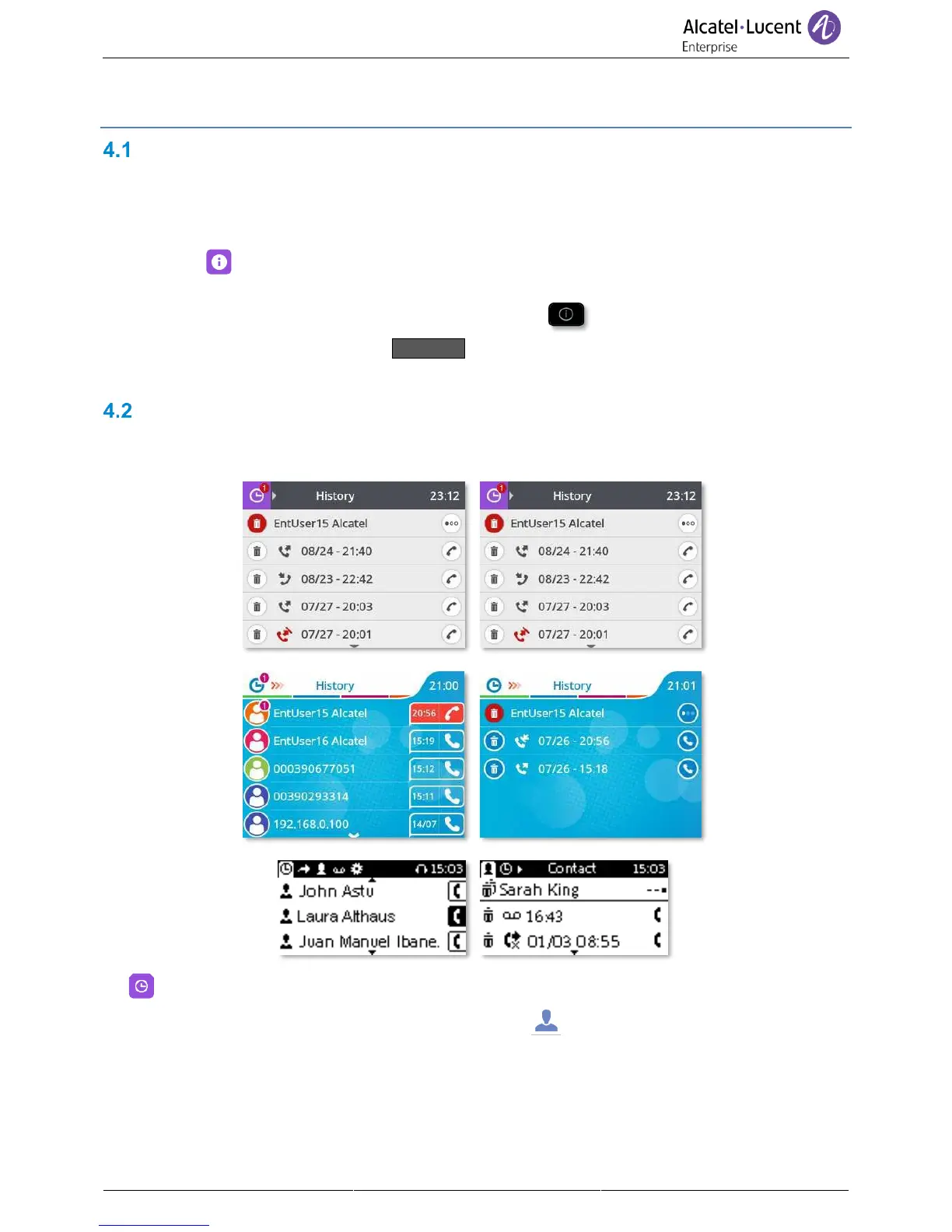
Manage the call log
The call log can be consulted and managed when the phone is in the idle state. The main part of the
screen is used to display the call log.
• Select the history icon from the phone menu (see the navigation section of your phone model).
• Open the contact card by selecting the avatar (left side):



 To Next Page