During conversation, you can navigate in the title bar to consult the call log, local
directory, contact card or to make a new call for example. The conversation key
will be blinking ( ). Select the flashing conversation key to go back to the
conversation page.
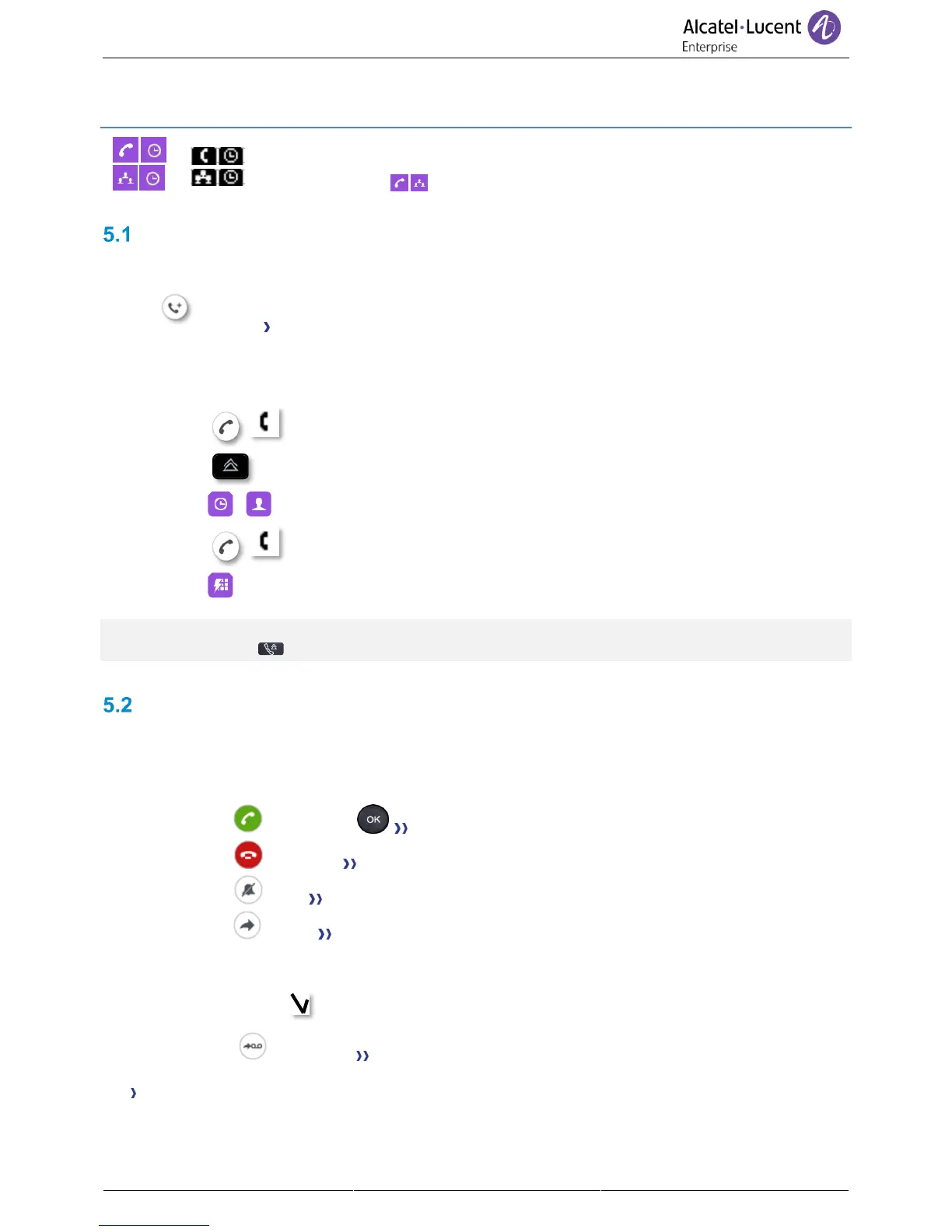
Making a second call during a conversation
During a conversation.
• New call The first call is on hold.
• Use one of the following:
o Call your contact using the dial by name or the dial a number feature (Switch to the
alphabetical keyboard if you don't have the optional keyboard).
Press the call icon key.
o Select the 'Redial' function.
o / Open the call log or your local directory by using the right navigation key.
Press the call icon key.
o Select a speed dial key.
For the phones 8018/8008 DeskPhone, the redial key is associated with the Off-hook key when the
phone is in idle state: .
Answering a second call during a conversation
During a conversation, another person is trying to call you. Your are alerted with 3 beeps. The
identity of the caller is displayed as long as the call is presented on your phone.
• Use one of the following:
o Take call or Press the 'OK' key or the 'take the call' key
o Reject call Reject the second call.
o Silent Mute the ringer (the call is still incoming but the phone no longer rings).
o Deflect Deflect the second call to another contact:
▪ Select a contact in the list or enter the number or the name of the contact you
wish to deflect the call to
▪ Deflect the call to the selected contact.
o Deflect VM Deflect the second call to your voicemail.
The first call is on hold.
As long as the call is presented, you can also choose to deflect the call.



 To Next Page