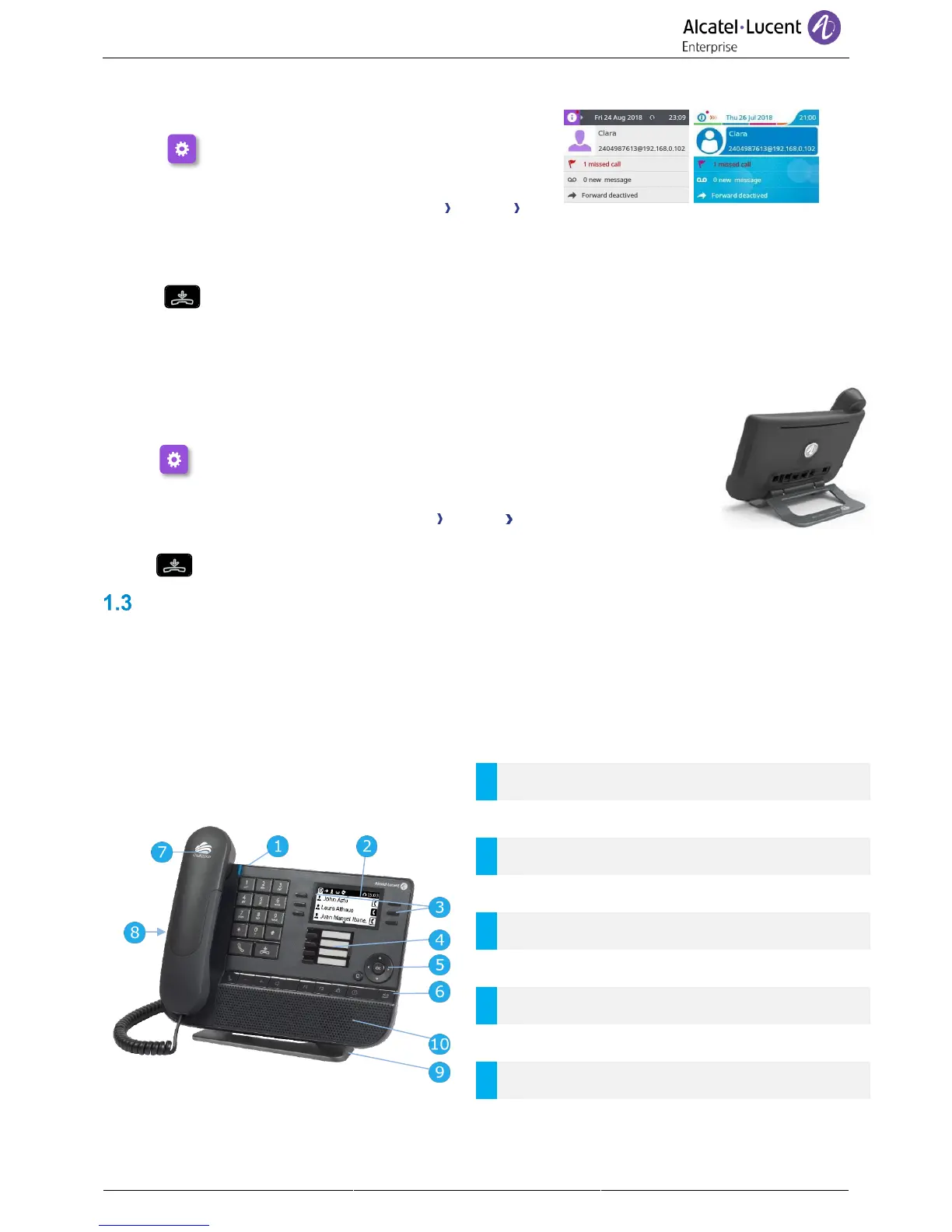
• The phone is in idle state.
• Select the settings icon from the phone menu
(see the navigation section of your phone model).
• Press the keys associated with: Phone Display
Skin.
• Select the desired new theme from the list (Classical,
Rainbow).
•
Changing the theme may take a few seconds.
1.2.5 Busy light logo on back shell
The logo on back shell can be illuminated. The color changes when you are busy.
• The phone is in idle state.
• Select the settings icon from the phone menu (see the navigation
section of your phone model).
• Press the keys associated with: Phone Display Busy light
• Activate or deactivate the logo LED feature.
•
8028s Cloud Edition DeskPhone
This phone is part of the IP phone range. In addition to a clear monochrome display associated to 6
dedicated function keys and an intuitive navigation key, the 8028s Cloud Edition DeskPhone provides 4
programmable keys as a smart add-on module, for a quick access to your favorite contacts or features. It
provides high audio fidelity for telephone calls either in hands-free mode or using the comfort handset. It is
compatible with teleworking. Consequently, it is perfect for use at your office in your enterprise or at home
(teleworking).
1.3.1 Phone description



 To Next Page