2.1.2 Delete a contact
• Select the local directory icon from the phone menu (see the navigation section of your
phone model).
• Use one of the following:
o Open the contact card by selecting the avatar (left side): .
Navigate between pages to reach the list of actions (consecutive presses).
Delete
o Press ok key to open menu.
Delete: All contacts are listed.
Press the delete icon for the contact to delete the coresponding contact.
2.1.3 Delete all contacts in the local directory
• Select the local directory icon from the phone menu (see the navigation section of your
phone model).
• Press ok key to open menu.
• Delete all
•
2.1.4 Modify a contact
• Select the local directory icon from the phone menu (see the navigation section of your
phone model).
• Open the contact card by selecting the avatar (left side): .
• Navigate between pages to reach the list of actions.
• Edit
• Fill in the contact file. You must provide at least a last name.
•
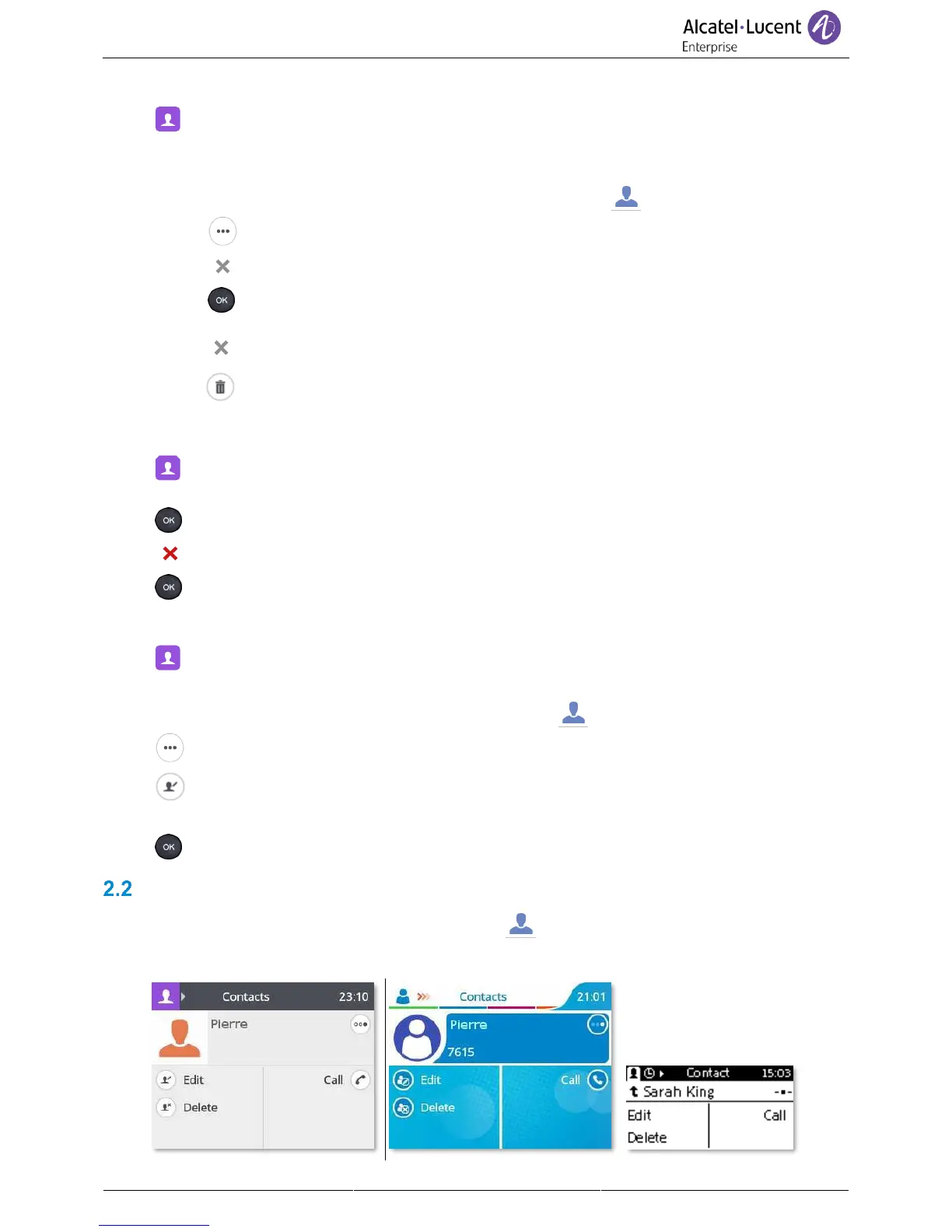
Contact card
Open the contact card by selecting the avatar (left side): . A contact card can be opened from your
conversation history, the local directory or from the search result.



 To Next Page