3- Connect the handset with the deskphone
• Searching for Bluetooth® equipment. Wait for the detected equipment type and address to be
displayed.
• Select the Bluetooth® wireless handset displayed in your deskphone: “IC Touch handset”.
• Add device
If a PIN code is requested:
• Enter the PIN Code.
• Confirm
• A tone indicates that the handset has been installed correctly. The LED flashes green
or orange depending on the battery charge level.
• Go back to the Homepage.
Error messages
• The Bluetooth® handset emits a sequence of 4 beeps: Your set is an older generation than your
Bluetooth® handset.
• The set displays an error message indicating that the set and the Bluetooth® handset are
incompatible: Your Bluetooth® handset is an older generation than your set.
Install a comfort wired handset
• Remove the rubber.
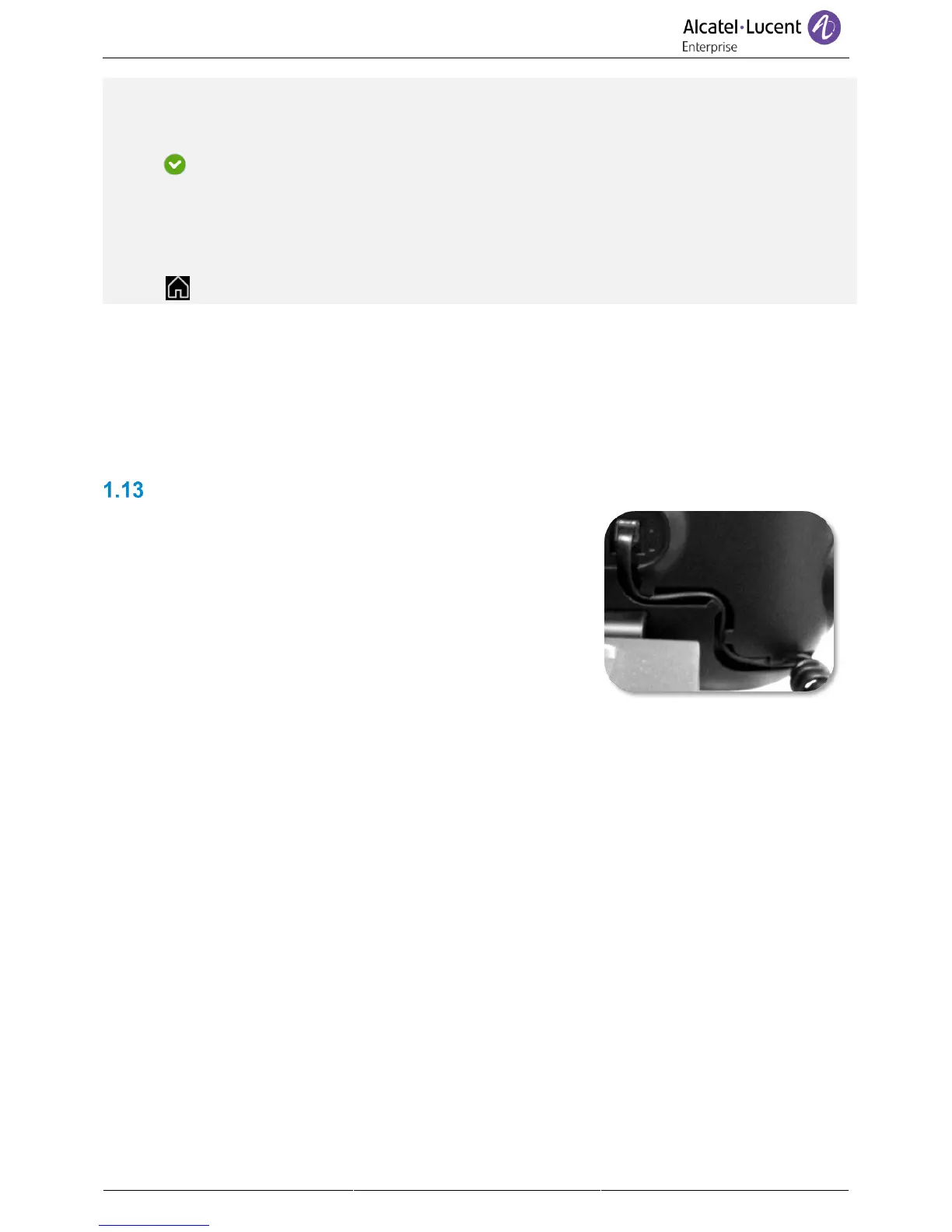
• Plug-in the wired handset to the appropriate connector
(refer to phone description).
• Make sure you position the cable correctly in the
compartment intended for that purpose:



 To Next Page