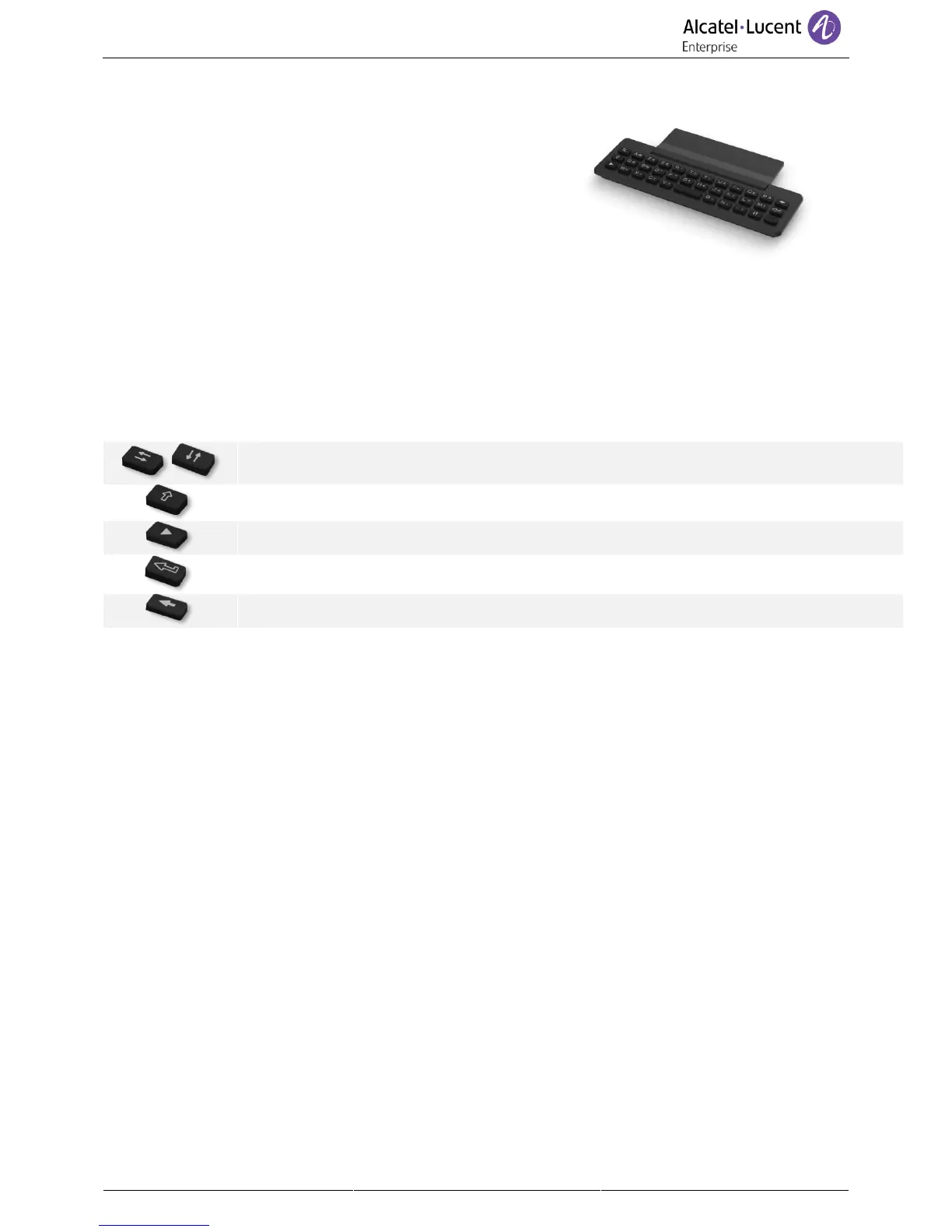
1.9.2 Magnetic alphabetic keyboard (optional)
Adding a magnetic alphabetic keyboard to your phone
increases its performance. This accessory is sold separately
from the deskphone. The keyboard depends on your country
and languages. The magnetic keyboard is automatically fixed
on the base of the set. It is connected to the corresponding
connector behind the phone.
• Country variants:
o AZERTY
o QWERTZ
o QWERTY (international)
o QWERTY (nordic)
Use the keyboard to enter names while configuring the phone. Access directly access the dial by name
feature by entering the name of your contact on the keyboard.
Below is a list of the function keys that allow you to access all the symbols.
Cursor moving keys (left, right, up and down). Allows you to navigate edit boxes. Press the
Alt key to access the left and up directions.



 To Next Page