8AL90314ENAAed01 18 /70
2.2 Make a call using the personal phone book (Contacts)
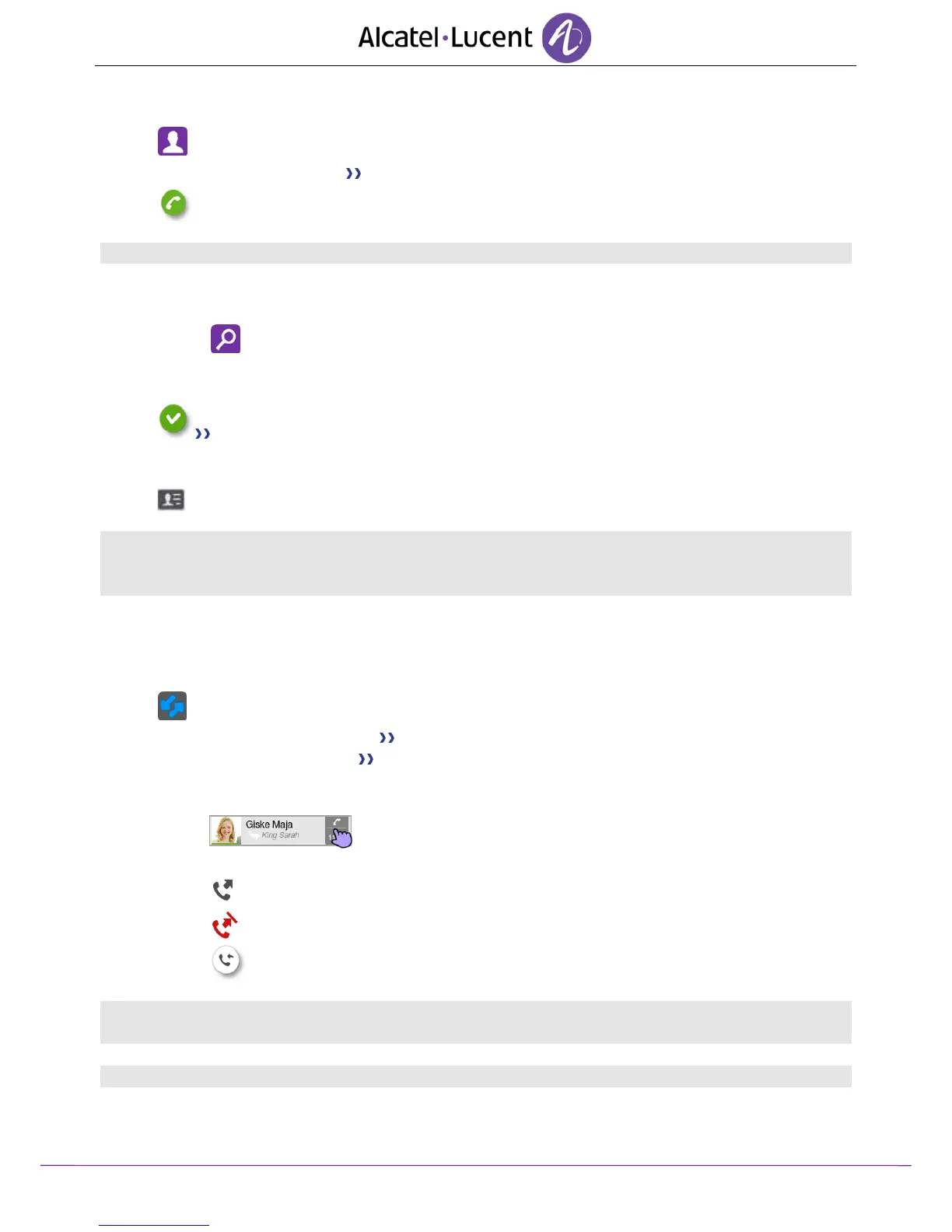
Contacts
Select the contact to call Information regarding your contact is displayed on the screen.
Press the call icon to call your contact.
If there are several numbers for the same contact, select the desired number.
2.3 Using call by name
Use one of the following:
o Search
o Swipe up on the screen
Enter the first letters of your contact name.
The names of contacts matching your search criteria are automatically displayed on
the screen.
Call your contact by choosing him/her in the list.
If you wish you can also display your contact complete file.
When searching by name, results are displayed showing all matching names followed by first names.
You can also search by initials. Type the initials of first name and surname, separated by a space. All
first names/names matching these initials will be displayed in the search.
2.4 Call from call log (History)
All incoming, outgoing, missed or unanswered calls are displayed in the call log.
You can call back from your phone call log.
Access the call log by pressing the Communication key.
o Select the tab: History All call logs are displayed.
o Select the tab: New Only new missed calls are displayed.
Use one of the following:
o Call your contact directly by selecting the badge.
o Select the contact to call.
Answered outgoing call
Unanswered outgoing call
Callback (Call back the last number of the selected contact)
If there are several numbers for the same contact, select the desired number.
You can also access the feature by selecting the application preview History.












 To Next Page