8AL90314ENAAed01 45 /70
8.13 Install a Bluetooth® device (pairing)
You can use Bluetooth® devices such as handsets or headsets with your phone.
To use your Bluetooth® device, it must be paired to the set. To manage the pairing, the Bluetooth®
device must be in detectable mode. Refer to your Bluetooth® device documentation to find out how
to activate detectable mode.
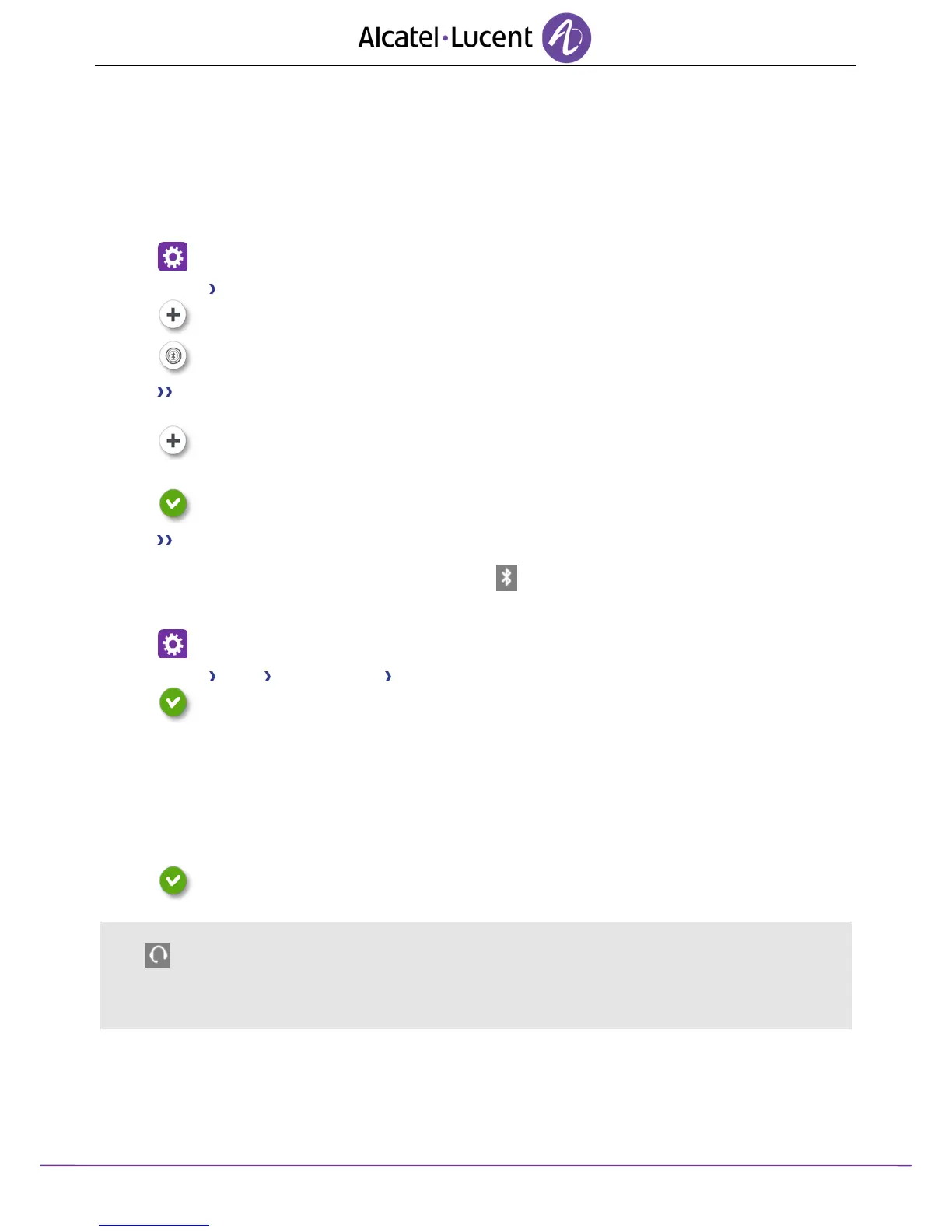
Settings
Device Bluetooth®
Add
Scan
The set scans for available Bluetooth® devices.
Select the Bluetooth® device to be paired.
Add.
Enter the device PIN code.
Ok
Bluetooth® device connected.
The specific icon is displayed in the connectivity area .
After pairing the Bluetoothø accessory, you must define the accessory type.
Settings
Device Audio Accessory type BT
Ok
Select the type of accessory that you have just added:
Bluetooth® accessory
o Headset
o Handsfree
o Loudspeaker
Ok
If you have selected headset as the accessory type, the headset icon is displayed in the connectivity
area: .
All devices other than the ALE International Bluetoothø Wireless Handset will be treated as a headset
device.












 To Next Page