50 Rockwell Automation Publication 825-UM004D-EN-P - November 2012
Chapter 4 Hardware Commissioning
Removing an Option Card
• Remove control power from the relay, and remove the back cover
• Remove the option card from the 825-P
• Replace the cover and reapply control power to the relay
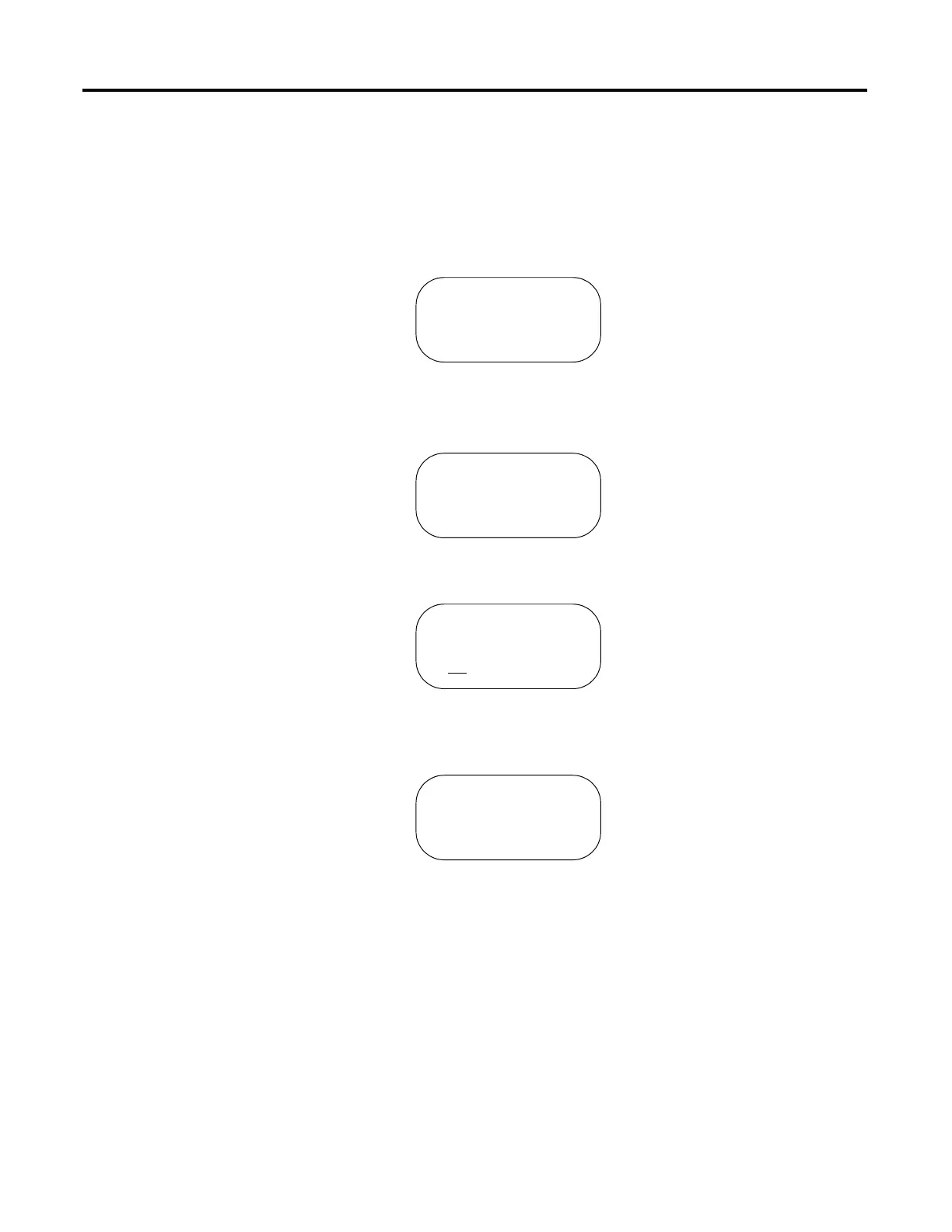
• The display will show the following message to indicate that something is
di
fferent with the hardware configuration:
• Navigate to Main > Status to view the Status display
• The display will show the following message:
• Press the Enter key to confirm that you want this hardware change
• Select Yes to confirm the new hardware configuration, and the display
will show:
• Press Enter to reboot the relay
STATUS FAIL
xxxxxx Card Fail
Confirm Hardware
Config (Enter)
Config Accepted
Enter to Reboot


 To Next Page
 Loading...