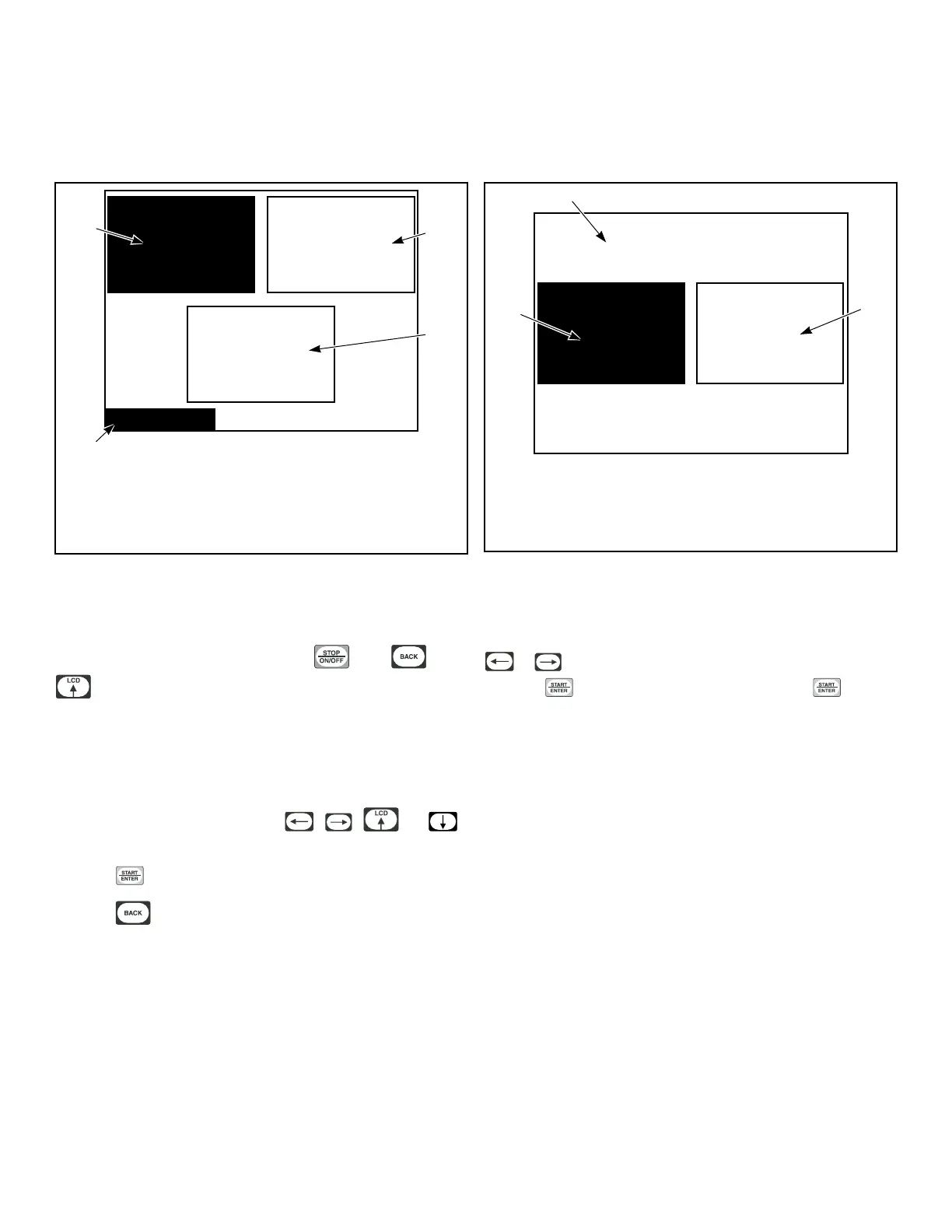
Programming UniLinc
System Menu
Laundry
Management
System Menu
DiagnosticProgram
TMB1312R_SVG1
2
3
1
4
1. Program
2. Diagnostic
3. Laundry Management
4. System Menu
Figure 22
The System Menu allows the user to access: cycle programming,
diagnostics and laundry management.
While on the Cycle Menu press and hold , then , then
to enter the System Menu.
The System Menu is a submenu of the Cycle Menu. The naviga-
tion of the System Menu is different from the Cycle Menu. In the
Cycle Menu, the highlighted text box was stationary
. In the Sys-
tem Menu, the ARROW keypads control the location of the high-
lighted text box. Text will remain at the same location but the
highlighted box will move when the
, , and
keypads are pressed.
Press the keypad to enter selected menu.
Press the keypad to return to the Cycle Menu screen.
Save Changes Menu
Save Changes?
NoYes
PHM1021R_SVG1
2
1
3
1. Yes
2. Save Changes?
3. No
Figure 23
The Save Changes Menu is used to confirm programming
changes when modifying a cycle or the values of the Global Set-
tings. The Save Changes Menu will default to Yes. Using the
or keypad will move the cursor between Yes or No.
Press the keypad to make a selection. Once the keypad
is pressed, the display will either return to the Modify Cycle
Menu or the Global Setup Menu depending in which submenu
the display was in.
Programming UniLinc
©
Copyright, Alliance Laundry Systems LLC -
DO NOT COPY or TRANSMIT
22






 To Next Page