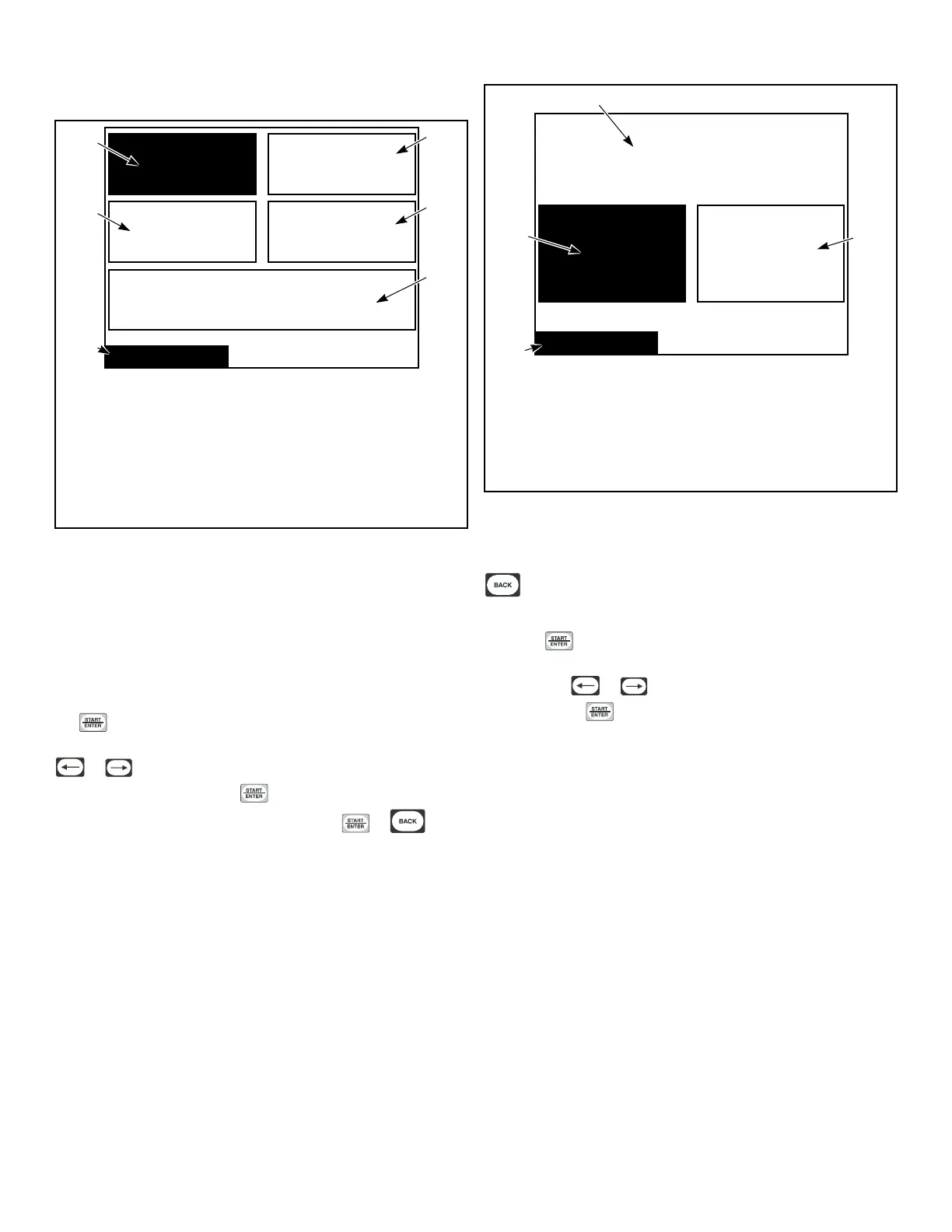
Factory Defaults Menu
Factory Defaults
Temperatures
Only
Restore All Cycles and Global
Settings to Factory Defaults
Audio Only
Banners Only
All Additional
Global Settings
TMB1323R_SVG1
4
5
6
3
2
1
1. Temperatures Only
2. All Additional Global Settings
3. Restore All Cycles and Global Settings to Factory Defaults
4. Factory Defaults
5. Banners Only
6. Audio Only
Figure 39
The Factory Defaults Menu is used to set parameters in the soft-
ware back to the factory default. Several parameters can be set in-
dividually back to the factory settings and all Cycles and Global
settings can be restored. The individual parameters that can be set
back to the factory settings are the Audio settings, Temperature
settings, Banners, and additional Global settings.
Press the directional keys to navigate through the screen. Press
the keypad to make a selection. A confirmation screen ap-
pears asking if you are sure you want to restore the settings. Use
or to move highlighted box to “Yes” or “No”. “No” is
selected by default. Press the keypad to return to Global Set-
up Menu. If no changes were made, press the or key-
pad to return to Global Setup Menu.
The All Additional Global Settings Menu is used to restore the
global settings to the factory defaults.
The Reset All Factory Defaults Confirmation Menu is used to
confirm that the global programming parameters and Cycle #1-41
are to be set back to factory defaults. If “Yes” is selected the dis-
play will jump to the Factory Defaults Second Confirmation
Menu.
! WARNING !
Restore all cycles and global
settings to factory defaults?
YesNo
Factory Defaults
PHM1054R_SVG1
1
2
4
3
1. !WARNING! Restore all cycles and global settings to fac-
tory defaults?
2. Yes
3. Factory Defaults
4. No
Figure 40
The Factory Defaults Second Confirmation Menu is to ensure
that the factory defaults do not get accidentally reset. Press the
keypad to abort and the display will then show the Factory
Defaults Menu.
Once the keypad is pressed in any Confirmation Screen, the
Save Changes Menu displays to confirm the programming
changes. Use or to move highlighted box to “Yes” or
“No”. Press the keypad to return to Global Setup Menu.
Global Setup
©
Copyright, Alliance Laundry Systems LLC -
DO NOT COPY or TRANSMIT
32






 To Next Page