Global Setup
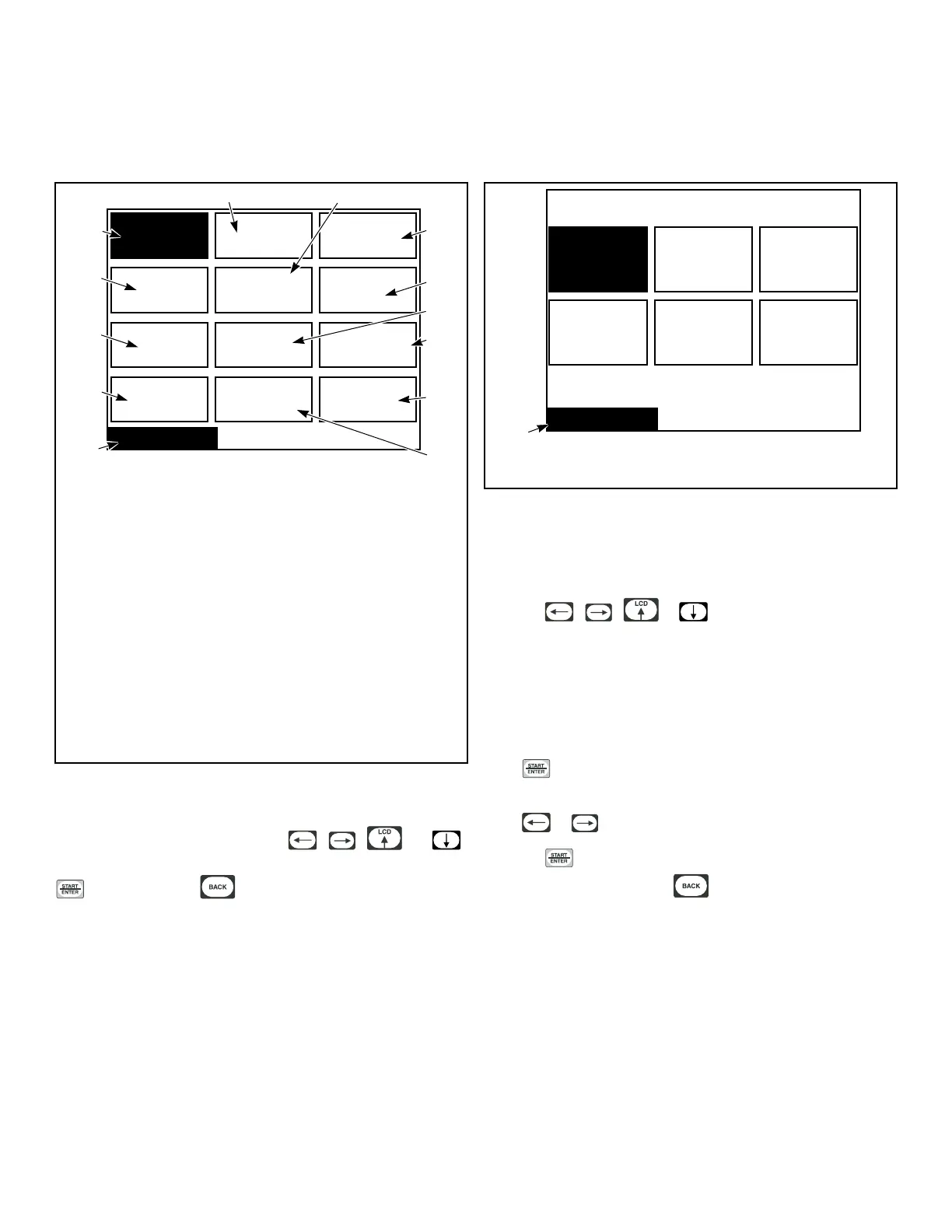
Global Setup Menu
Global Setup
Date / Time BannersLanguage
Audio / Ext
Signal
Temps
Moisture
Ignition
Retry
Factory
Defaults
Rapid
Advance
Misc
Reverse
Cylinder
Cool Down
TMB1359R_SVG1
1
3
2
13
4
5
12
6
11
7
8
10
9
1. Date/Time
2. Audio/Ext Signal
3. Banners
4. Misc
5. Temps
6. Cool Down
7. Factory Defaults
8. Reverse Cylinder
9. Global Setup
10. Moisture
11. Ignition Retry
12. Rapid Advance
13. Language
Figure 27
The Global Setup Menu allows the user to make changes to glob-
al properties of the machine. Use the , , and
keypads to navigate the menu. Select a menu item by pressing the
keypad. Press the keypad to enter the Program Menu.
Language Menu
Language Menu
PHM1037R_SVG1
DeutschFrançais Portuguese
Español ItalianoEnglish
1
1. Language Menu
Figure 28
The Language Menu is used to select the language displayed. The
user can choose English, Spanish, Italian, French, German or Por-
tuguese.
Press the , , or keypad to move the highligh-
ted box through the different selections. English is the default
language.
NOTE: Menus related to cycle operation are the only
menus that will display in the chosen language if Eng-
lish is not selected. All System Menu sub-menus will
remain in English.
Press to select a language. The Save Changes Menu will dis-
play.
Press or to move highlighted box to “Yes” or “No”.
Press the keypad to return to Global Setup Menu. If no
changes were made, press the keypad to return to Global
Setup Menu.
Global Setup
©
Copyright, Alliance Laundry Systems LLC -
DO NOT COPY or TRANSMIT
26






 To Next Page