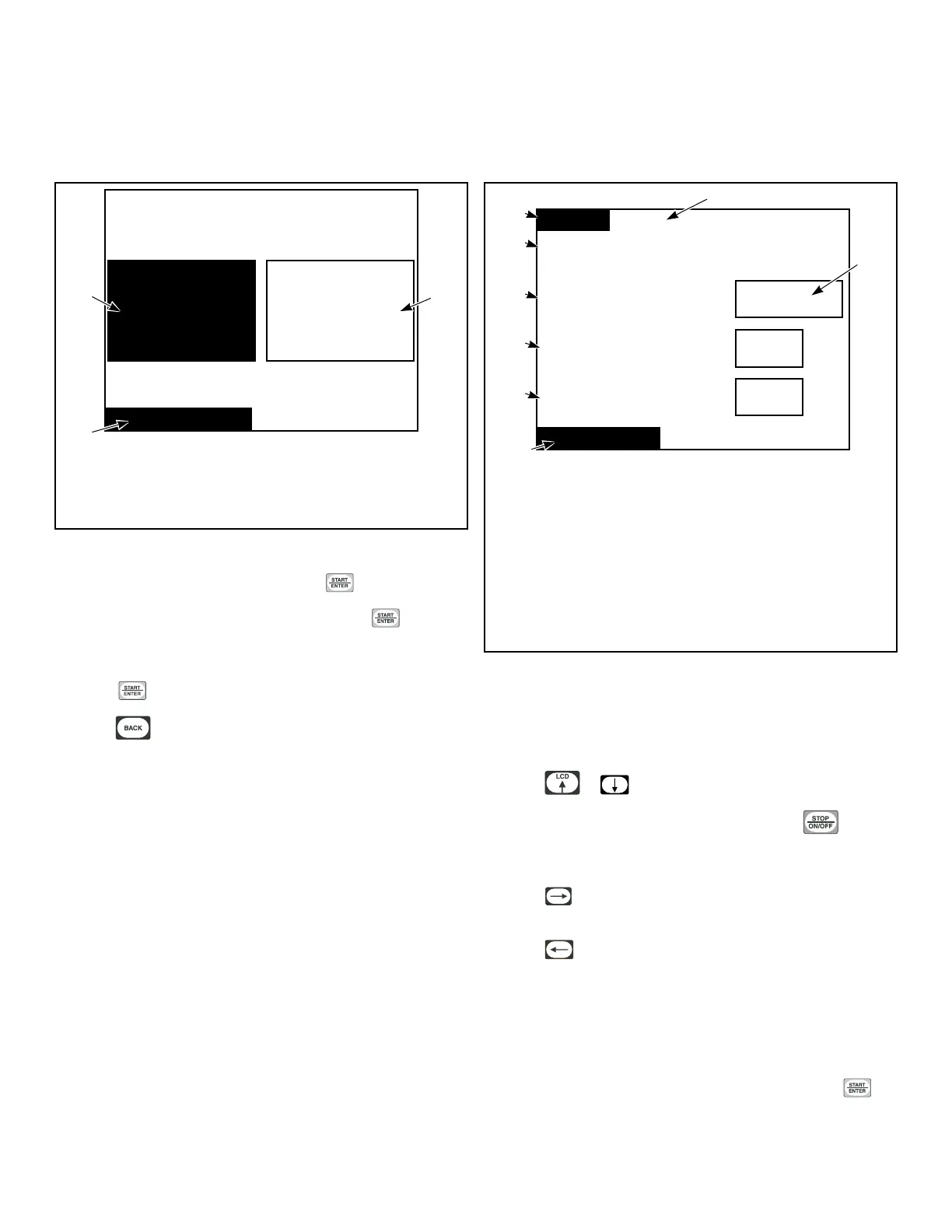
Program Menu
Program Menu
Program Menu
Modify Cycle Global Setup
PHM1022R_SVG1
1
2
3
1. Modify Cycle
2. Global Setup
3. Program Menu
Figure 24
In System Menu, select Program and press .
To program cycles, select Modify Cycle and press .
To change properties that will af
fect the machine globally, select
Global Setup (i.e., language displayed, Cool Down Temperature)
and press
.
Press the keypad to return to System Menu.
Modify Cycle
Modify Cycle
Yes
Cycle01: Towels
T
ime Dry
Reversing: Global
Cycle Reversing
Rotate Time
Stop Time
s
s
30
6
1
2
6
7
8
5
4
3
TMB1459R_SVG1
1. Towels
2. Yes
3. Modify Cycle
4. Stop Time
5. Rotate Time
6. Cycle Reversing
7. Time Dry Reversing: Global
8. Cycle01:
Figure 25
The Modify Cycle Menu is used to program the cycles.
The Cycle Number will be highlighted when the Modify Cycle is
first displayed.
Press the or keypad to change cycle selections.
The cycle can be turned on and off by pressing the keypad.
If the cycle is turned off, the Cycle Name will display “Of
f” and
the user will not be able to make any changes to the cycle.
Press the
keypad to make the highlighted box move to the
cycle name to the right of the cycle number.
Press the keypad from Cycle Number to make the display
jump to the Modify Cycle Cool Down Menu.
NOTE: All cycle numbers have to be scrolled through
even though they may be shut off. Figure 26 illustrates
the flow of the cursor during the programming of a cy-
cle.
To edit a cycle name, select the cycle name and press the
keypad.
Program Menu
©
Copyright, Alliance Laundry Systems LLC -
DO NOT COPY or TRANSMIT
23






 To Next Page