Troubleshooting
8-2 Opus Operator's Manual
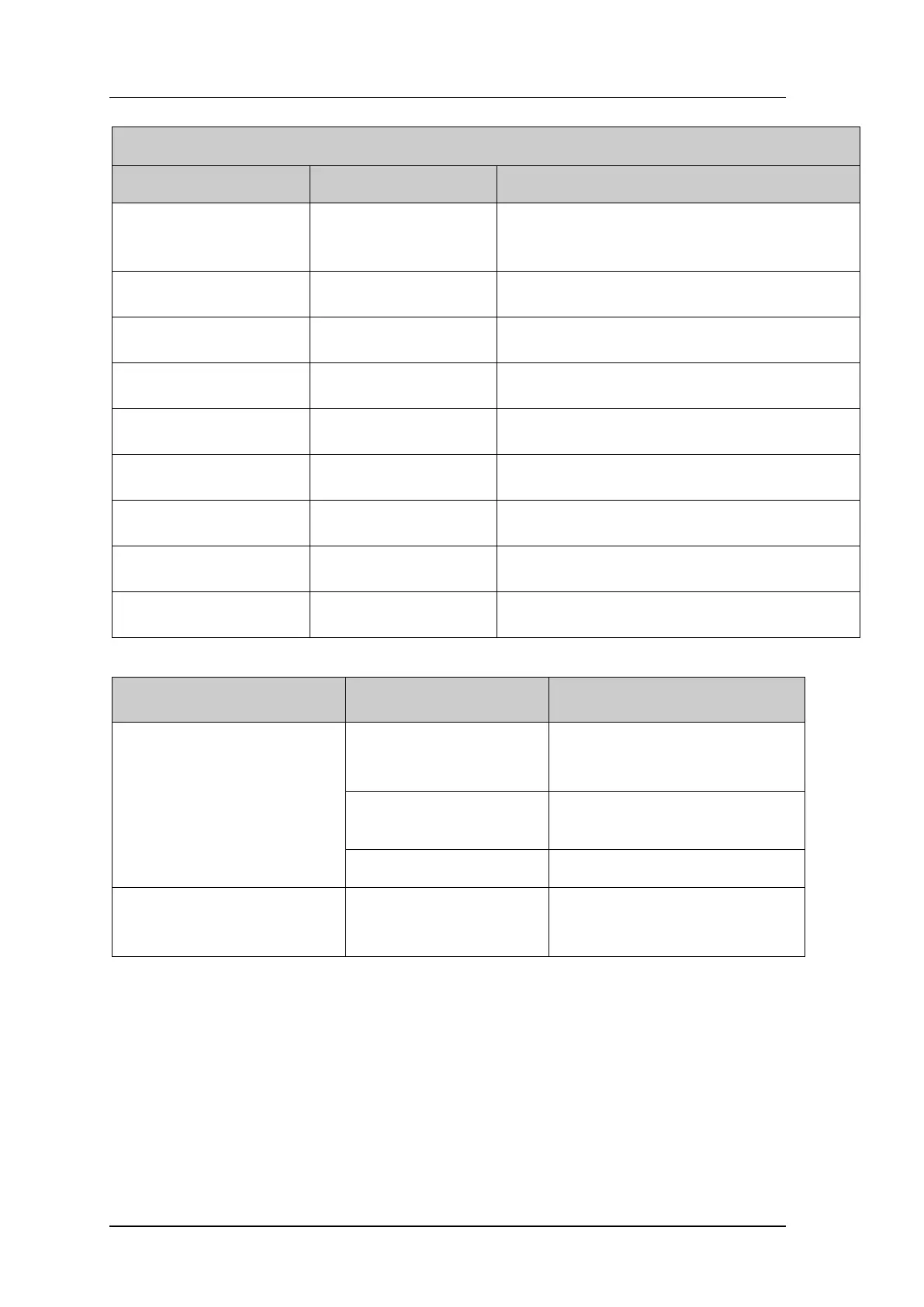
Table 8-1. Error Message Troubleshooting Guide
This message displayed if
system left idle for 7
minutes.
1. Turn system off, wait 1 minute and restart; resume
normal operation.
2. If problem persists, call Alma Lasers Service.
Shut the system down and contact Alma Lasers
Service.
Shut the system down and contact Alma Lasers
Service.
Shut the system down and contact Alma Lasers
Service.
Shut the system down and contact Alma Lasers
Service.
Shut the system down and contact Alma Lasers
Service.
Dielectric heating energy
emission is too high.
Shut the system down and contact Alma Lasers
Service.
Shut the system down and contact Alma Lasers
Service.
HandPiece Error
VB1=VB2=0
Shut the system down and contact Alma Lasers
Service.
Table 8-2. System Malfunctions Troubleshooting Guide
1. Check power cable.
2. Plug cable into wall.
Red emergency shutoff
knob is engaged
Release emergency shutoff knob
by turning it clockwise.
Monitor does not respond
when the system is on
The monitor is not
receiving power
Make sure the power cable in the
rear of the monitor is connected.


 To Next Page