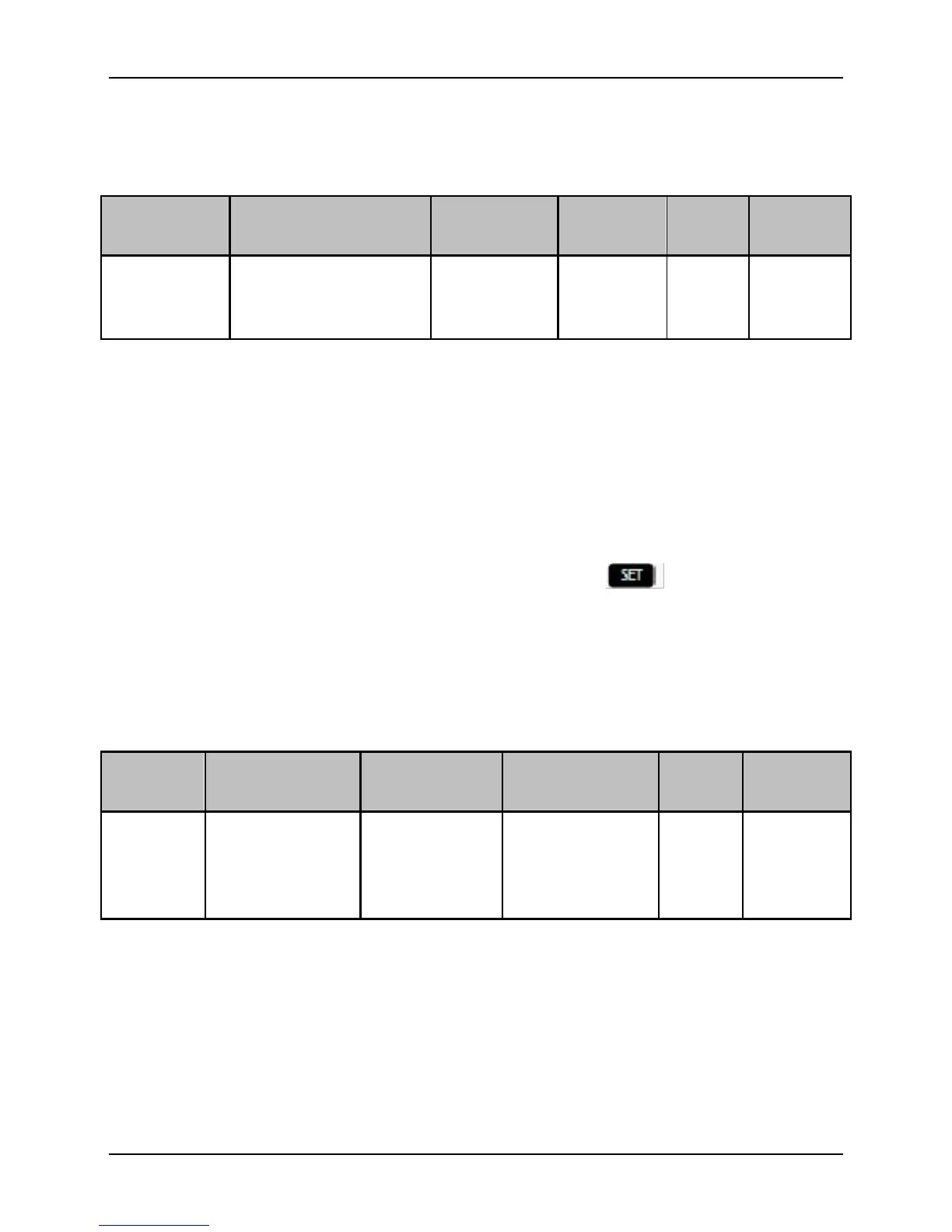
Function Description:
Set the auto zero calibration for analog input. This setting is valid when Analog Speed
Control mode or Torque Control mode is set in P00.02.
0: Start the Analog input Auto Zero Calibration (Make sure the actual analog input is
zero prior to start auto zero calibration).
System will automatically check the analog input, and save the measured value in
P03.12. Entering function code P03.12 and pressing button to save the
measured value into EEPROM is needed. Only one auto zero calibration will be
operated during each time when power up.
(After auto zero calibration is done, the set point must be 1, or otherwise exceptions
will occur during power up next time).
1: Analog Auto Zero Calibration Invalid
Function Description:
Set the Analog Input Zero Compensation value. The setting is applying to Analog
Speed Control Mode and Analog Torque Control Mode.
The Zero Compensation value can be acquired by operating the Analog Auto Zero
Calibration in P03.11, and also it can be acquired by manual settings. The displaying of
Zero Compensation value will be voltage style, which displayed three decimal places.


 To Next Page