92 Neo User’s Guide
Viewing, printing, and saving files from your Neo
To view an AlphaWord file:
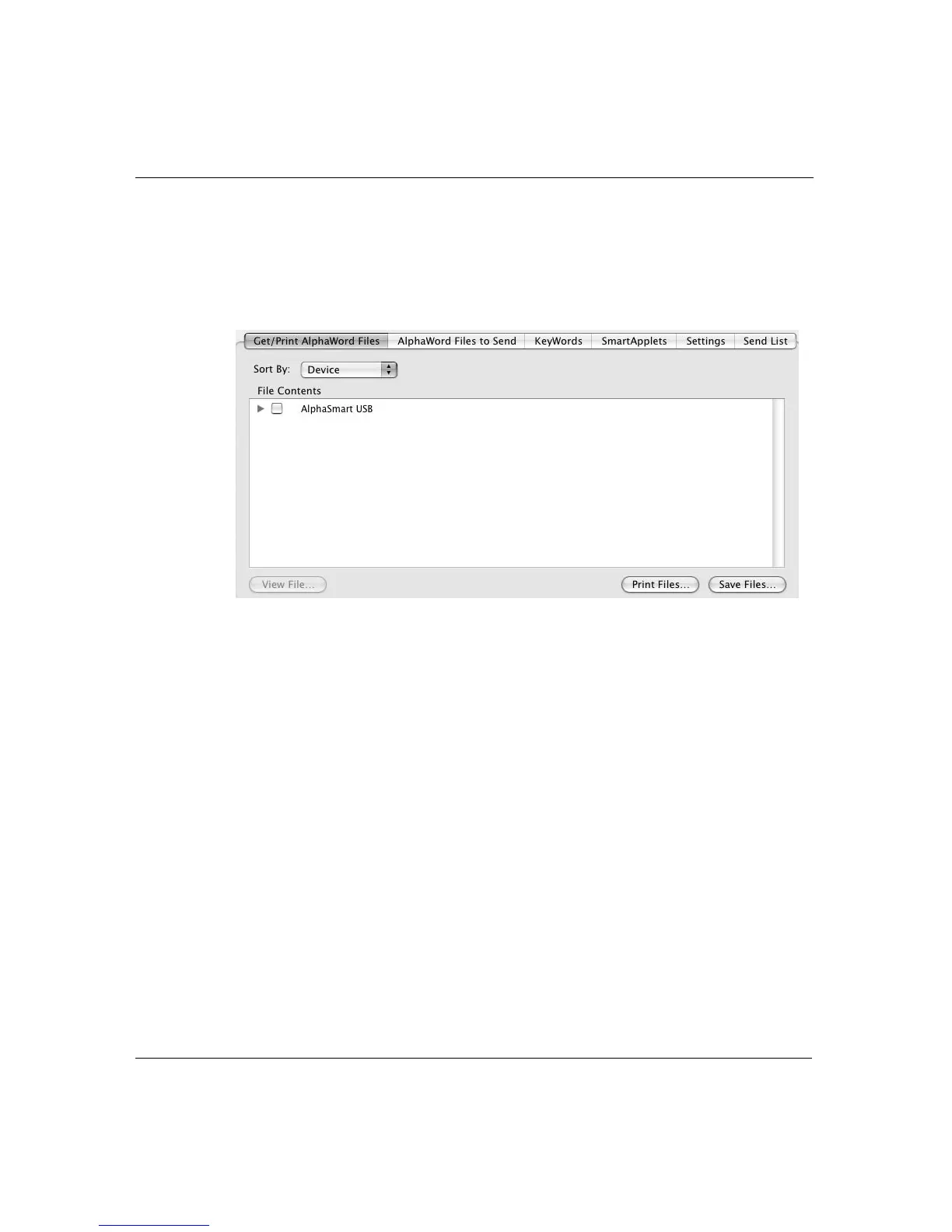
1. In AlphaSmart Manager, click the Get/Print AlphaWord Files tab
and view the device (called AlphaSmart USB) in the File Contents
list.
2. In the File Contents area, click the plus sign (PC) or triangle
(Macintosh) of the device. A message appears briefly, saying that
AlphaSmart Manager is retrieving the file(s).



 To Next Page