Beyond Basics 81
System status
System status
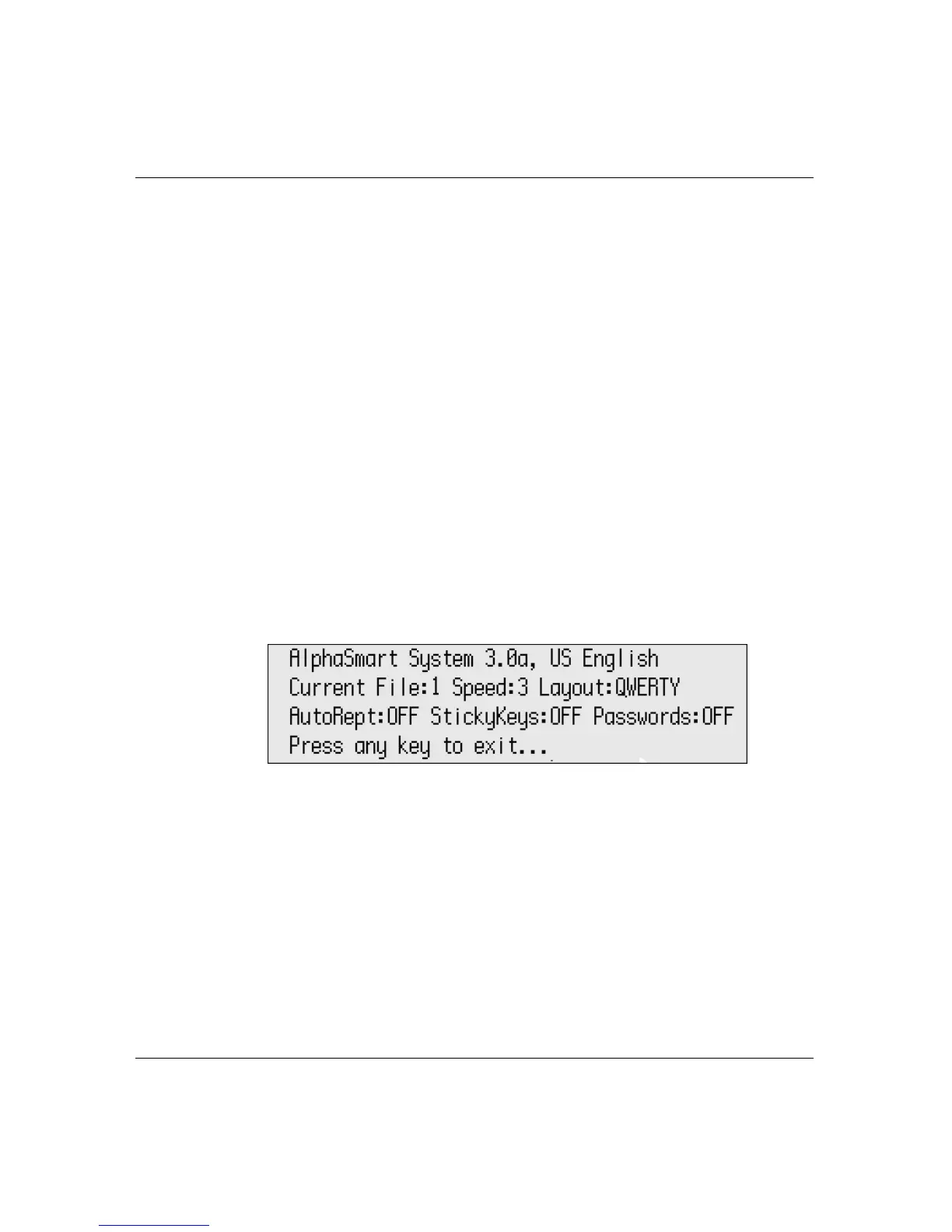
For a quick view of the current settings on your Neo, you can check
system status. The settings that appear are
•System version
• Language
• Current file you’re in
• Cable speed (for text transfers to your computer)
• Keyboard layout
• Auto Repeat setting
• Sticky Keys setting
• Passwords setting
To check system status:
1. Press
option-a-V.
Note: The system status screen for a Neo with an ISO (European)
keyboard differs slightly from the one shown here.
2. Press any key to exit the screen and return to your file.
Typing Timer
The Typing Timer is a tool you can use to evaluate typing proficiency.
It lets you perform any keyboarding exercise and, when stopped,
displays the elapsed time and words per minute (WPM) typed.



 To Next Page