All About AlphaWord Plus 35
Finding text
• If password protection is enabled on your Neo (see page 78 for
information), you won’t be able to search within all files using
option-enter.
• You can search in all files, but you can search and replace in the
current file only.
Section selector
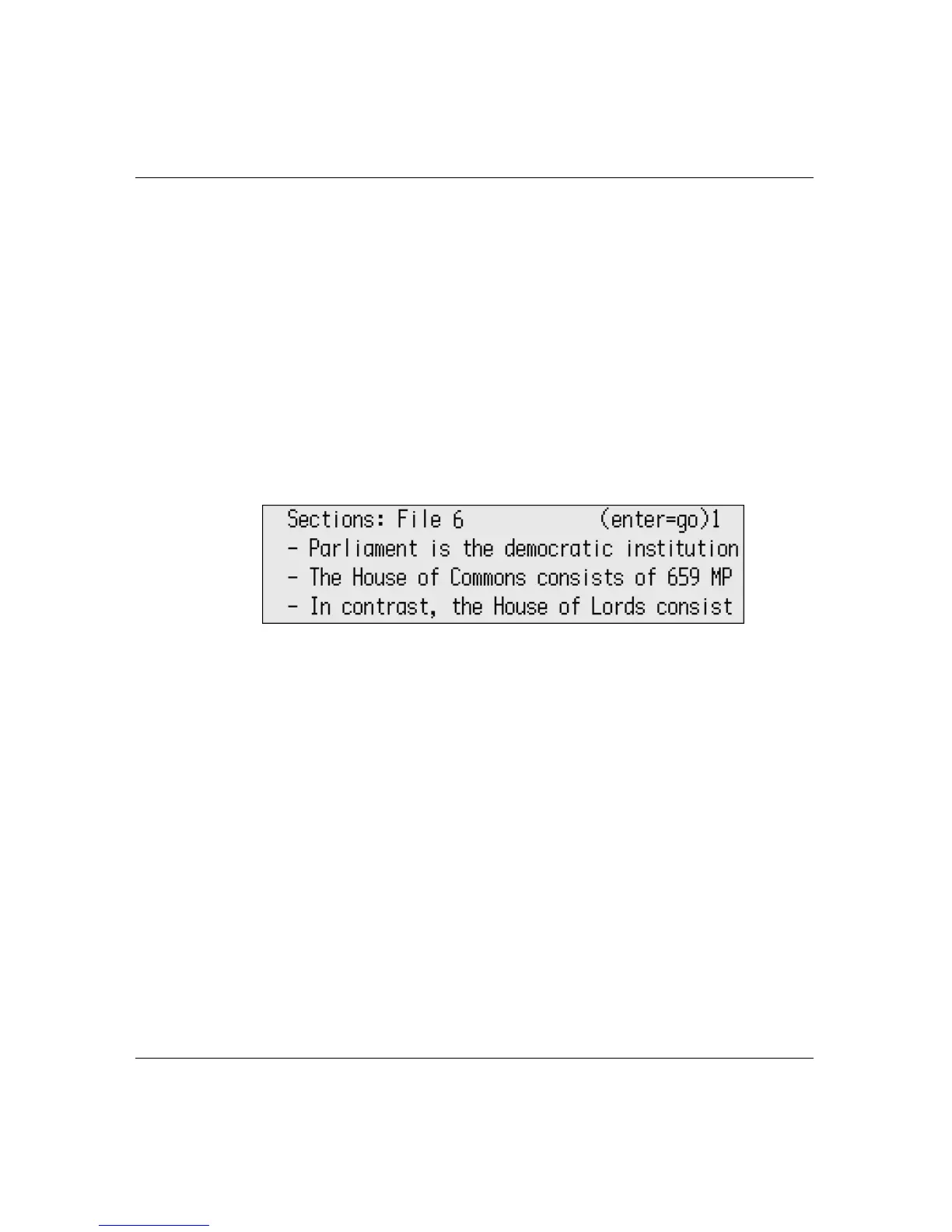
In AlphaWord Plus, a “section” is a block of text separated by one or
more blank lines. You can find and move to areas of text by
displaying the beginning line of each block, as shown in the following
illustration:
To view sections in a file:
1. Press
a-S. A list of sections in your file appears.
2. Use the arrow keys to scroll to the section you want, then press
enter to move to the beginning of the section you chose.
Defining section separations
In the section selector, you can specify the number of blank lines
between text to constitute a section. For example, you might not
want each paragraph to be its own section, but would rather have
higher level topics be sections. In your document, you could separate
paragraphs by one carriage return, and topics by two or more. Then



 To Next Page