Working with AlphaSmart Manager 101
Sending files to your Neo
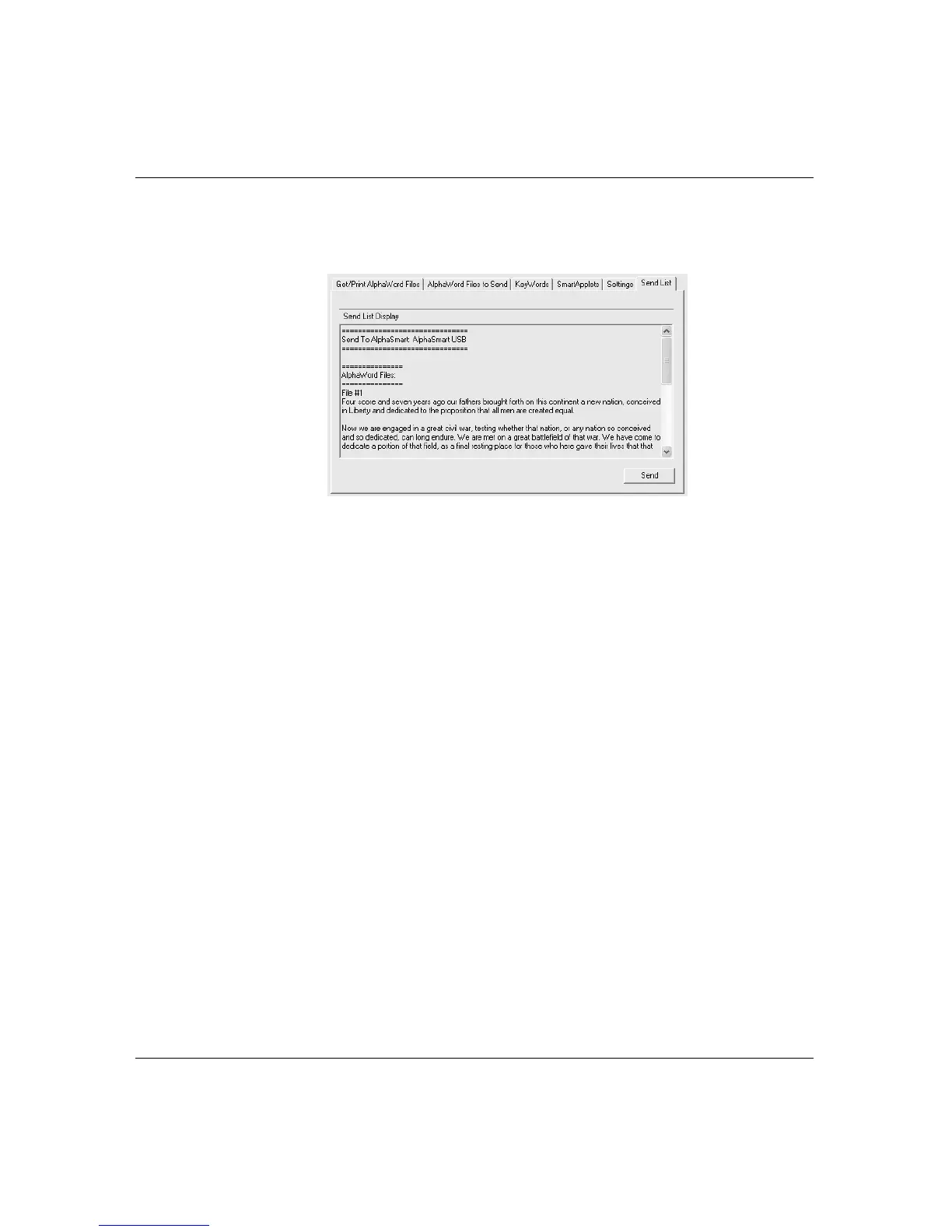
4. Click the Send List tab and verify that the text you want to send
appears in the Send List Display.
5. Click Send.
You can transfer multiple files simultaneously. To do so, repeat steps
2 and 3 until you’re ready to send, then review the Send List Display
to make sure all the files appear before clicking Send.
Sending empty files
In the AlphaWord Files to Send tab, you can check the file number of
an empty workspace and send it to your Neo. If you do so, you
overwrite any existing text in that workspace. This is a handy trick to
use if you’ve retrieved text from your Neo and no longer need the text
in the Neo workspaces. Simply check and send empty files to delete
text in the workspaces.
If you want to delete all the AlphaWord Plus files from your Neo,
including named files that aren’t in workspaces, it’s better to use the
Delete All Files setting, described in “AlphaWord Plus settings” on
page 111.



 To Next Page