60 Neo User’s Guide
What is a SmartApplet?
The SmartApplets menu
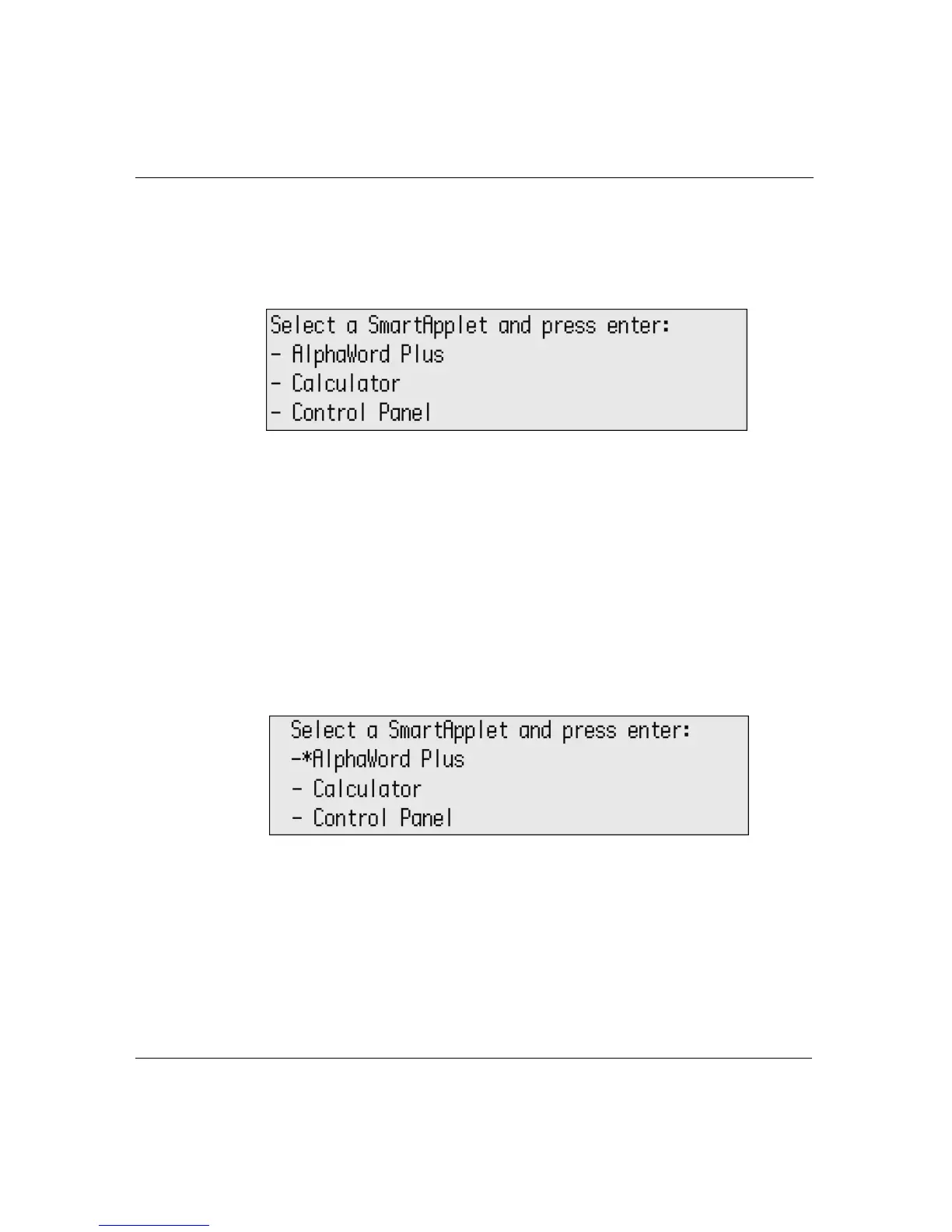
Pressing applets takes you to the SmartApplets menu. This is a good
way to see the SmartApplets that are installed on your Neo.
From the SmartApplets menu, you can quickly set a startup
SmartApplet or disable a SmartApplet. Startup SmartApplets are
described on page 108, and disabled SmartApplets are described on
page 110.
To set a startup SmartApplet from the SmartApplets menu:
1. Press
applets and scroll to select the SmartApplet you want to
start when you turn on your Neo.
2. Press
ctrl-applets. An asterisk designating the startup
SmartApplet appears in the menu.
Repeat the steps to turn the setting off.
To disable a SmartApplet from the SmartApplets menu:
1. Press
applets and scroll to select the SmartApplet you want to
disable.
2. Press
ctrl-a-L.



 To Next Page