78 Neo User’s Guide
Neo password protection
Note: Neo’s password system is meant to protect against
accidental or mischievous data loss, and to provide a minimum
level of data privacy. It cannot prevent concerted, malicious
efforts at data destruction.
Enabling password protection
When you first receive your Neo, you cannot set individual file
passwords without first enabling (permitting) password protection,
for which you need a master password. It’s recommended that you
set your own master password in AlphaSmart Manager (see “Master
password” on page 117) for greater security.
Enabling password protection is more easily accomplished in
AlphaSmart Manager, but if you know your master password, you can
also enable it on the device with a keyboard command or with
Control Panel.
To enable password protection:
1. Be sure you know your master password (see page 117).
2. Turn on Neo and make sure it is not connected to a computer.
3. Do one of the following:
• From Control Panel, select AlphaWord settings, then select
Turn File Passwords On/Off.
• From AlphaWord Plus, press ctrl-option-a-p.
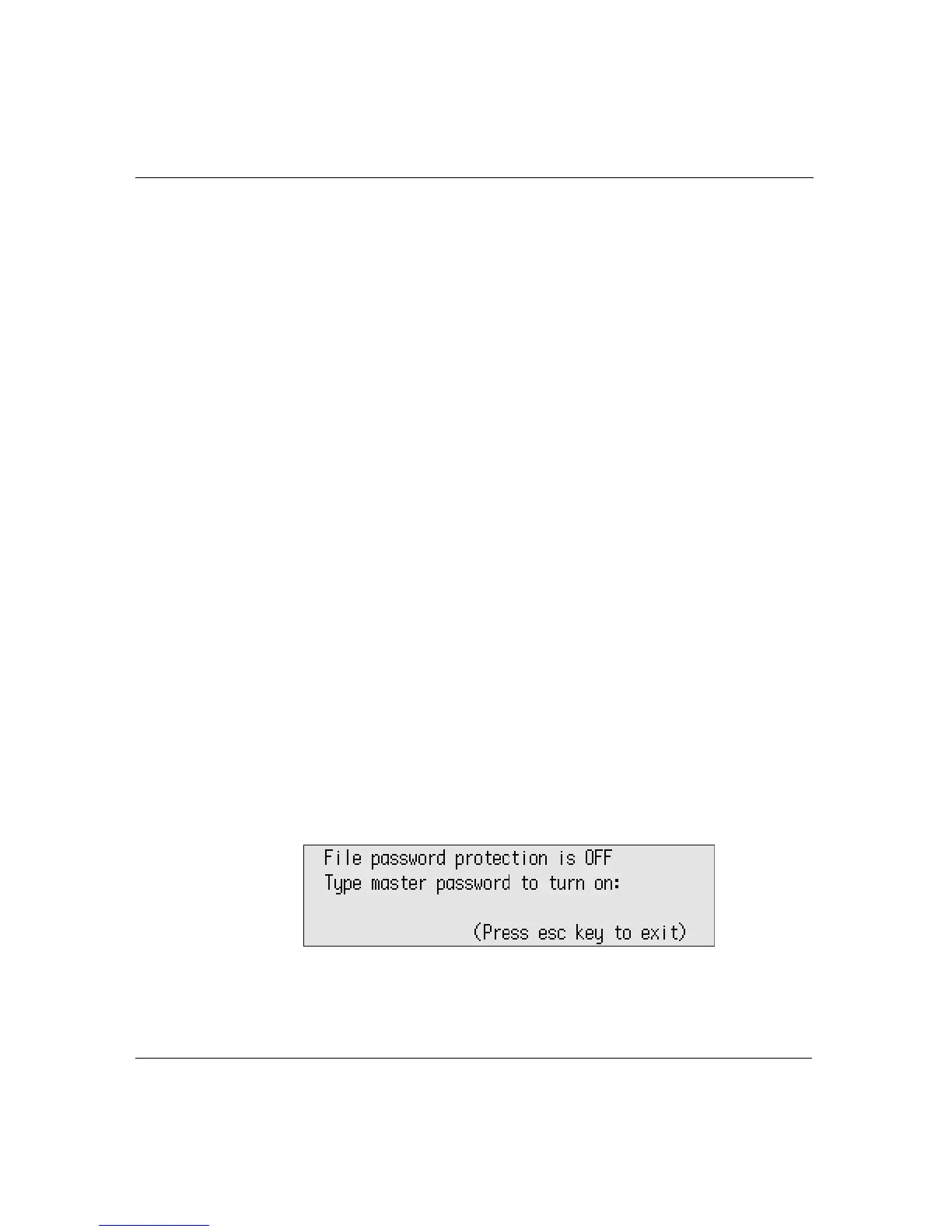
The following message appears.
4. Type the master password and press
enter.
Repeat these steps to disable password protection.



 To Next Page