90 Neo User’s Guide
Viewing, printing, and saving files from your Neo
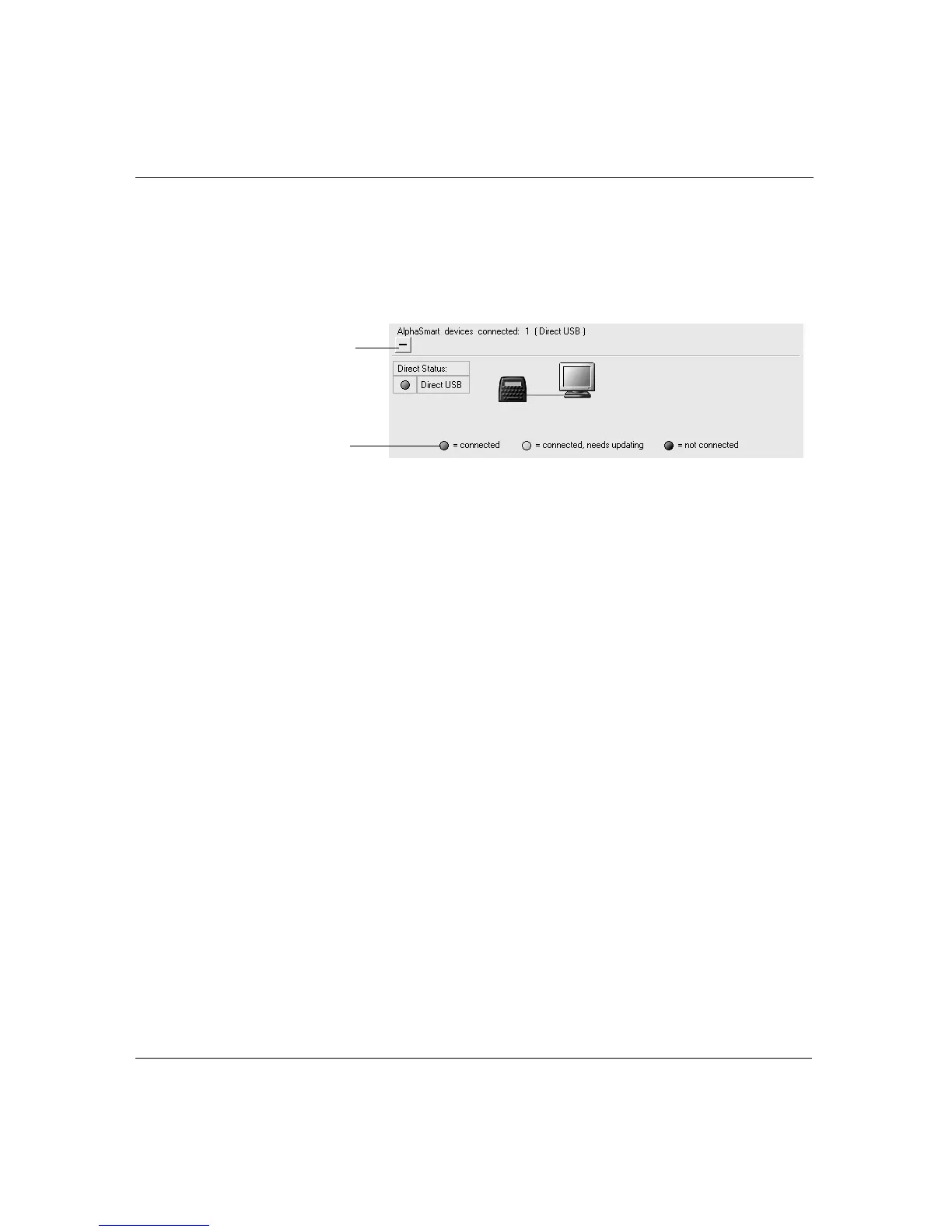
3. In AlphaSmart Manager, click the plus sign (PC) or triangle
(Macintosh) at the bottom of the screen to view connection
status.You might need to wait a few moments before the
connection status light appears.
• Green light: your Neo is properly connected.
• Yellow light: this status light doesn’t apply to Neos, but is
included in AlphaSmart Manager for compatibility reasons. It
means an AlphaSmart 3000 is connected but needs its
system files updated.
• Black light: your Neo is not connected or improperly
connected (refer to “Troubleshooting” on page 123).
When you’re properly connected, you can transfer information
between your Neo and your computer.
The remainder of instructions in this chapter assume that you’ve
properly connected your Neo to your computer and are running
AlphaSmart Manager.
Viewing, printing, and saving files
from your Neo
An earlier chapter in this manual describes how to send files from
your Neo to an open application on your computer (“Sending text to
a computer” on page 11). You can use AlphaSmart Manager to do the
Color indicates
connection status
Click to expand or
contract the
Connection Status
area.



 To Next Page